Parking with TWINT
With TWINT, you can skip the queue at the cash register and pay in a matter of minutes – no wasting time rummaging for change or a card in your wallet. Whether you’re in a multi-storey car park or in a public car park – save yourself a trip to the ticket machine with TWINT.
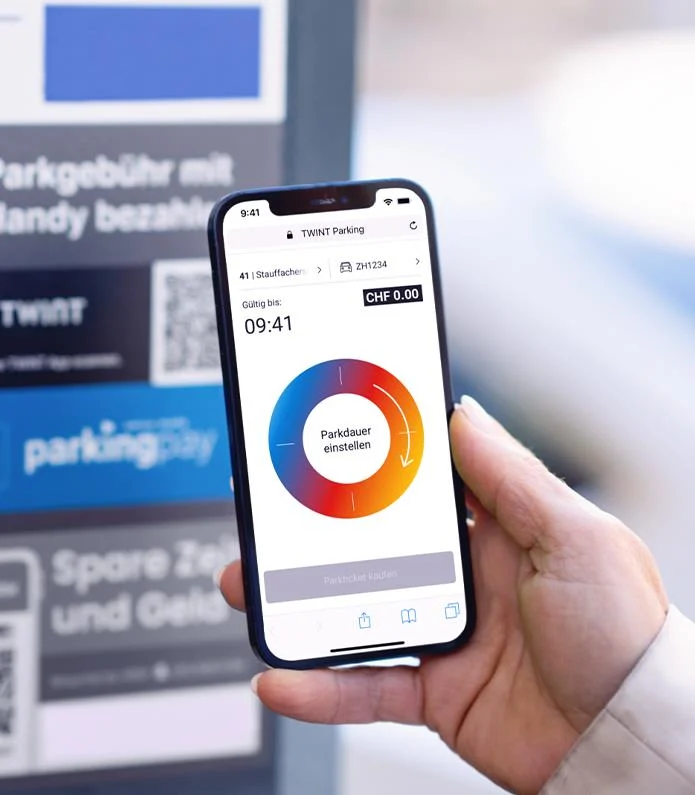
In public car parks
You can use TWINT to pay for parking fees at almost every public car park in Switzerland.
-
Step
Open the app
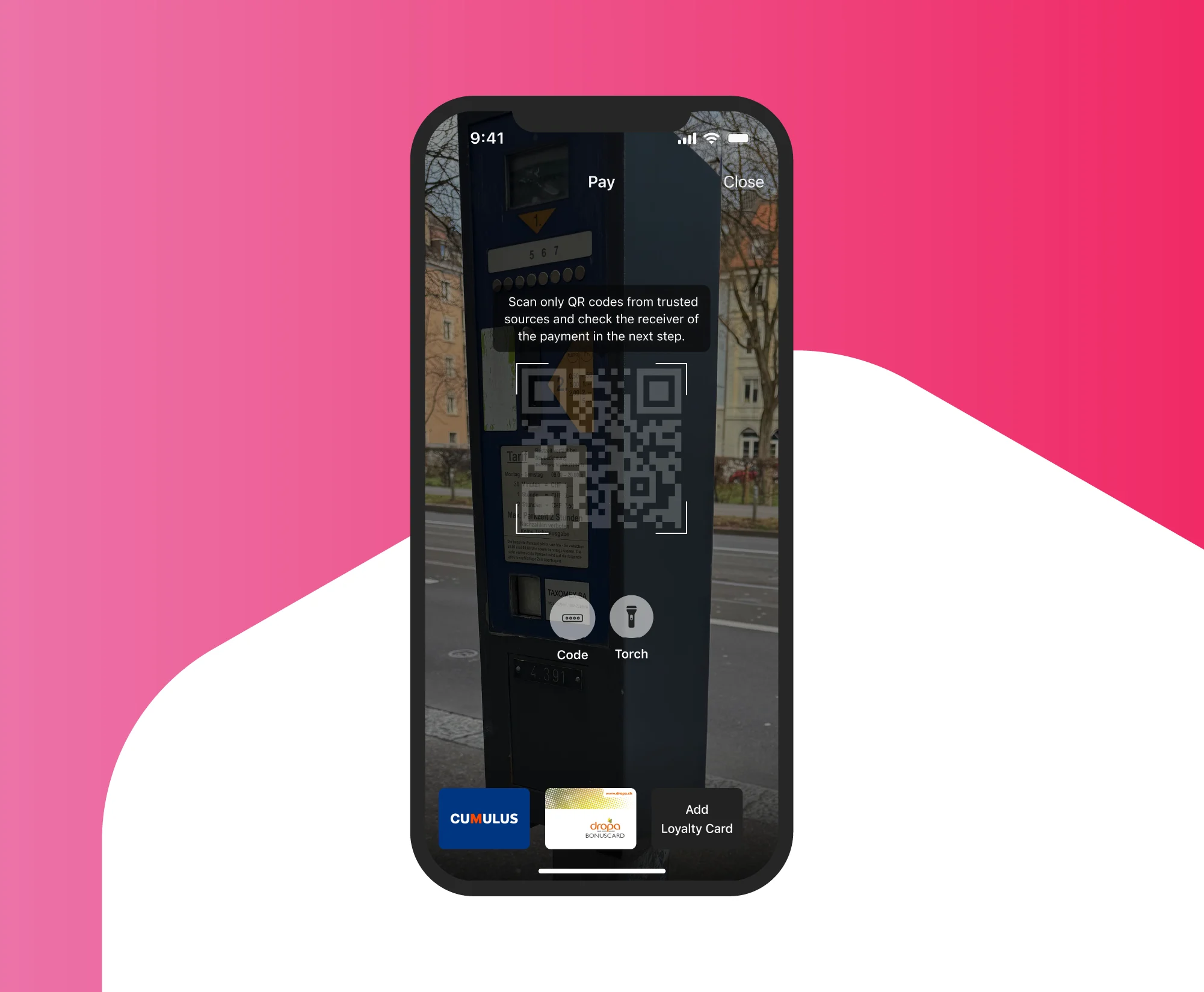
Open your TWINT app, tap on the “Parking” function and select the parking zone, or use the TWINT app to scan the QR code on the parking meter.
-
Step
Set the time
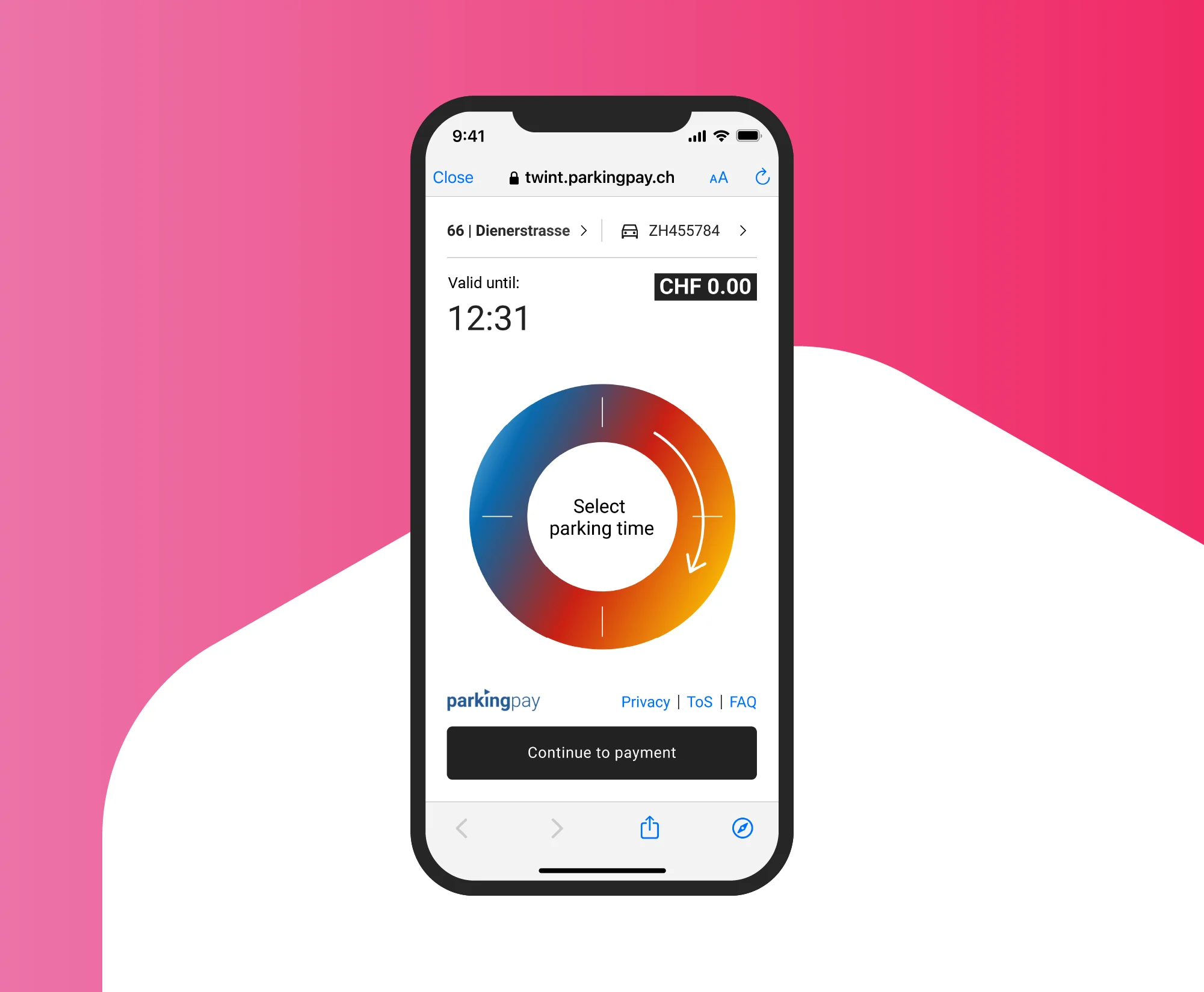
Turn the dial on the parking timer to set how long you expect to park for.
-
Step
Confirm
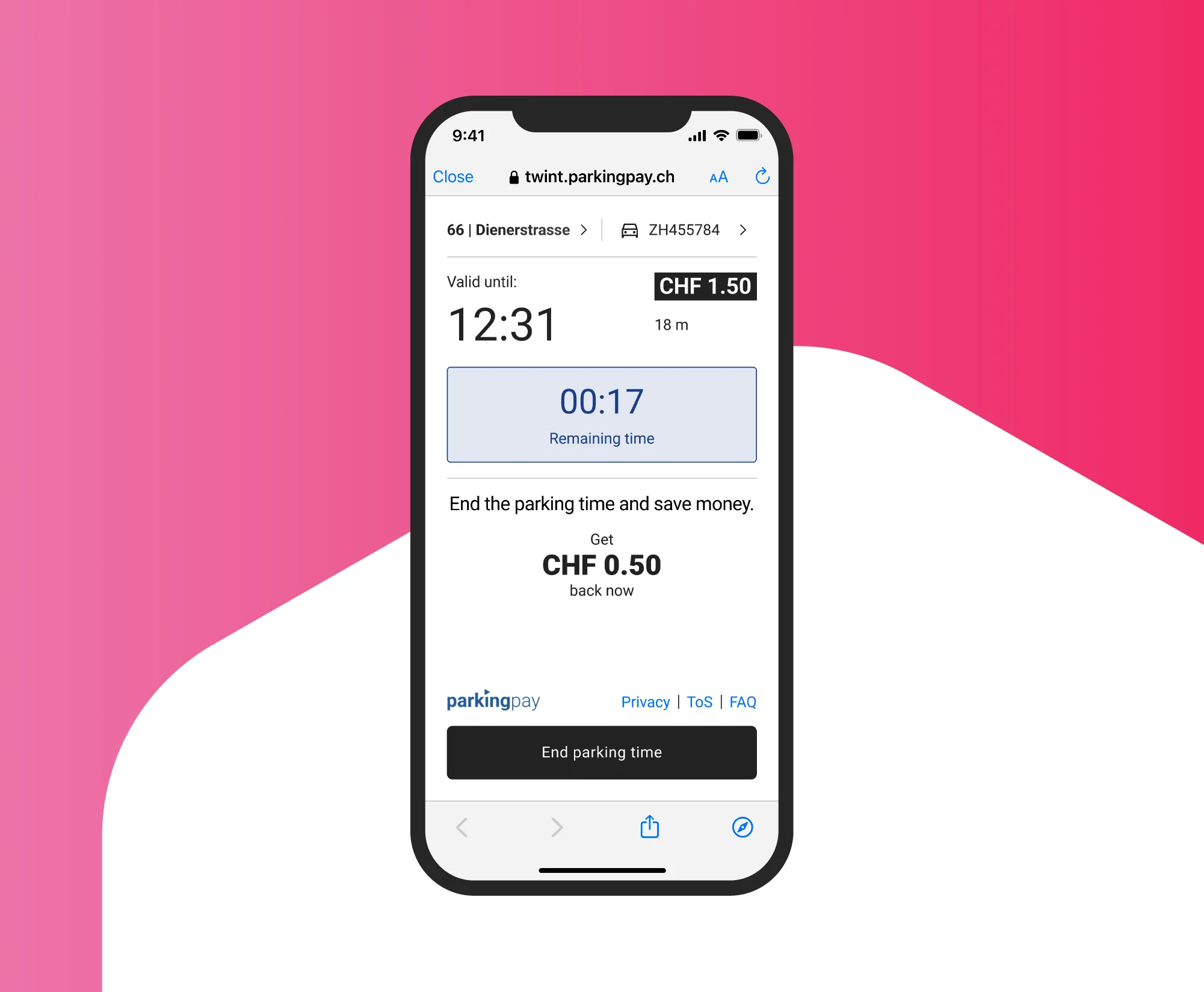
Tap “Next” and confirm the payment. If you leave early and cancel the parking session, you will only be charged for the actual parking time.
Zurich is introducing new parking meters without QR code stickers
The city of Zurich is gradually introducing new parking meters without QR code stickers and will replace all old parking meters by mid-2027. The first new models have already been installed – and you can still pay with TWINT here. You can find out more on the city of Zurich’s website.
In multi-storey car parks with a QR parking ticket
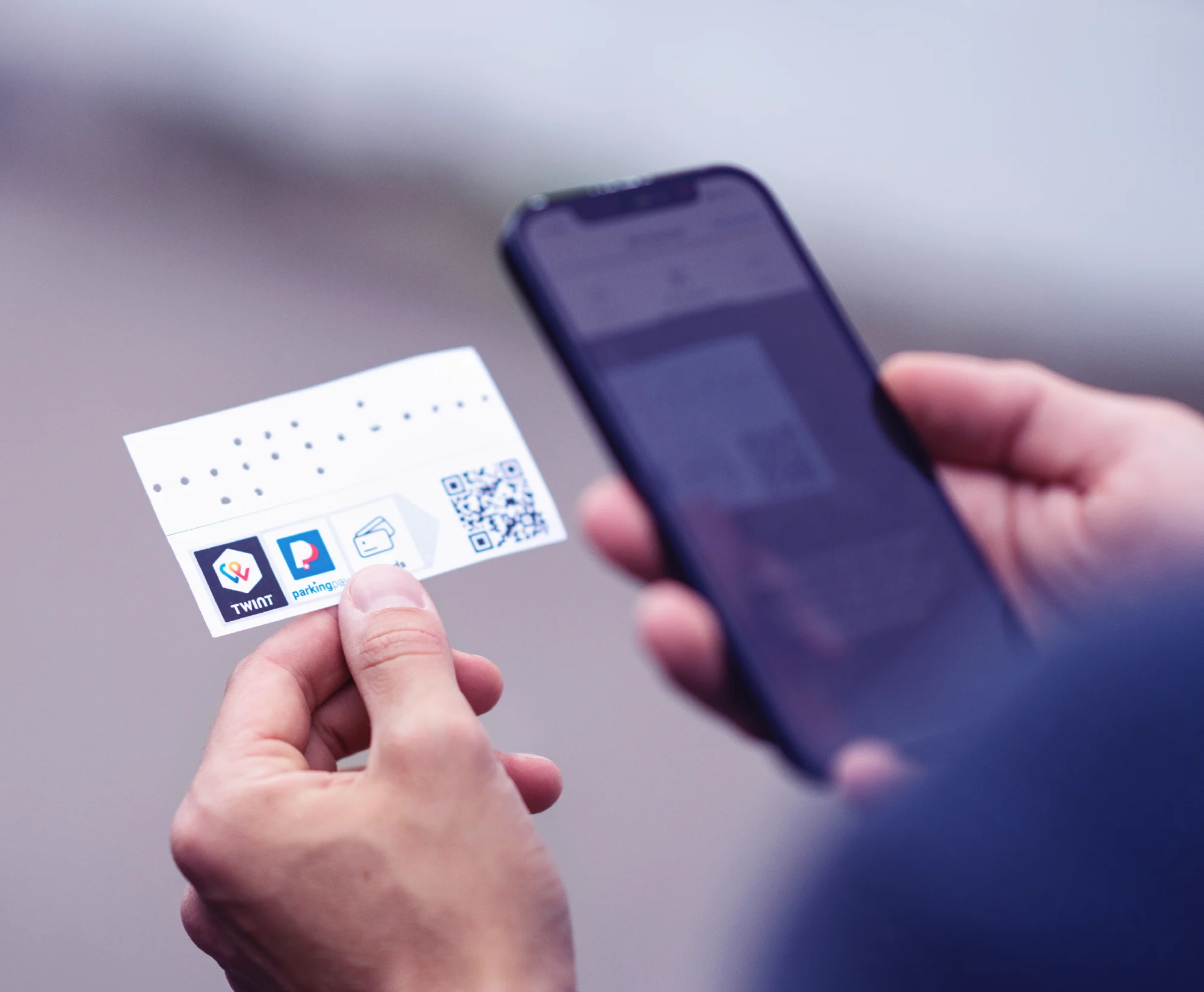
With the ticket with a QR code, you can validate and pay for your parking ticket directly in your TWINT app.
-
Step
Scan
Scan the QR code on the back of the ticket using the TWINT app.
-
Step
Confirm
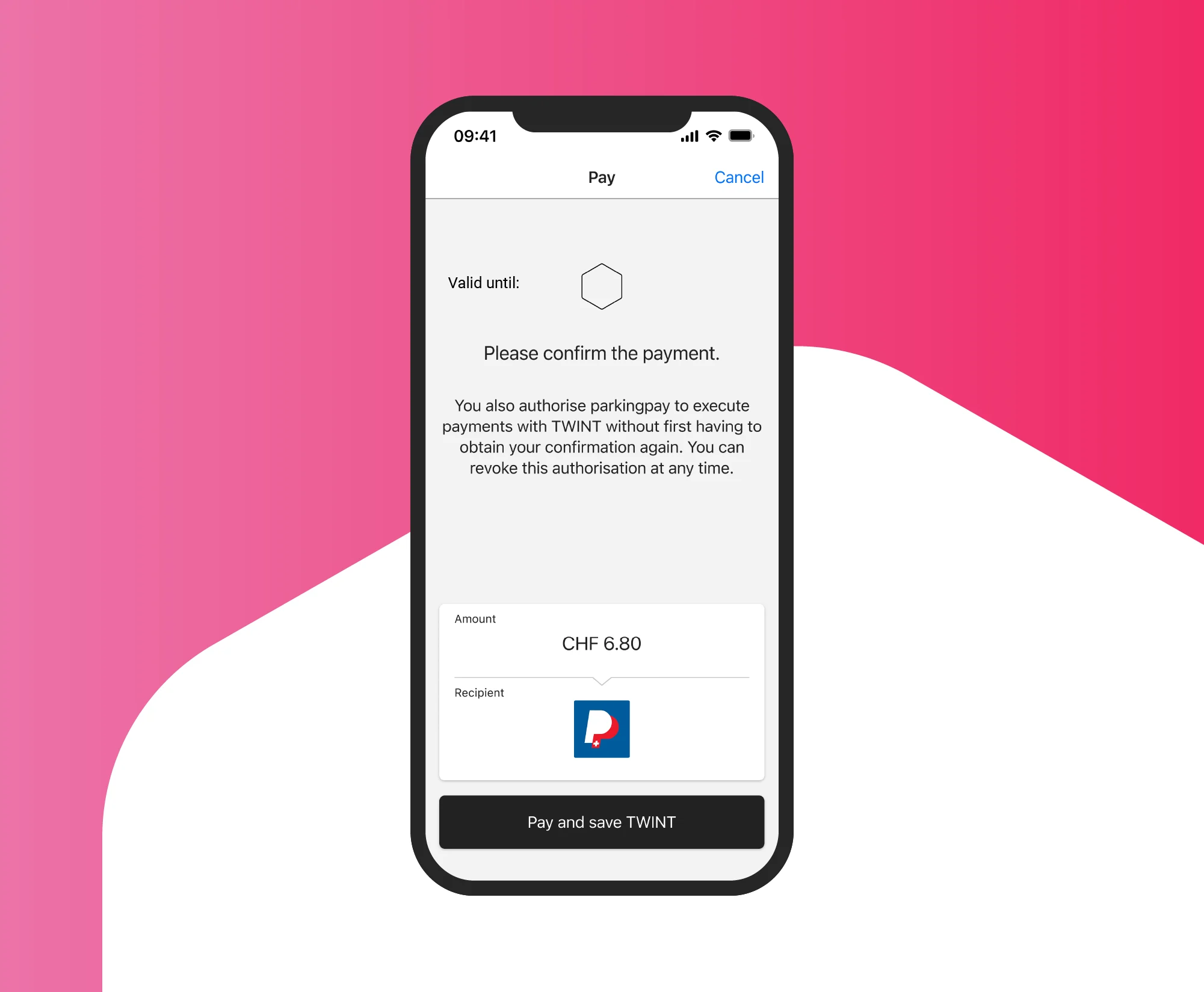
Confirm the payment in your TWINT app. The final amount will not be deducted until the end.
-
Step
Get driving
Insert the ticket at the barrier when exiting; the amount will be debited to the nearest minute.

In multi-storey car parks with number plate recognition
The barrier opens as if by magic, and the parking fee is charged to the nearest minute.
-
Step
Open the app
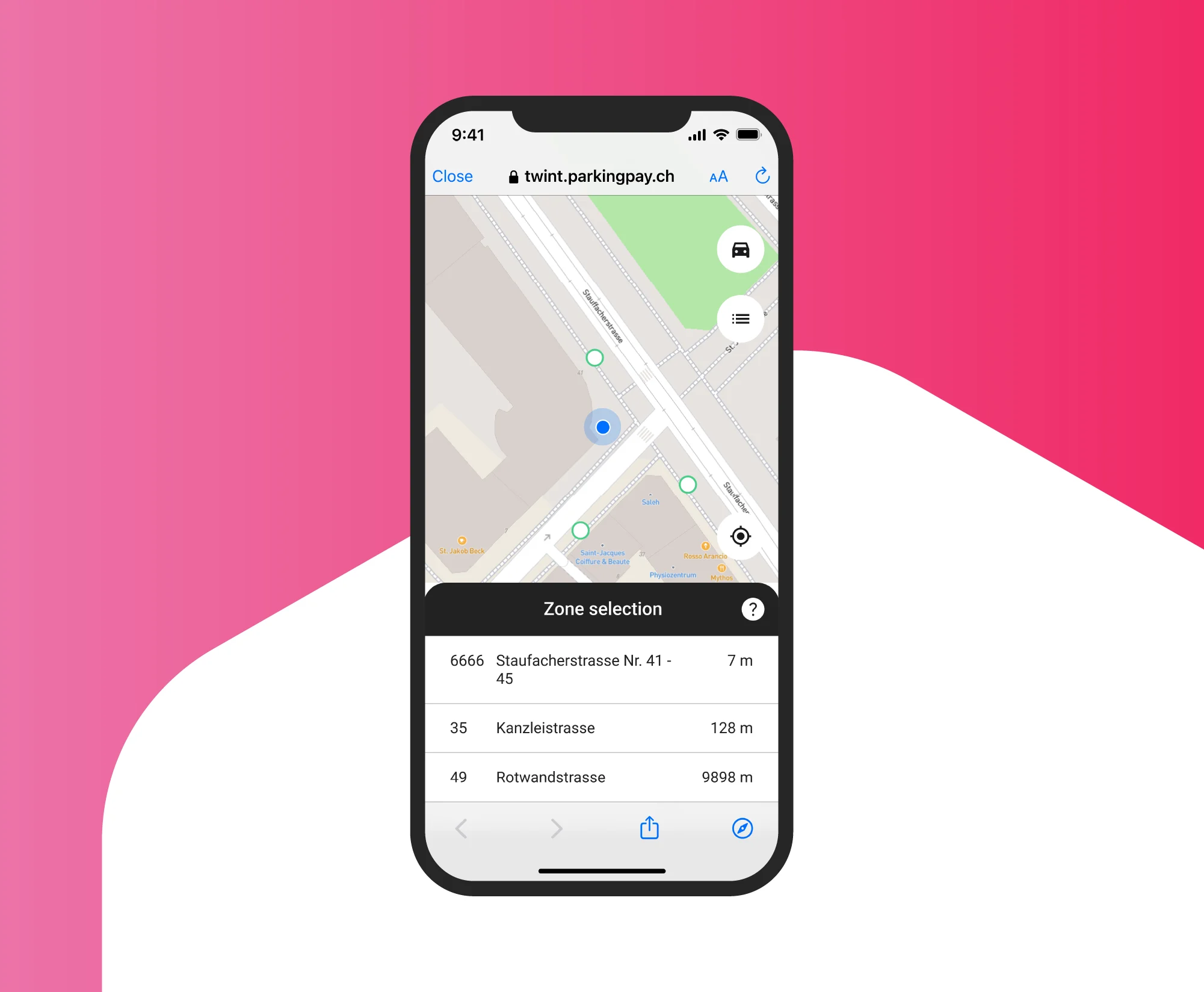
Tap the “Parking” partner function on the home screen.
-
Step
Activate
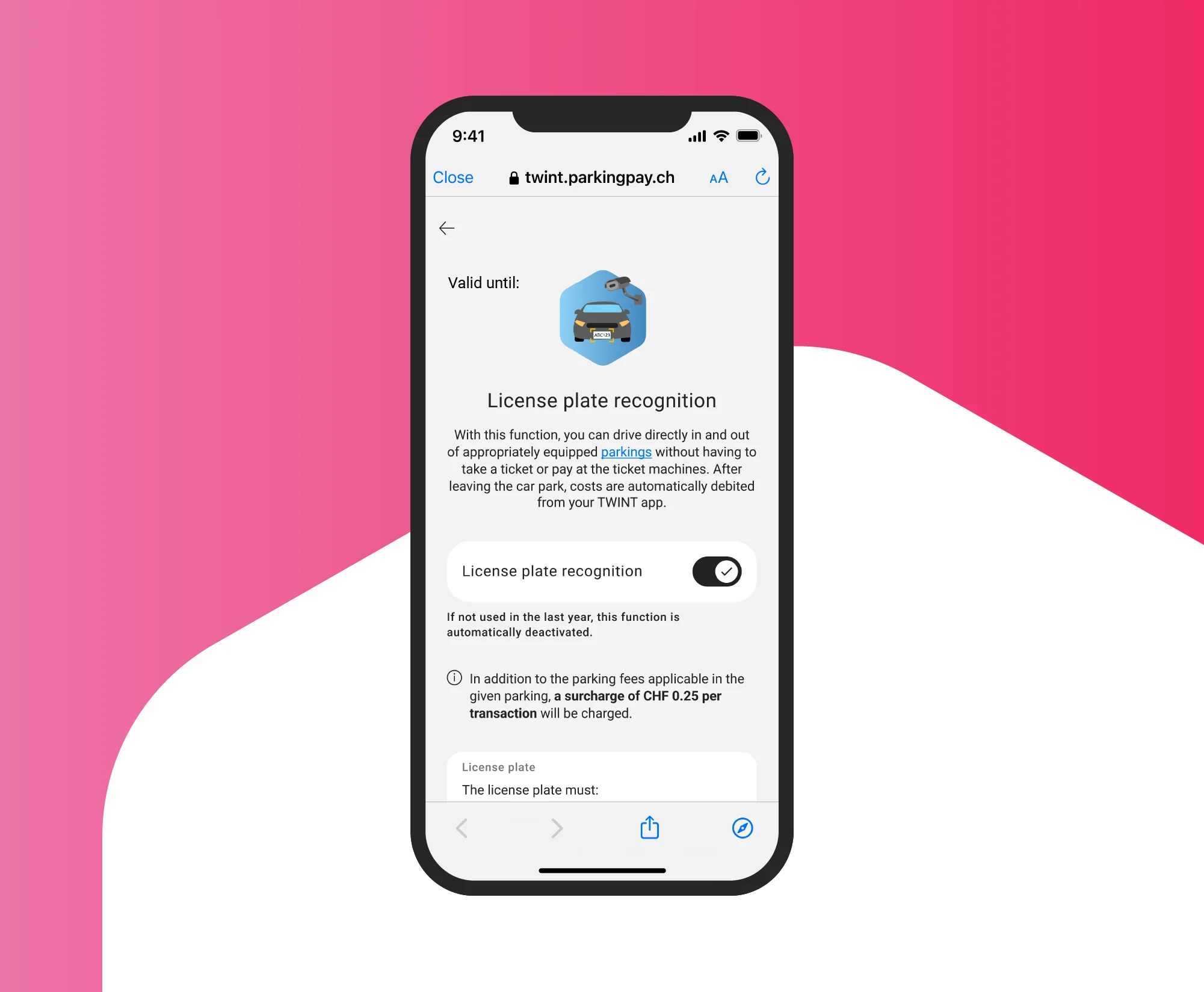
Tap the car symbol and activate number plate recognition.
-
Step
Select
Select all the multi-storey car parks where you would like to pay using number plate recognition.
Good to know: multi-storey car parks that are not visited are automatically deactivated after 5 months. You can renew your selection at any time.
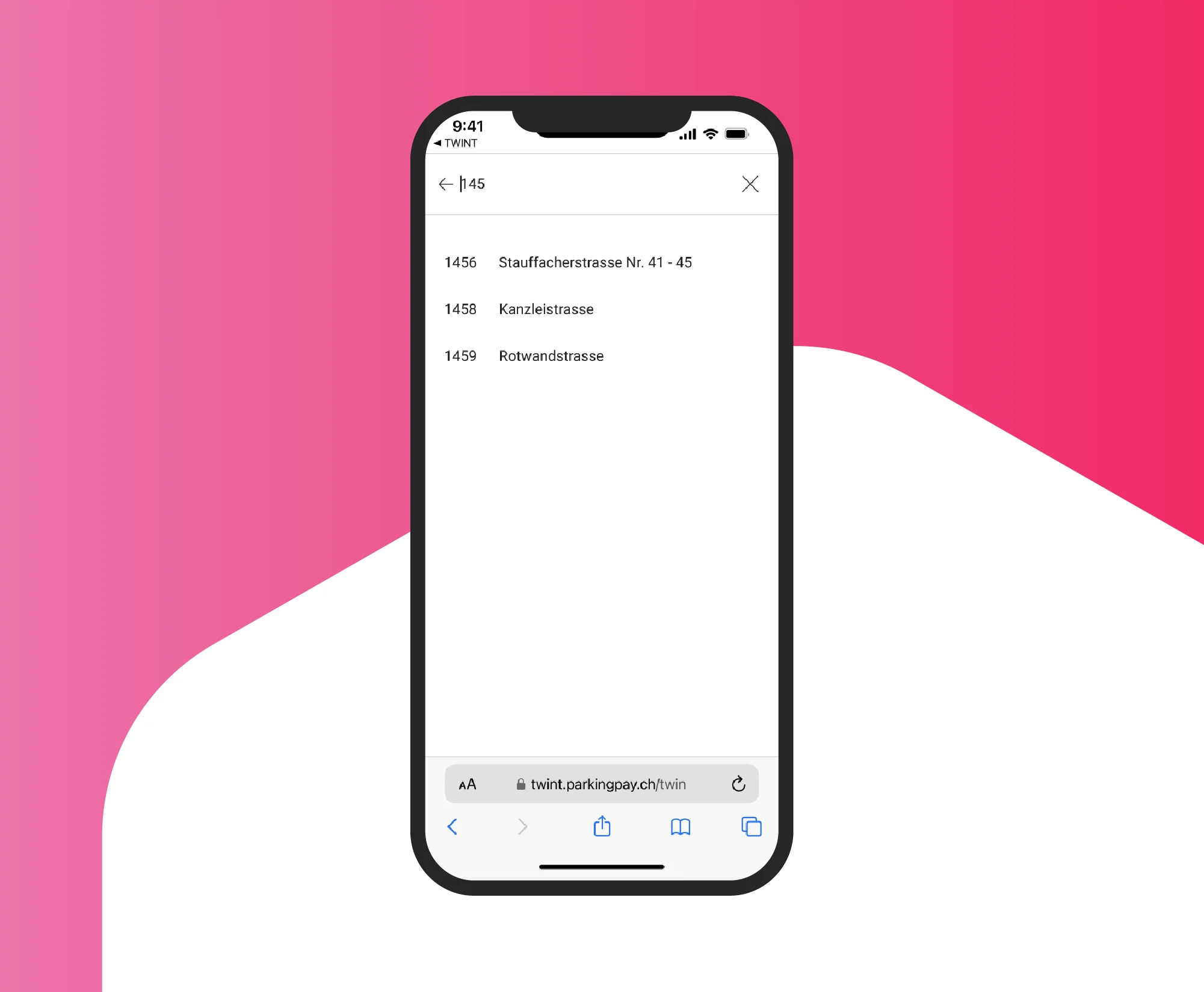
Car parks with TWINT
Save time and money with TWINT
- Enter your vehicle registration number if you are using TWINT for the first time (or driving a different car than you normally would)
- Approve the use of location services in your smartphone’s browser to ensure that you can choose a parking zone
- If you want to leave the car park earlier than planned, cancel the current parking session and we will refund the remaining balance to your TWINT account
Frequently asked questions
We’re happy to help. Here are our answers to the most frequently asked questions about parking.