Start the TWINT app faster
Switch to turbo mode when you pay at the cash register or online. Install the TWINT widget for iOS on your lock screen or use the Action button to pay faster. The tile or button is the solution for Android users.
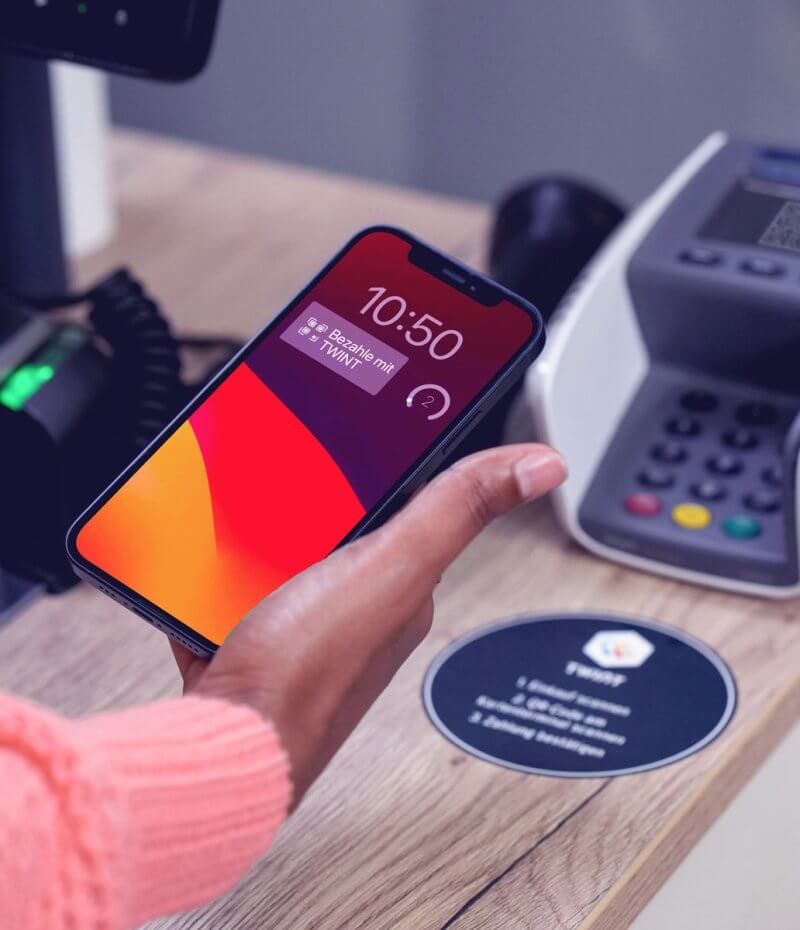
How it works for iOS
Depending on the model, there are up to 3 ways to install the widget: Install the TWINT widget on your lock screen, use the Action button or launch TWINT directly from the Control Centre.
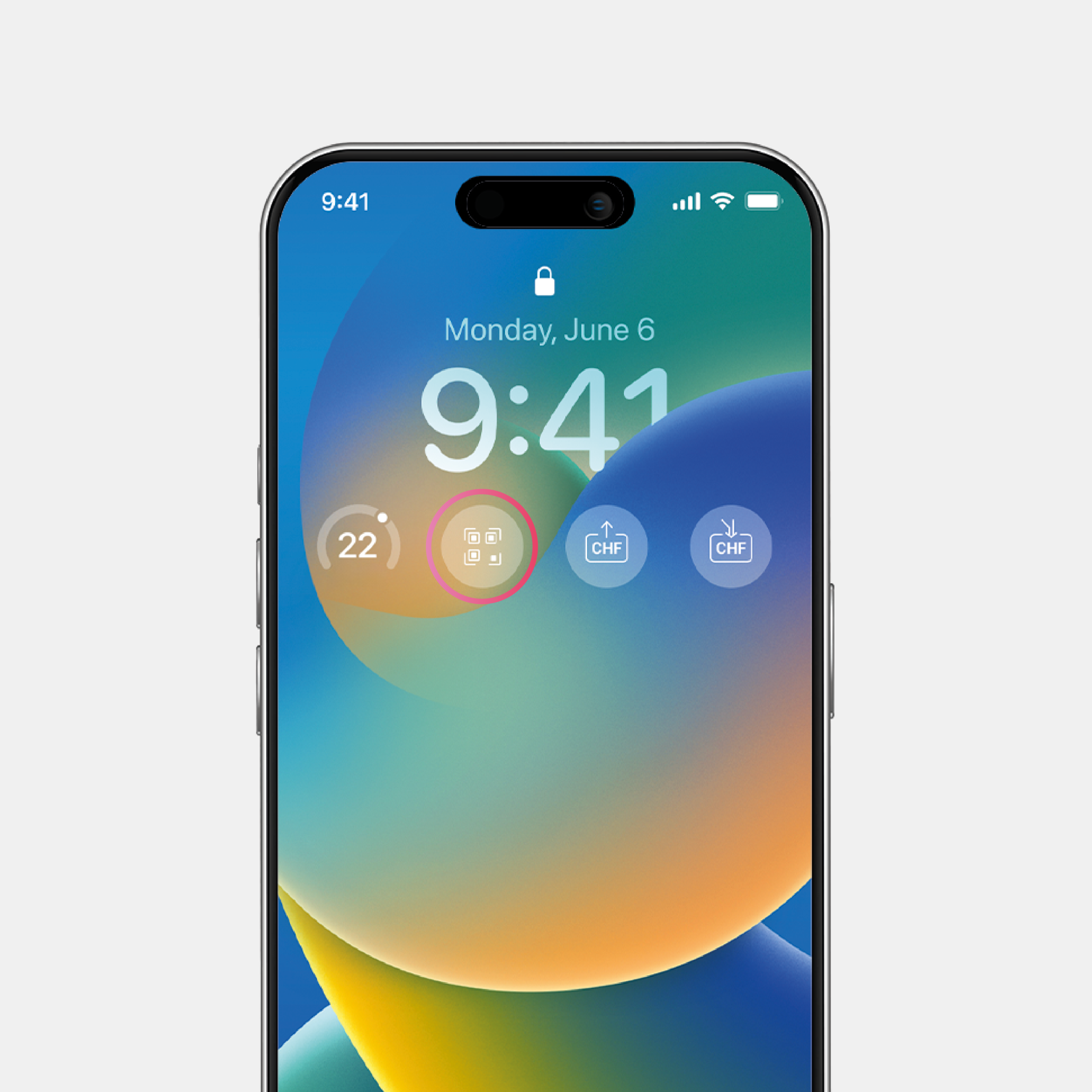
Widget on the lock screen
- Hold your finger on the lock screen and then tap “Customise”
- Tap “Add Widgets”
- Select your TWINT app from the list and tap “Pay”
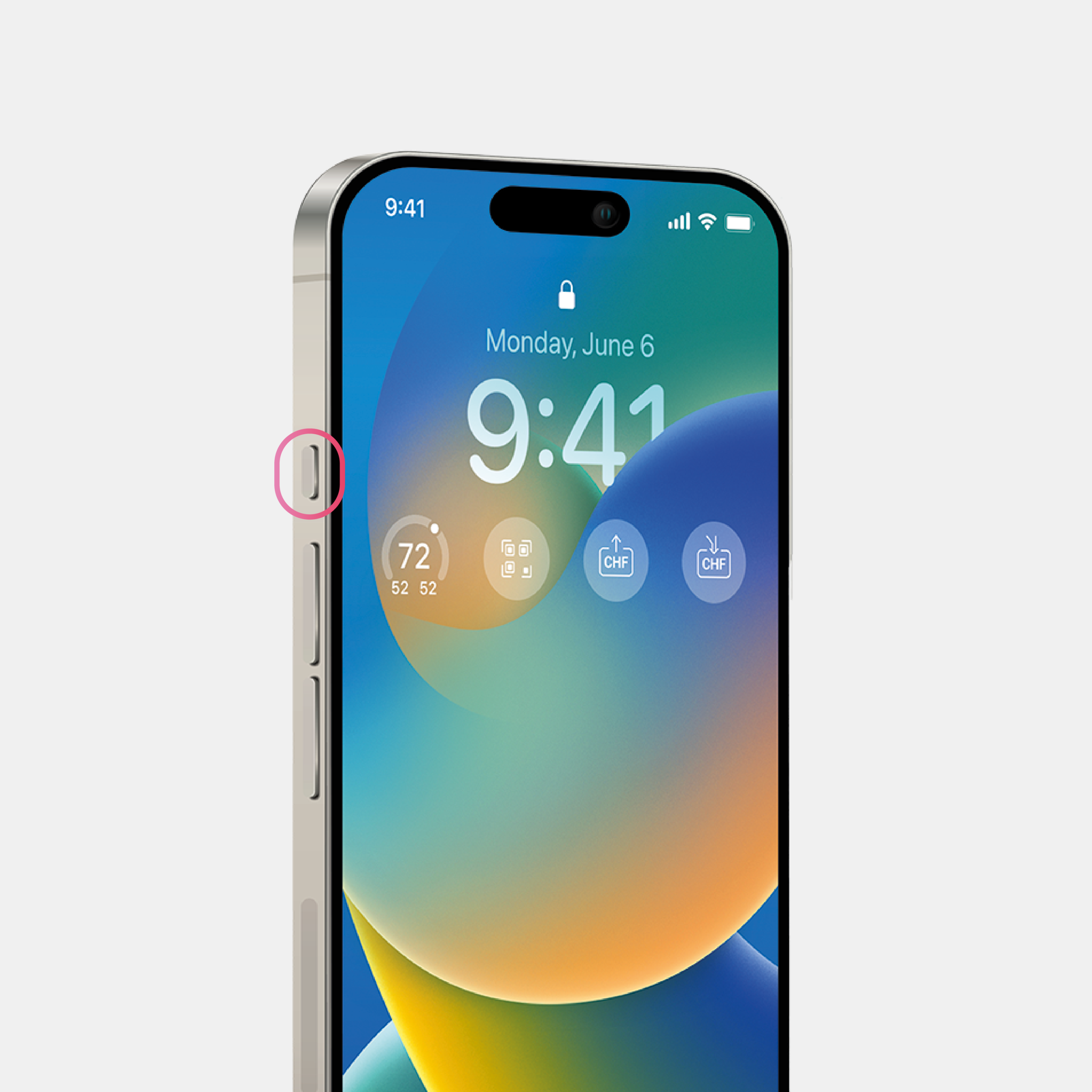
Action button (from iPhone 15 Pro)
- Under “Settings”, tap “Action Button”
- Search for your TWINT app under “Shortcut”
- Select “Pay” as the shortcut for the Action button
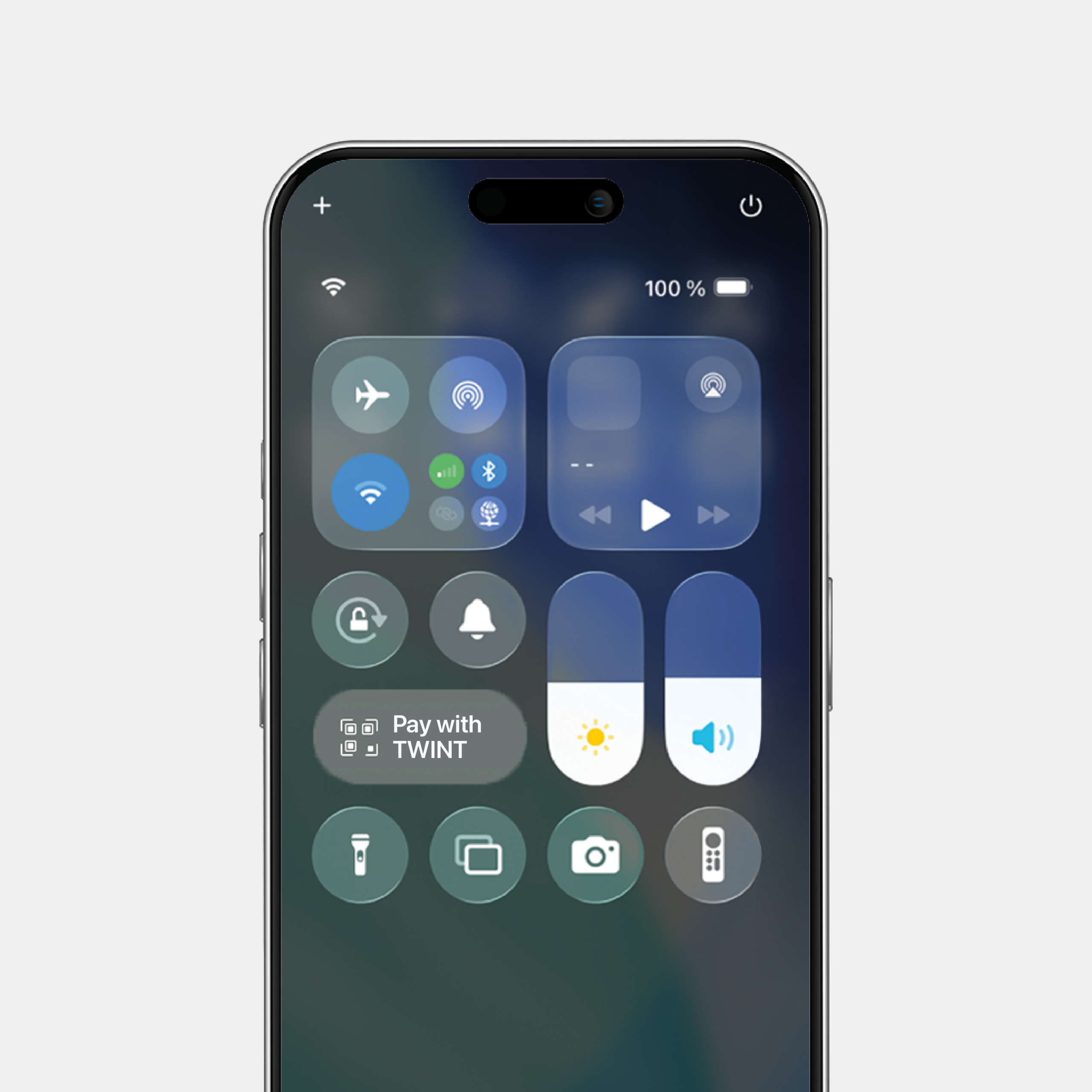
Widget in the Control Centre (from iOS 18)
- Open the Control Centre
- Tap “Add a Control”
- Search for your TWINT app and select the “Pay” widget
Try it now and save time when you pay with TWINT.
Do you have any questions about the installation process? You can find our answers to frequently asked questions here.
How it works for Android
Depending on the model, you can launch the pay feature directly from the lock screen with a button or tile. If you use the UBS or ZKB TWINT app, you can also install a widget on your home screen.
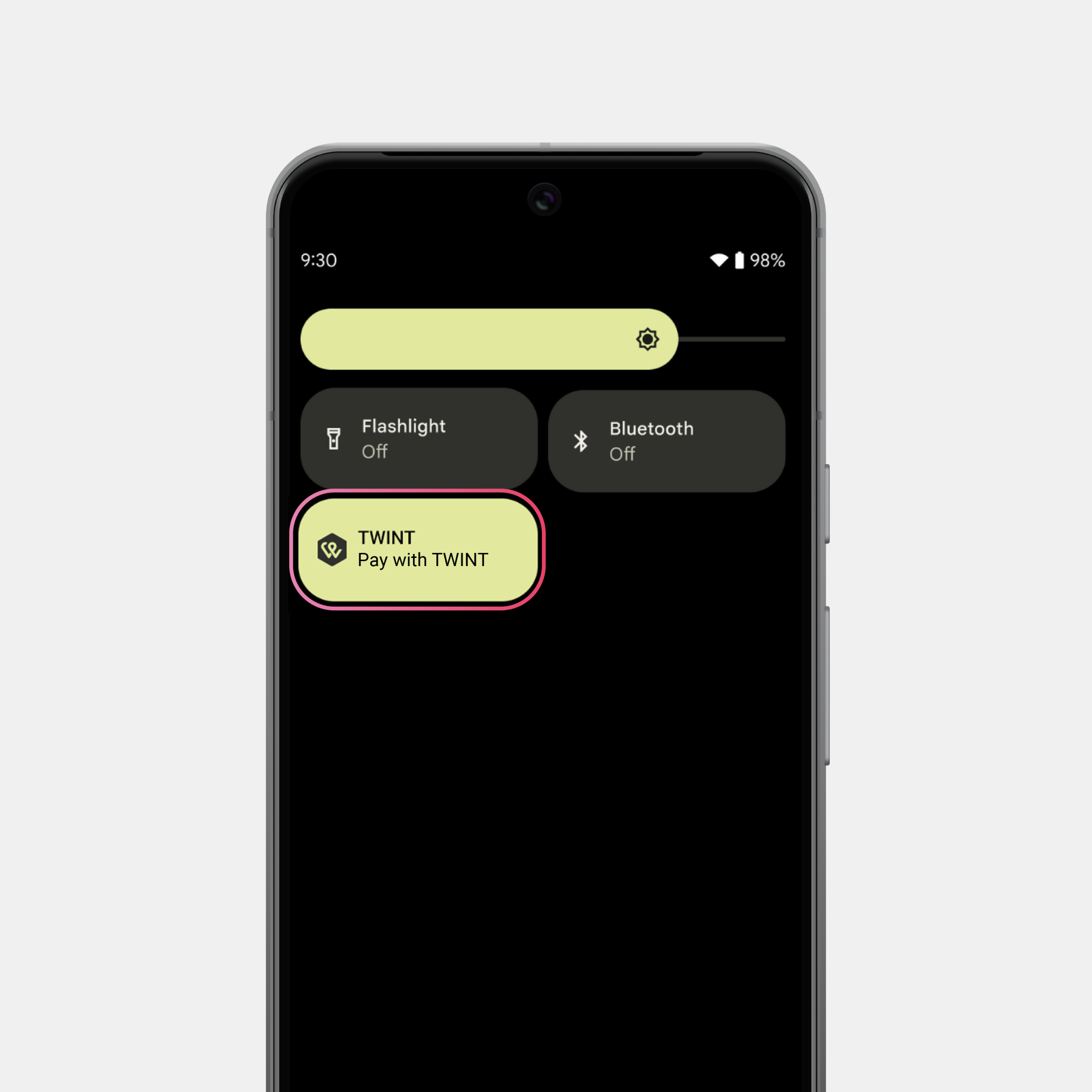
Button or tile for Android
- Swipe from top to bottom twice to open Quick Settings
- Tap the “+”, the pencil icon or “Edit”
- Drag the TWINT button/tile to the free area or select it in the menu
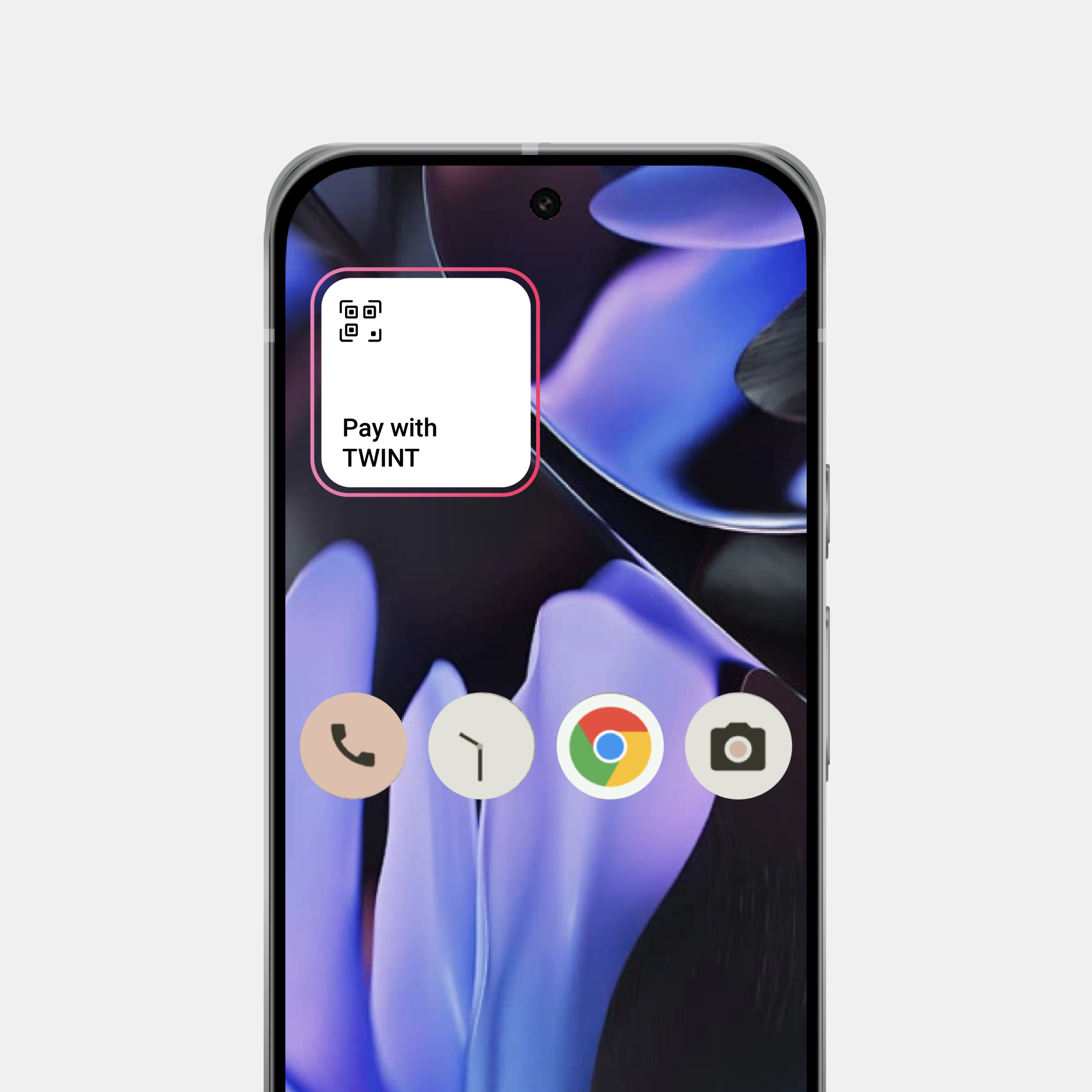
Widget for Android
- Press and hold on an empty area on the home screen
- Tap “Widgets” and search for your TWINT app in the list
- Select the “Pay” widget and tap “Add”
Try it now and save time when you pay with TWINT.
Do you have any questions about the installation process? You can find our answers to frequently asked questions here.