How TWINT makes your everyday life easier
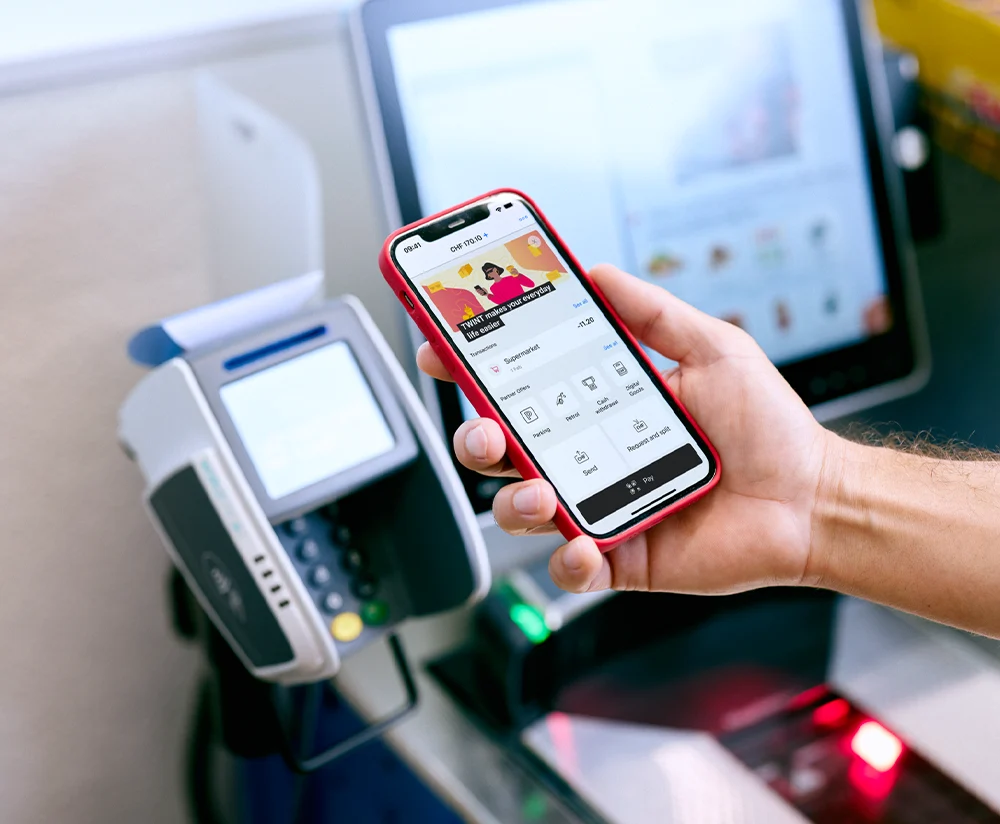
Whether it’s an espresso on the way to work, your weekend supermarket trip or your new favourite find from an online shop, you can use TWINT to pay small or large amounts easily, quickly and securely on your smartphone.




Download the TWINT app
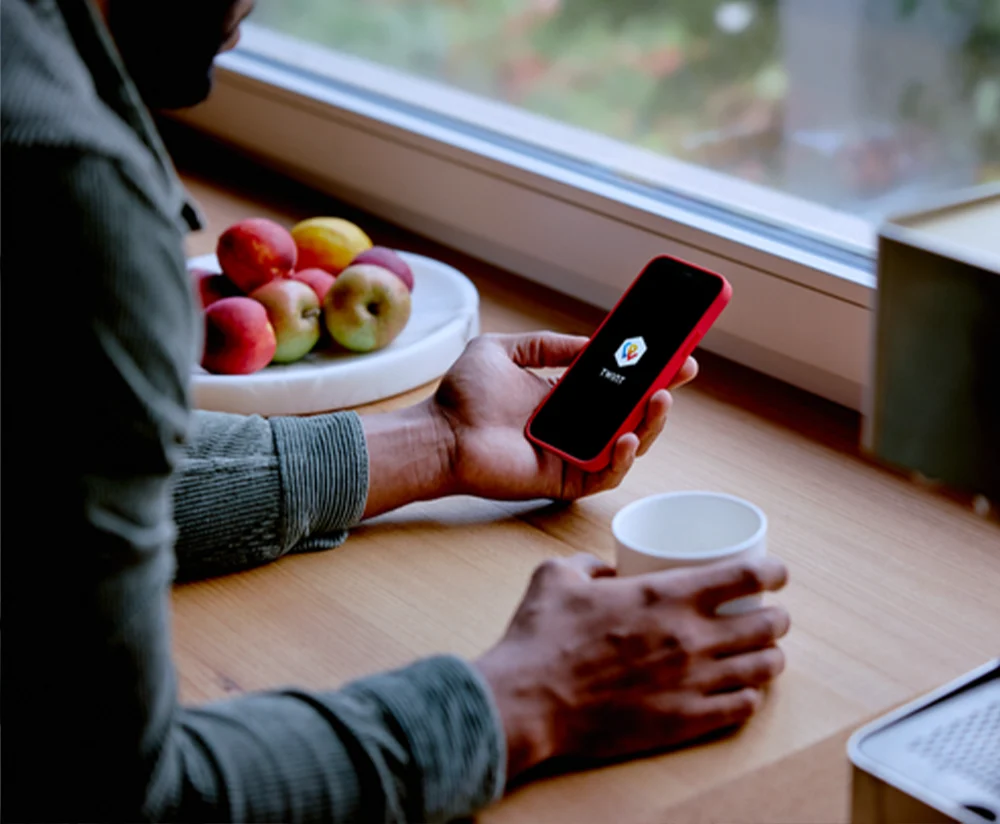
Download the free TWINT app for iOS or Android now and start paying with your smartphone.
- Select your bank from the drop-down menu
- Scan the QR code with your smartphone camera
- Download the TWINT app for iOS or Android
- Set up the TWINT app and link it to your account
- ✓
- No banks found
No banks found

FAQ & Support
TWINT is easy. Sometimes, though, you may have questions or be unsure about something. If you can’t find the answer to your question in our FAQ, ask the TWINT bot (bottom right) or contact customer service in your TWINT app.
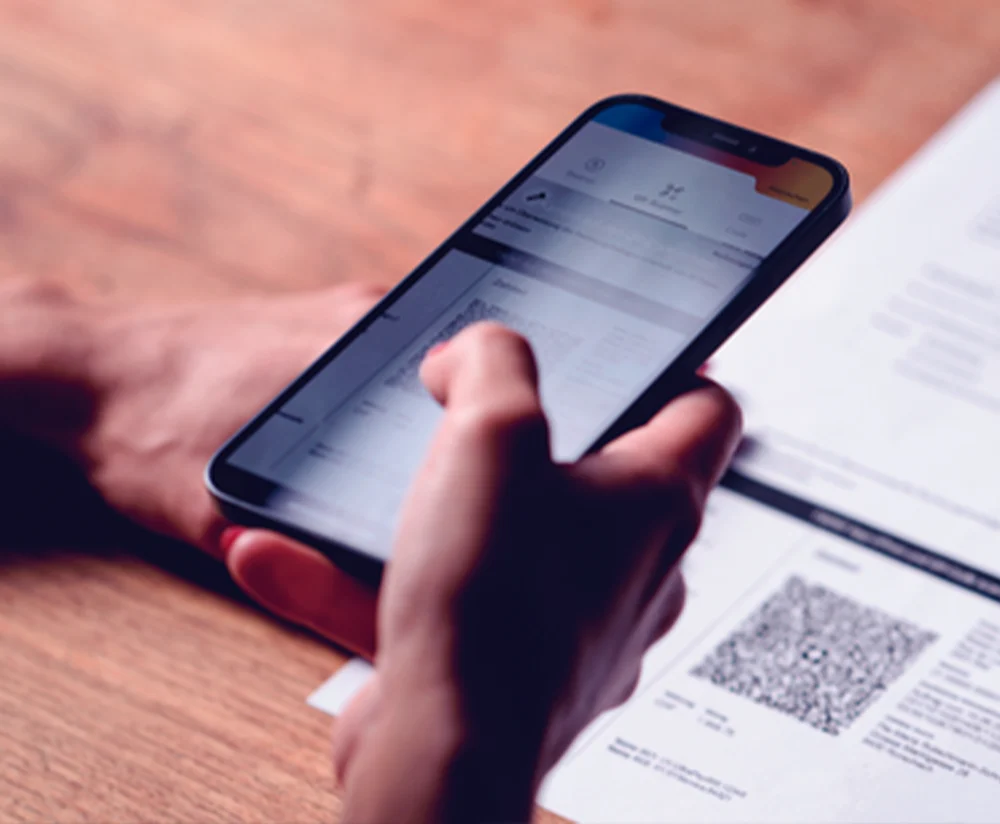
You can make convenient payments with TWINT at cash registers, vending machines and parking meters as well as in online and app shops. Invoices can…
Read more
Cash register with terminal At the cash register, ask whether TWINT payments are supported. If they are, open the TWINT app and tap “Pay” at the…
Read more
How it works: In the online shop, select “TWINT” as the payment method. You will be shown a QR code and a five-digit payment code. When using an…
Read more