Pay at cash registers with TWINT
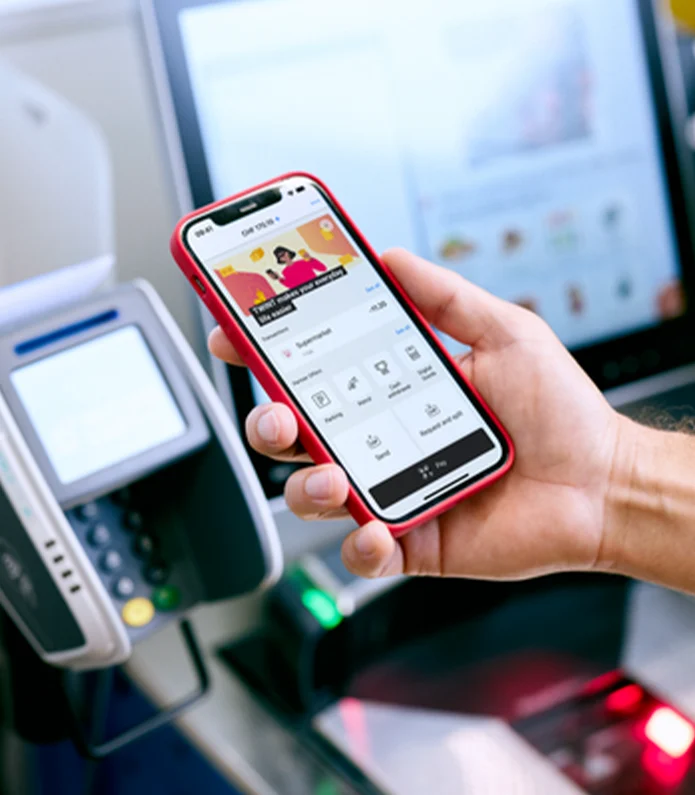
More than 6 million people pay for their shopping or for a coffee on their way to work with TWINT. That’s because it is simple and practical. With the new TWINT widget, all you need to do is tap. And more and more people are also storing their loyalty cards in the TWINT app and collecting loyalty points when they pay with TWINT.
Your benefits
Twinting is practical. But you can enjoy even more benefits when you pay with TWINT.
All you need is your smartphone – you can leave your wallet at home.
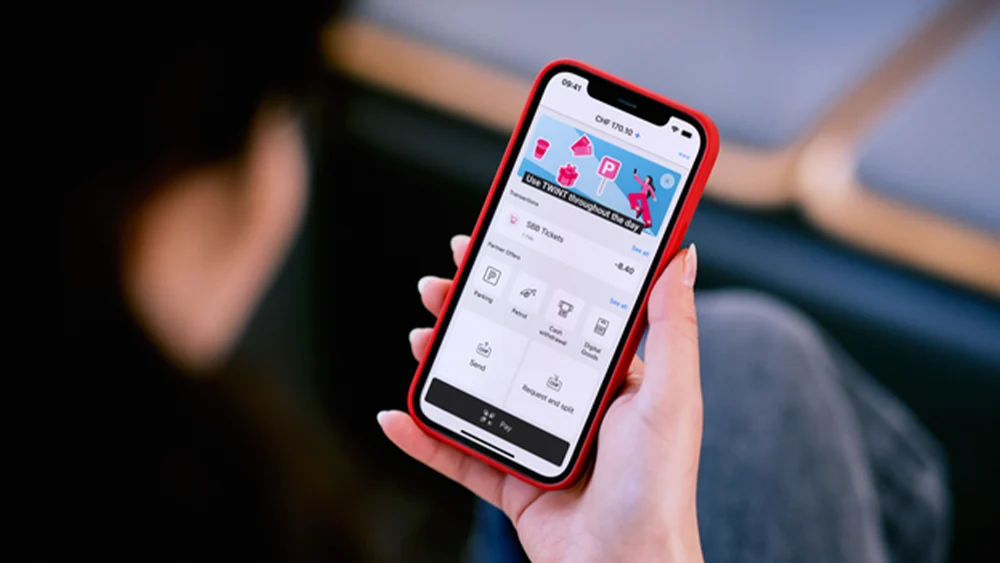
You can see all the payments in the transaction overview directly in your TWINT app.
You can store loyalty cards, activate stamp cards or coupons and benefit from promotions.
How it works
Paying with TWINT is easier and quicker than counting to 3:
-
Step
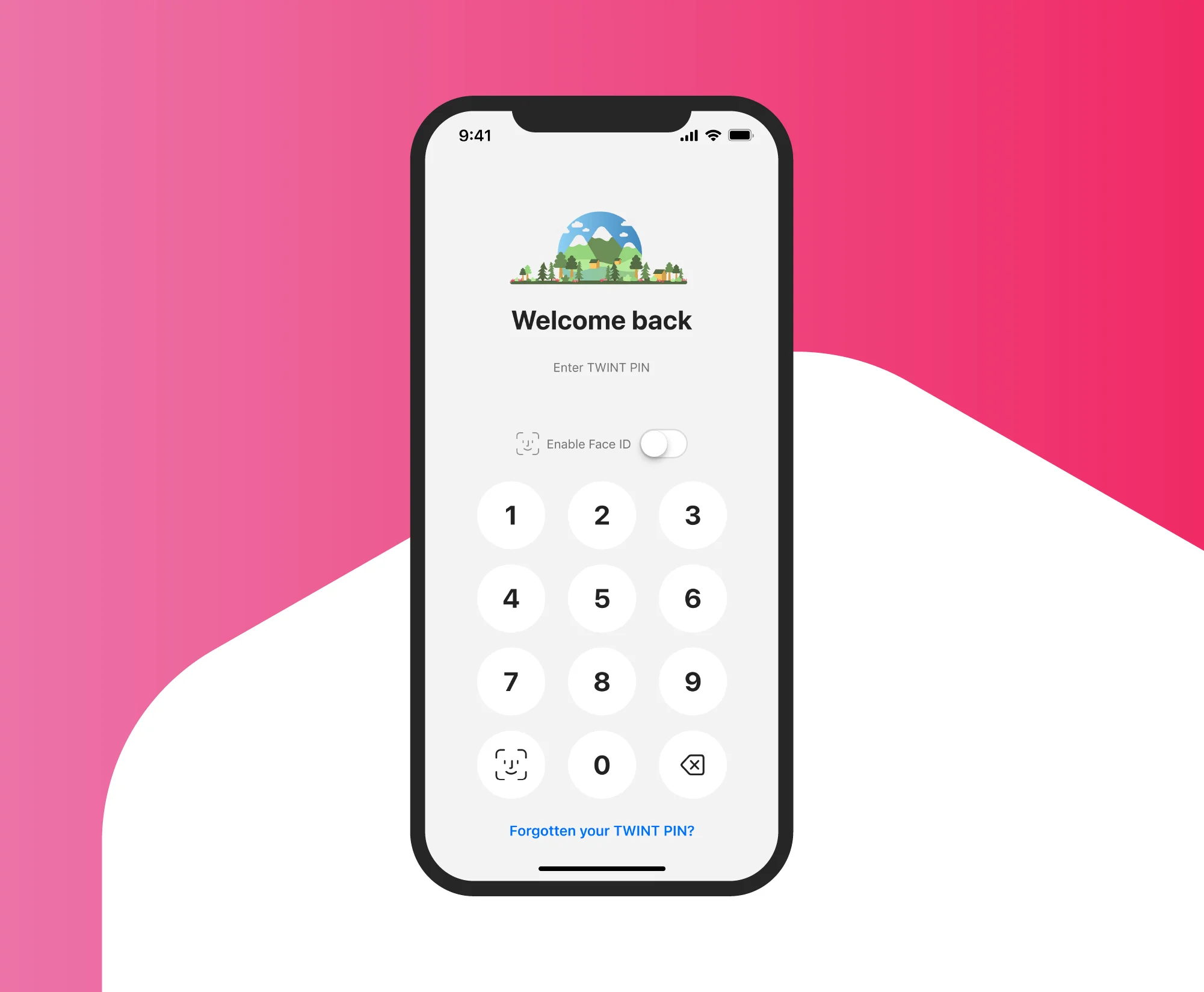
Open app
Tap the app icon, iPhone widget or Android tile. It’s even faster if you activate the fingerprint sensor or facial recognition and open your TWINT app with your thumb or smile.
-
Step
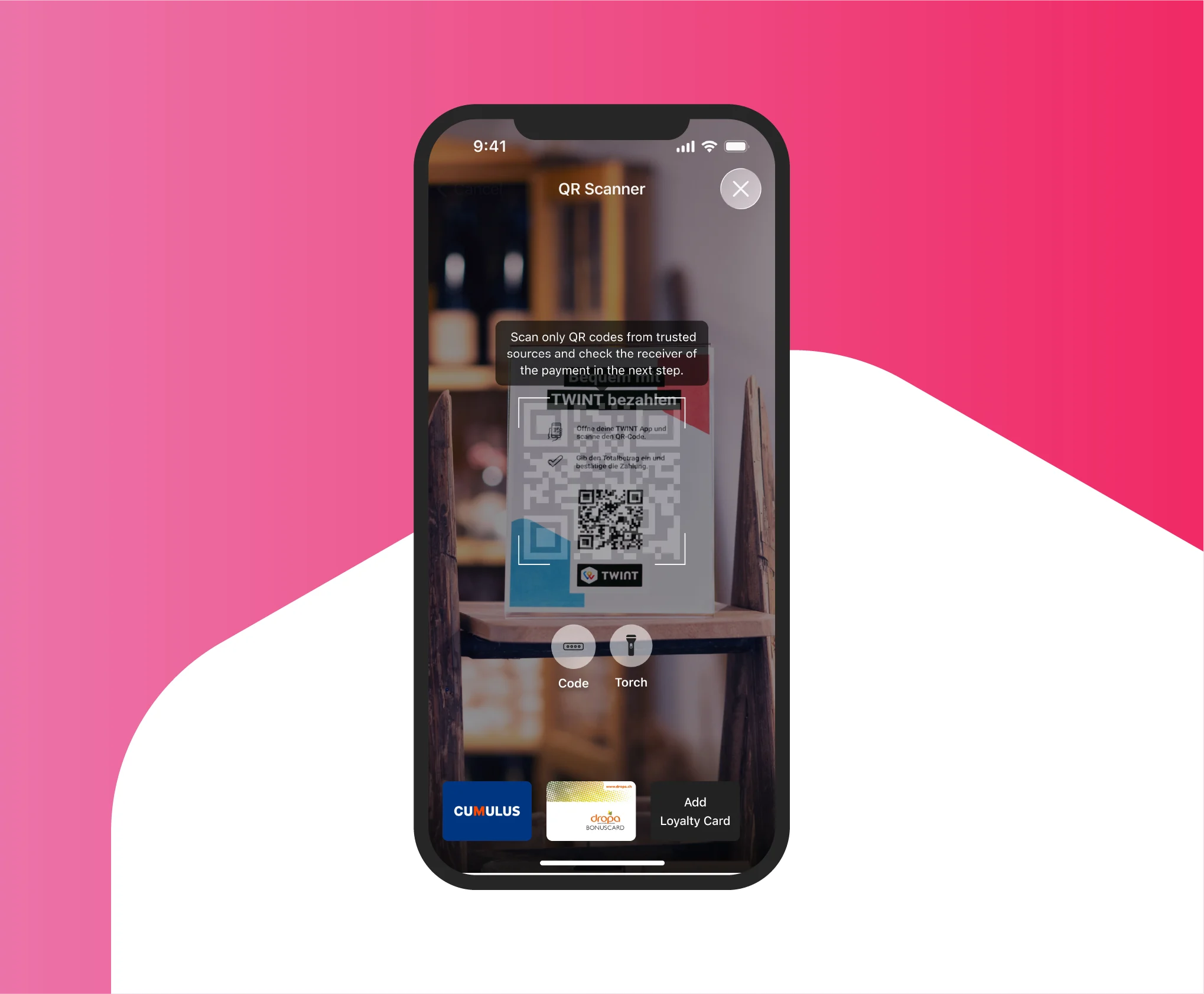
Scan QR code
Scan the TWINT QR code on the payment terminal or the TWINT QR code sticker.
-
Step
Pay
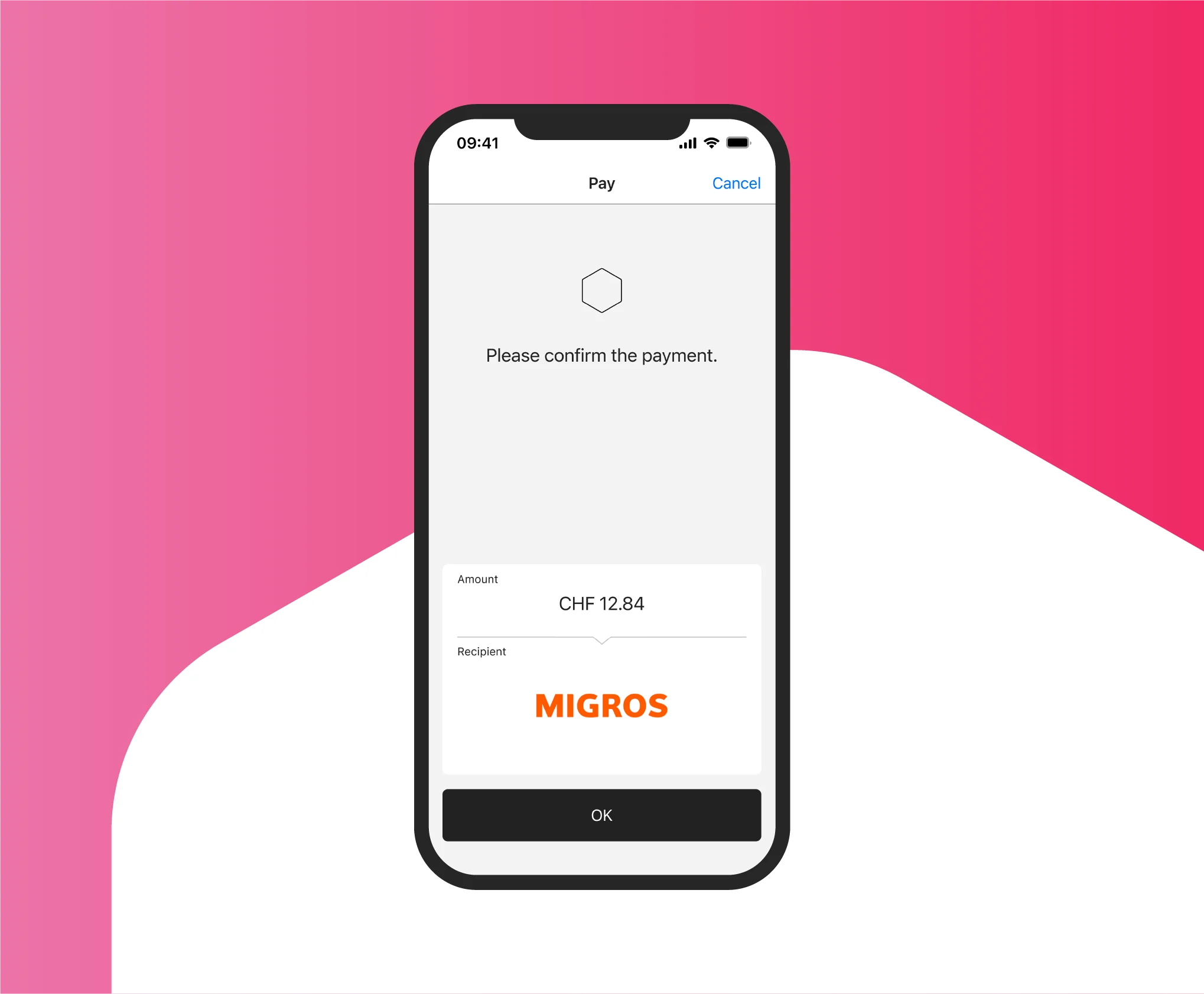
Complete your purchase in the TWINT app. If you haven’t already activated automatic payment approval, you will still have to confirm the transaction with a quick tap.
Where can you pay with TWINT?
Anywhere you see the TWINT QR code sticker or the TWINT QR code on the payment terminal. More and more shops are accepting TWINT – from the kiosk on your way to work or the farm shop in the next village to bars and restaurants, hardware stores, specialist retailers and supermarkets. Keep an eye out for the QR code or simply ask if you can use TWINT.
With TWINT, you can pay any amount – small or large – from grabbing your morning croissants to booking your next family ski holiday. The credit in your account or in the TWINT Prepaid app is the main factor that determines how much you can spend with TWINT. Your bank will be able to answer any questions you have about limits.

Pay even faster with the TWINT widget
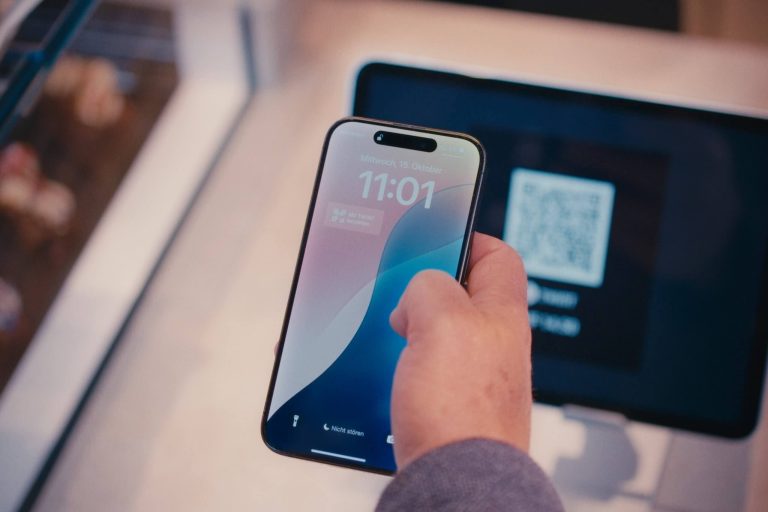
With the TWINT widget, you can pay directly from your lock screen with just the tap of a finger. This will save you valuable time when paying at the cash register or in online shops. Give it a try now.
Collect loyalty points
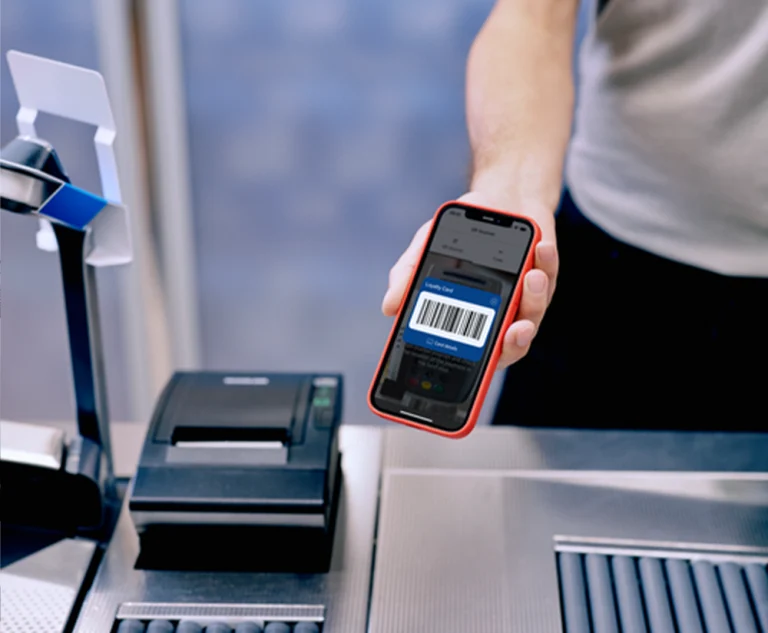
If you have saved your loyalty cards in your TWINT app, you can leave your physical cards at home. Simply present or scan your card at the checkout in the TWINT app and collect valuable loyalty points – without your wallet bursting at the seams.
Support & FAQ
We’re happy to help. Here are our answers to the most frequently asked questions about paying at the checkout.