Sending and requesting money
With your TWINT app, you can send money to friends and family, request or repay amounts, or split payments – no matter which TWINT app the others are using.


Your benefits
Sending or receiving money via TWINT has become so everyday that everyone understands “Can you twint it to me?”.
You can send money or split amounts easily, quickly and securely. The money is sent in no time, so it is available immediately.
When you send or request money, you can send a message and even add emojis, a photo or a GIF. If you’re sending money as a gift, you can “wrap” it in celebratory digital packaging.
Whether you’re paying someone back for a cinema ticket or splitting a restaurant bill, sending and receiving money is free of charge.
How to send money
You can send money with TWINT faster than you can spell “instant transfer”.
-
Step
Open
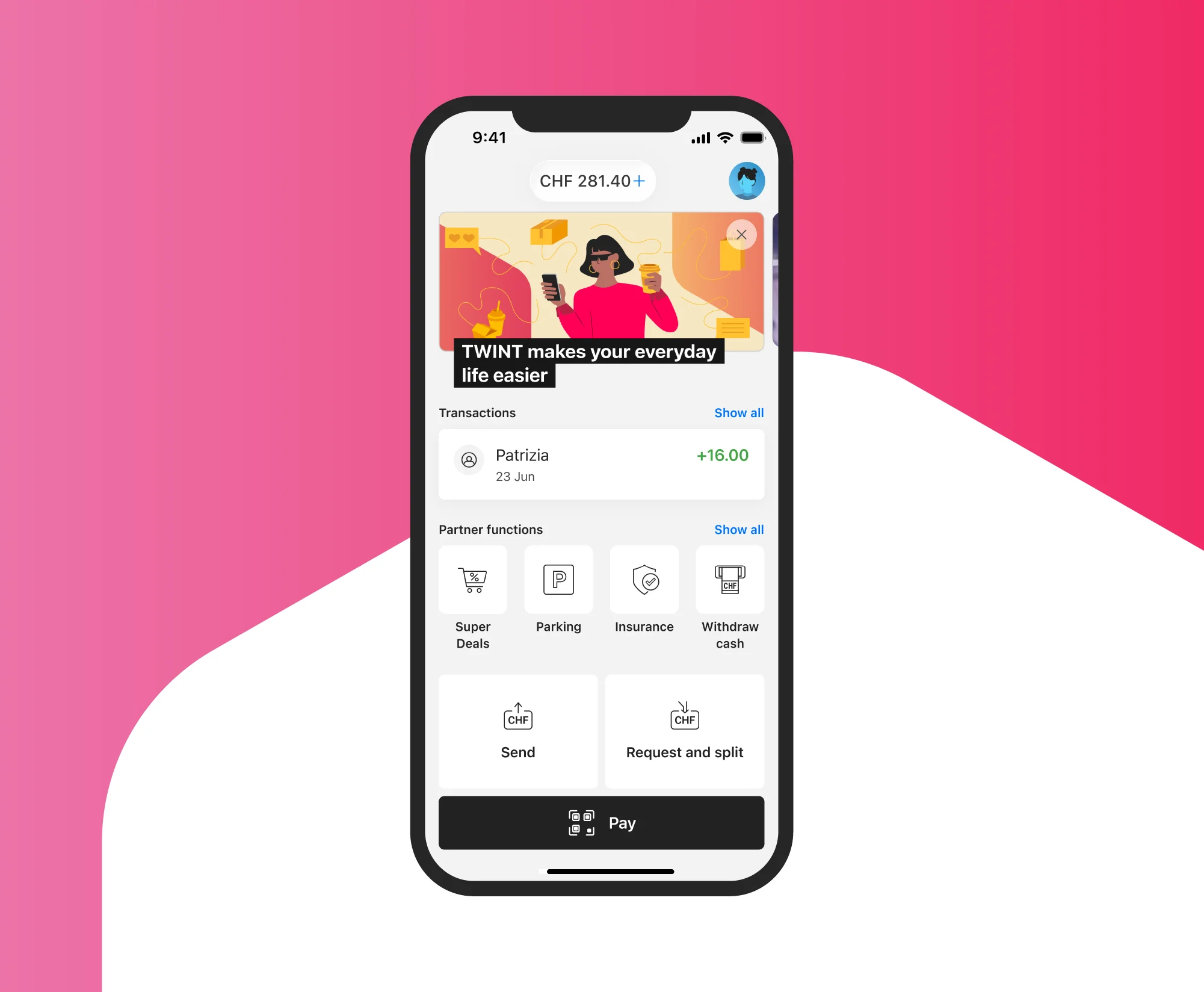
Open the TWINT app and tap “Send” on the home screen.
-
Step
Enter
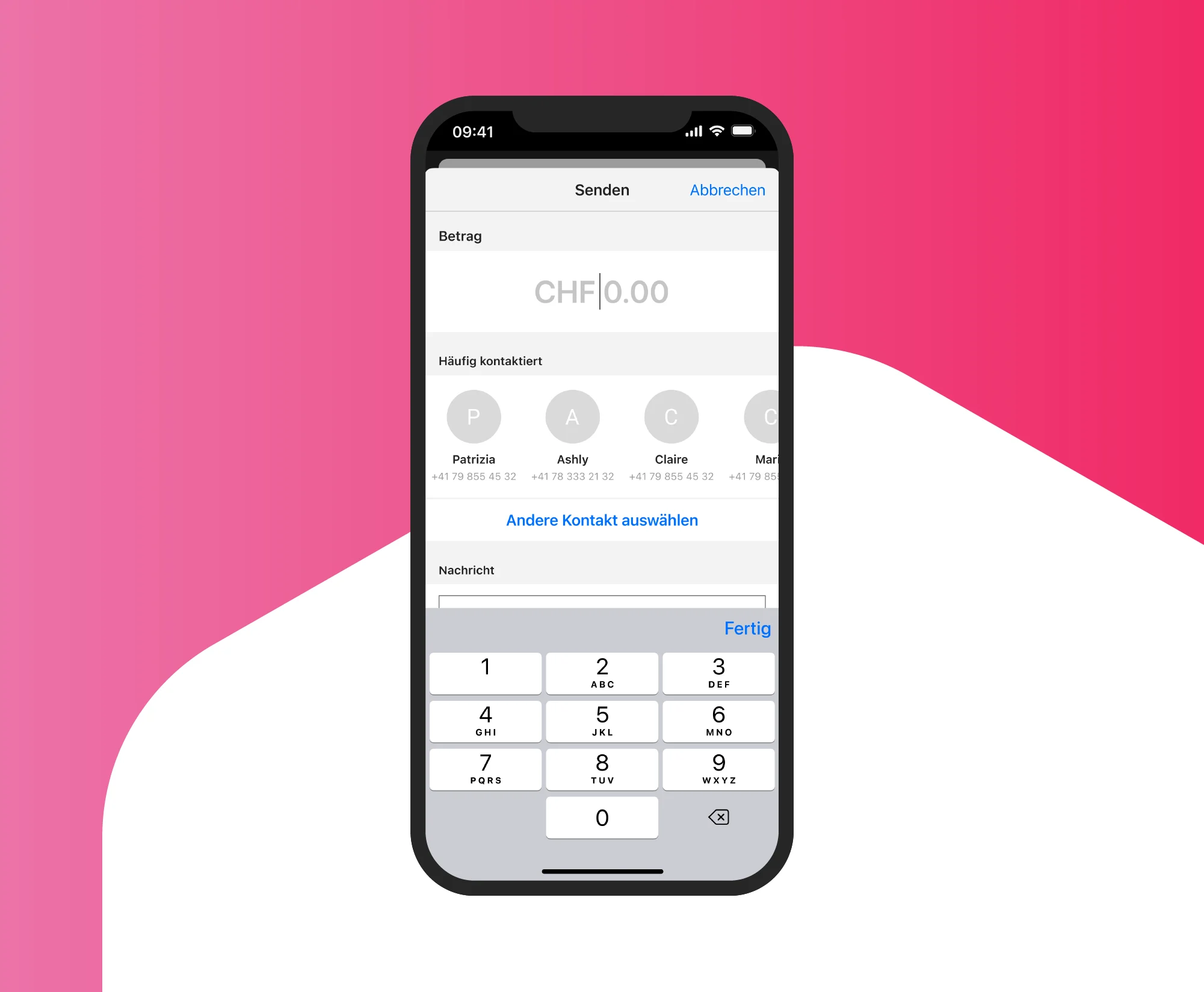
Enter the amount you want to send and tap “Next”.
-
Step
Select
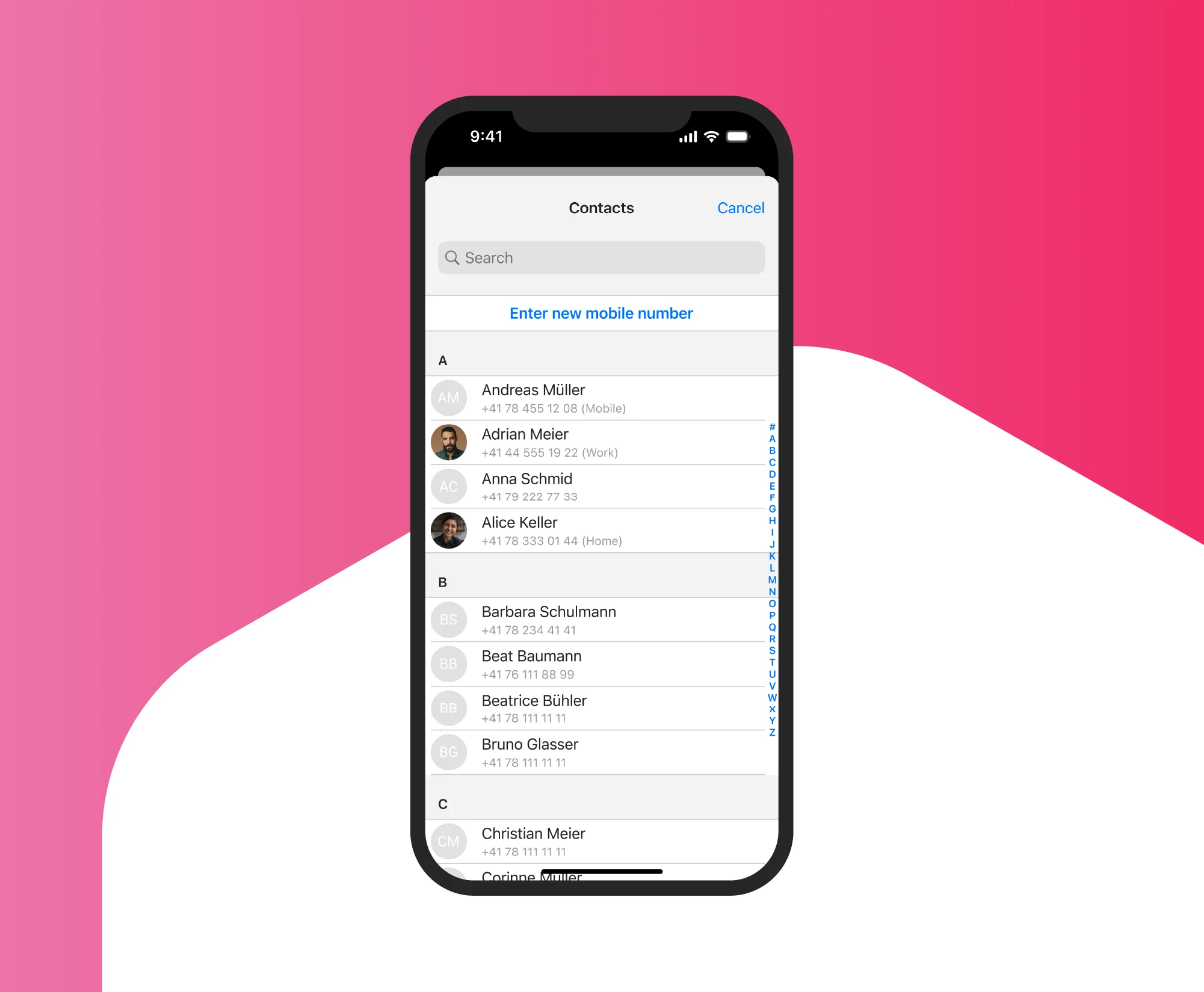
Select the person you want to send money to from your contact list or enter their phone number, and tap “Send”.
You can write a message up to 400 characters long and attach a picture, GIF or emojis. However, special characters and foreign alphabets can cause problems.
How to request money
Requesting money with TWINT is much easier than chasing up payments forever.
-
Step
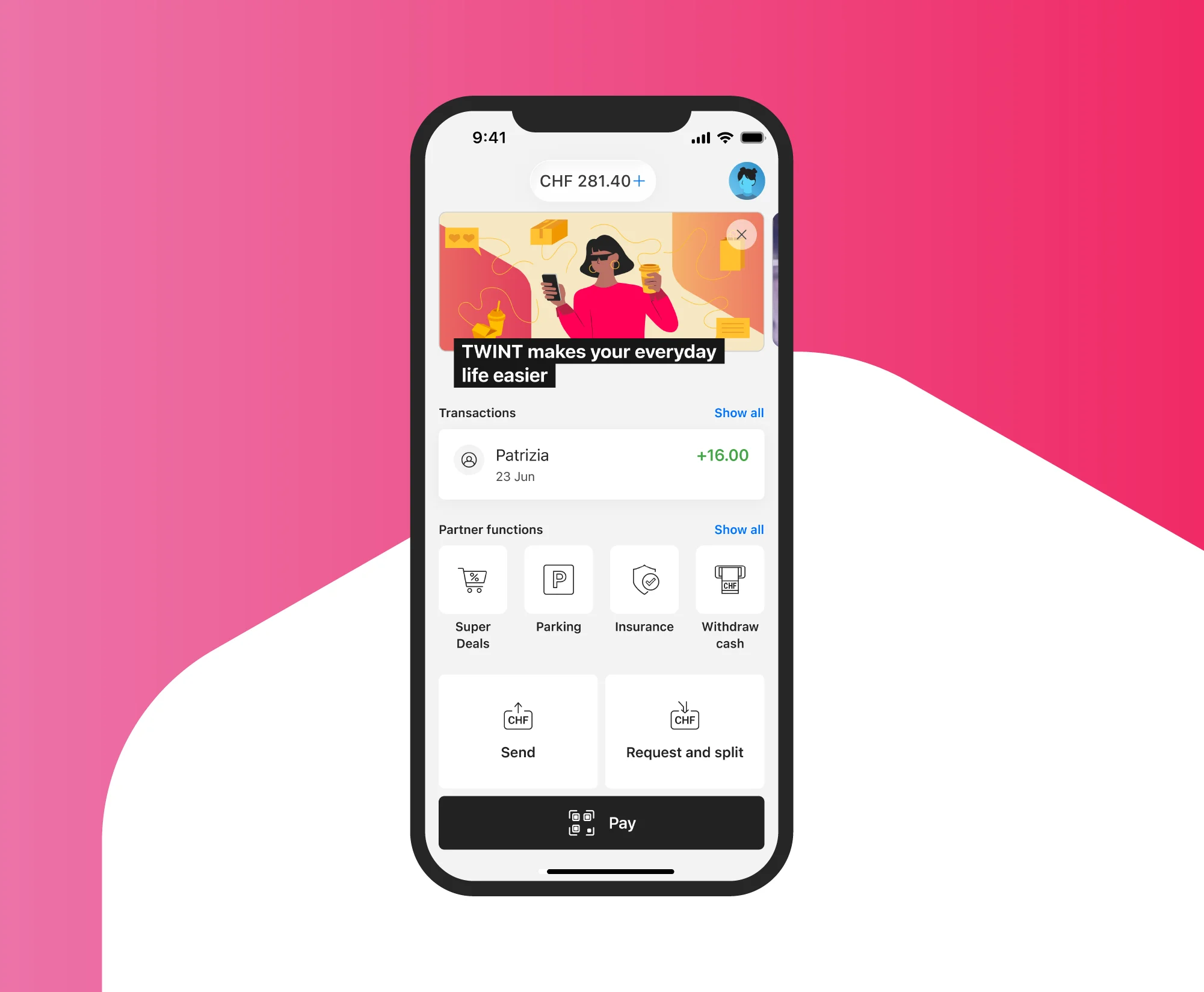
Open
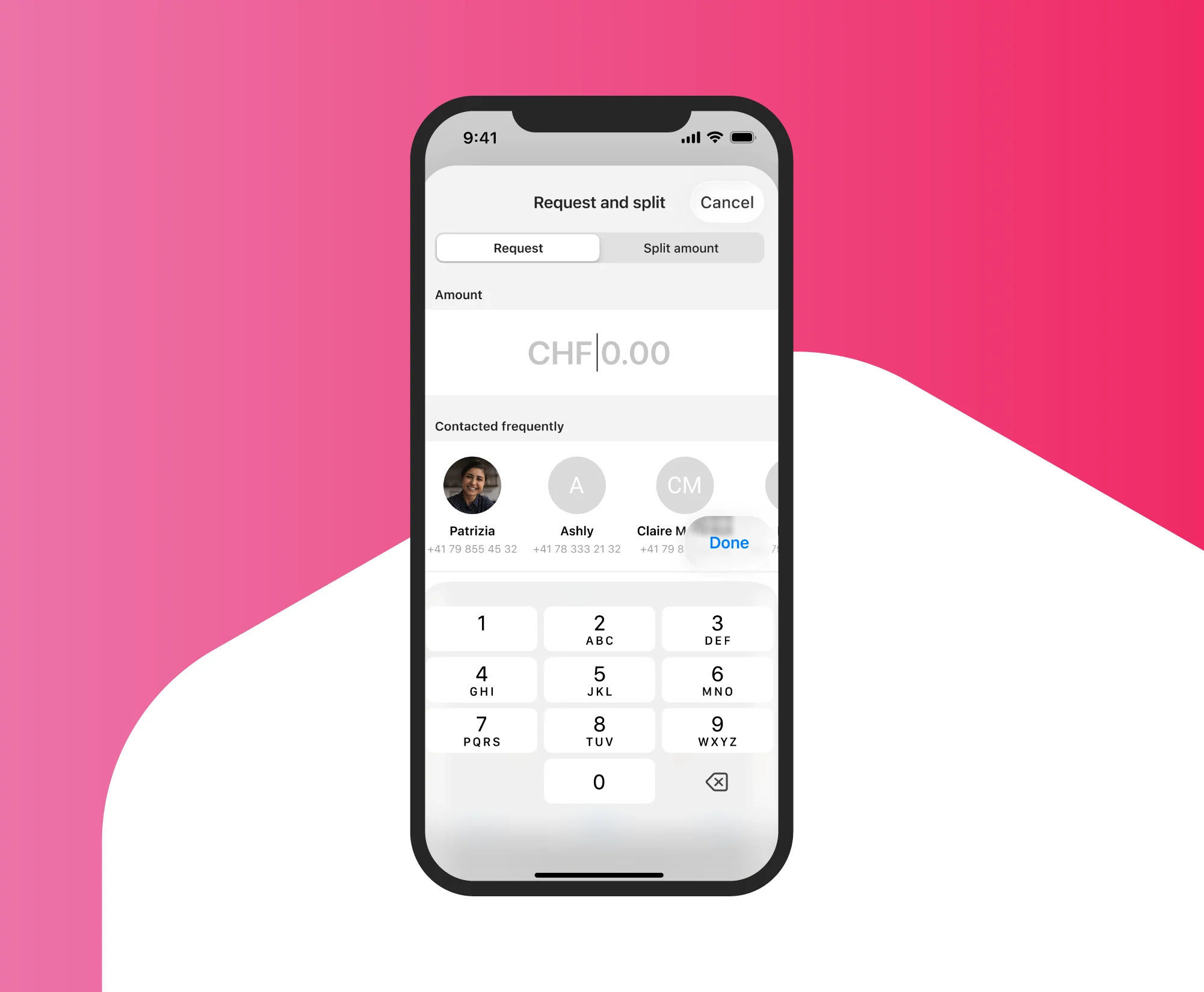
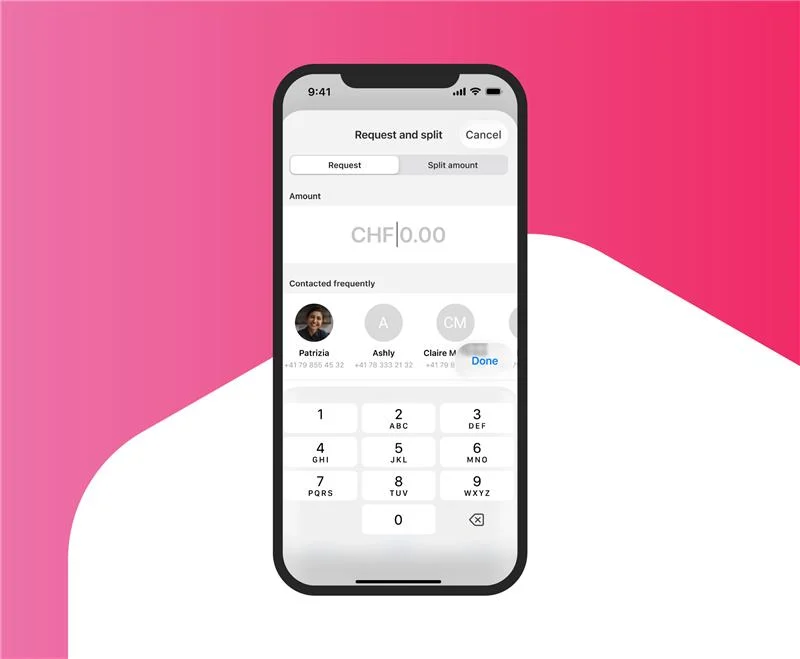
Open your TWINT app and, depending on which app you‘re using, tap “Request” or ”Request and split” on the home screen.
-
Step
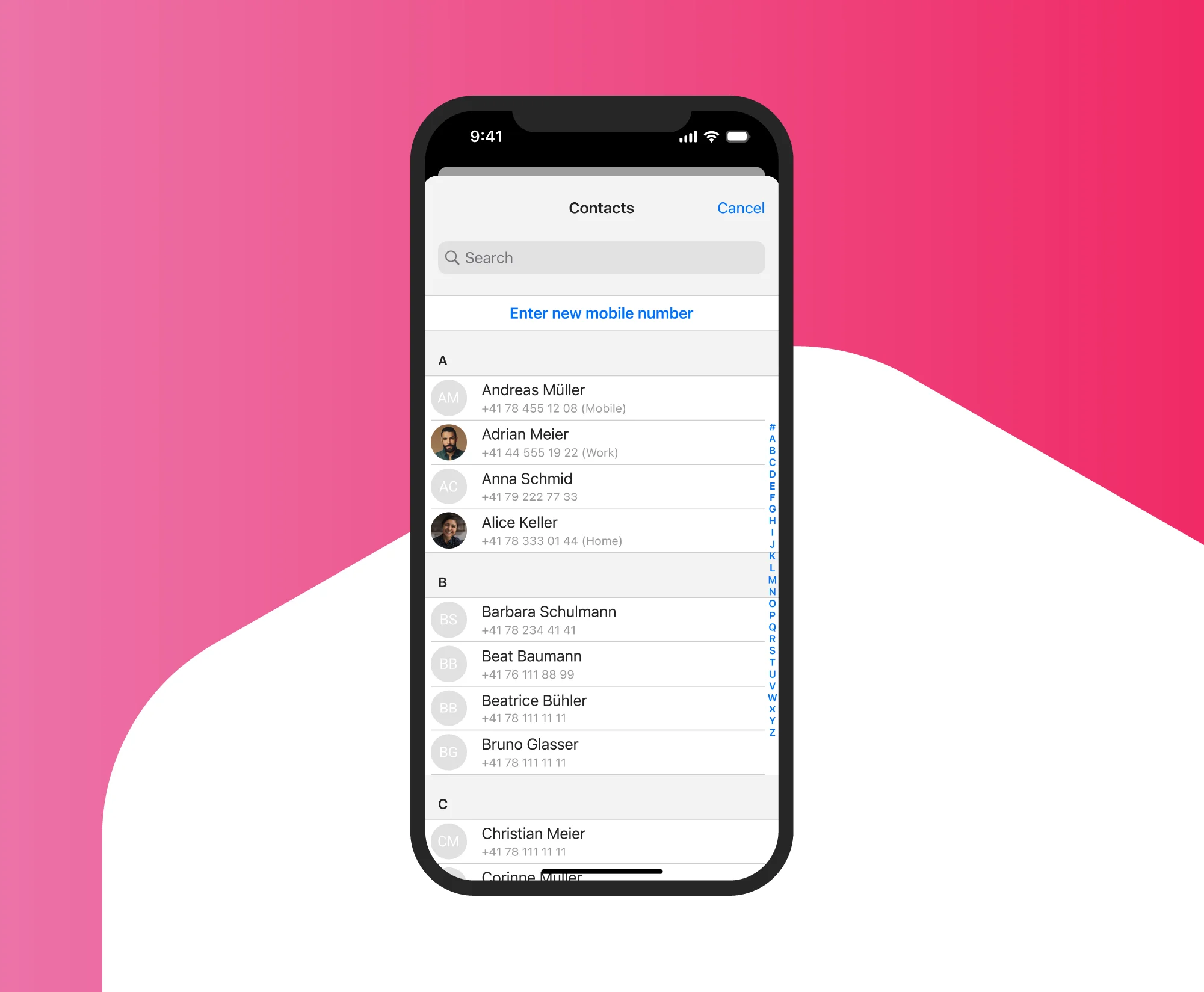
Select
Select the person you want to receive money from in your contact list.
-
Step
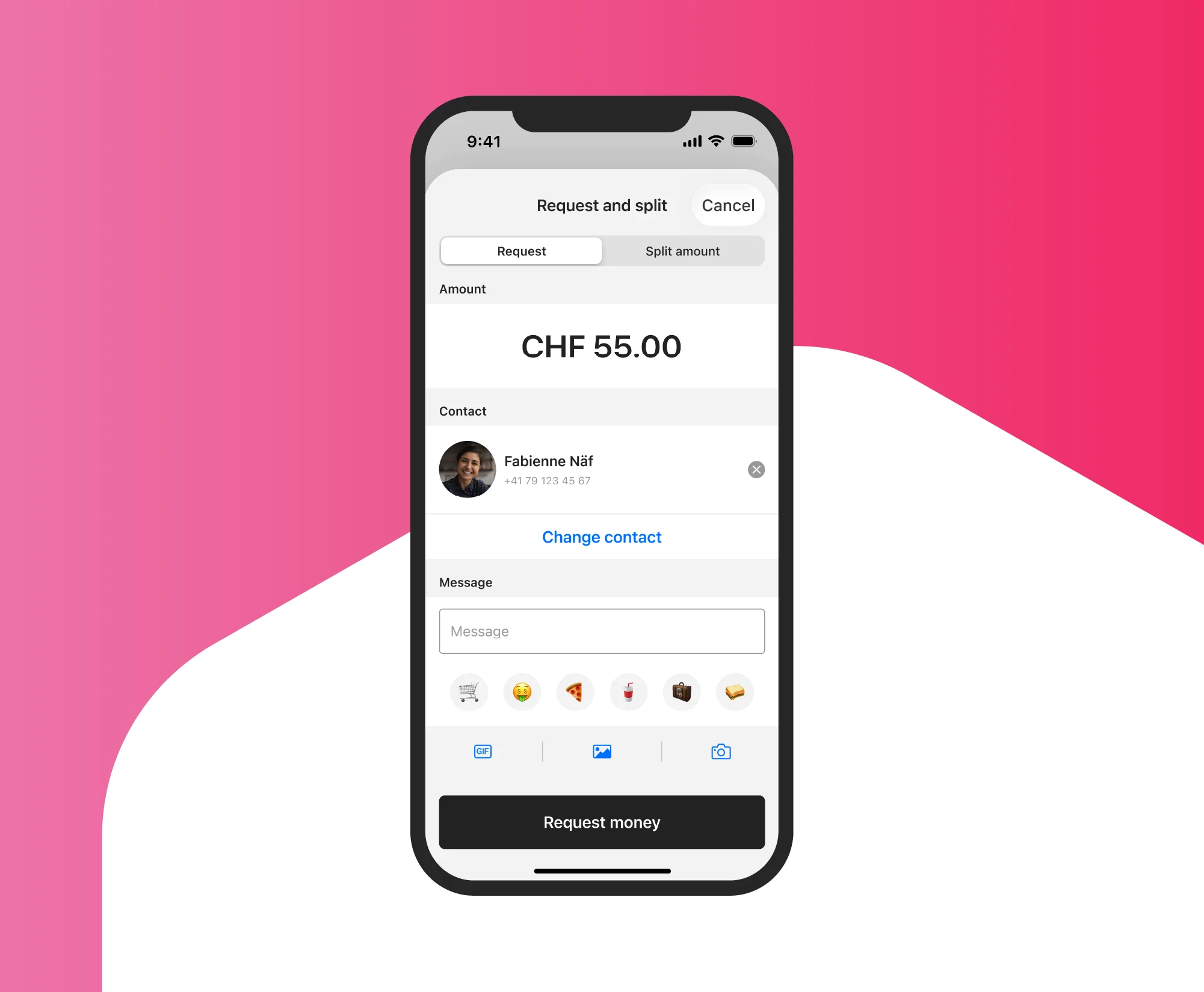
Request
Enter the amount you want the person to send and tap “Request money” or “Request”. You can write a message up to 400 characters long and attach a picture, GIF or emojis.
How to split payments
-
Step
Open
Select the payment in the transaction overview or tap on “Split” (ZKB TWINT) or “Request and split” (other TWINT apps) on the home screen, then tap on the “Split amount” tab.
-
Step
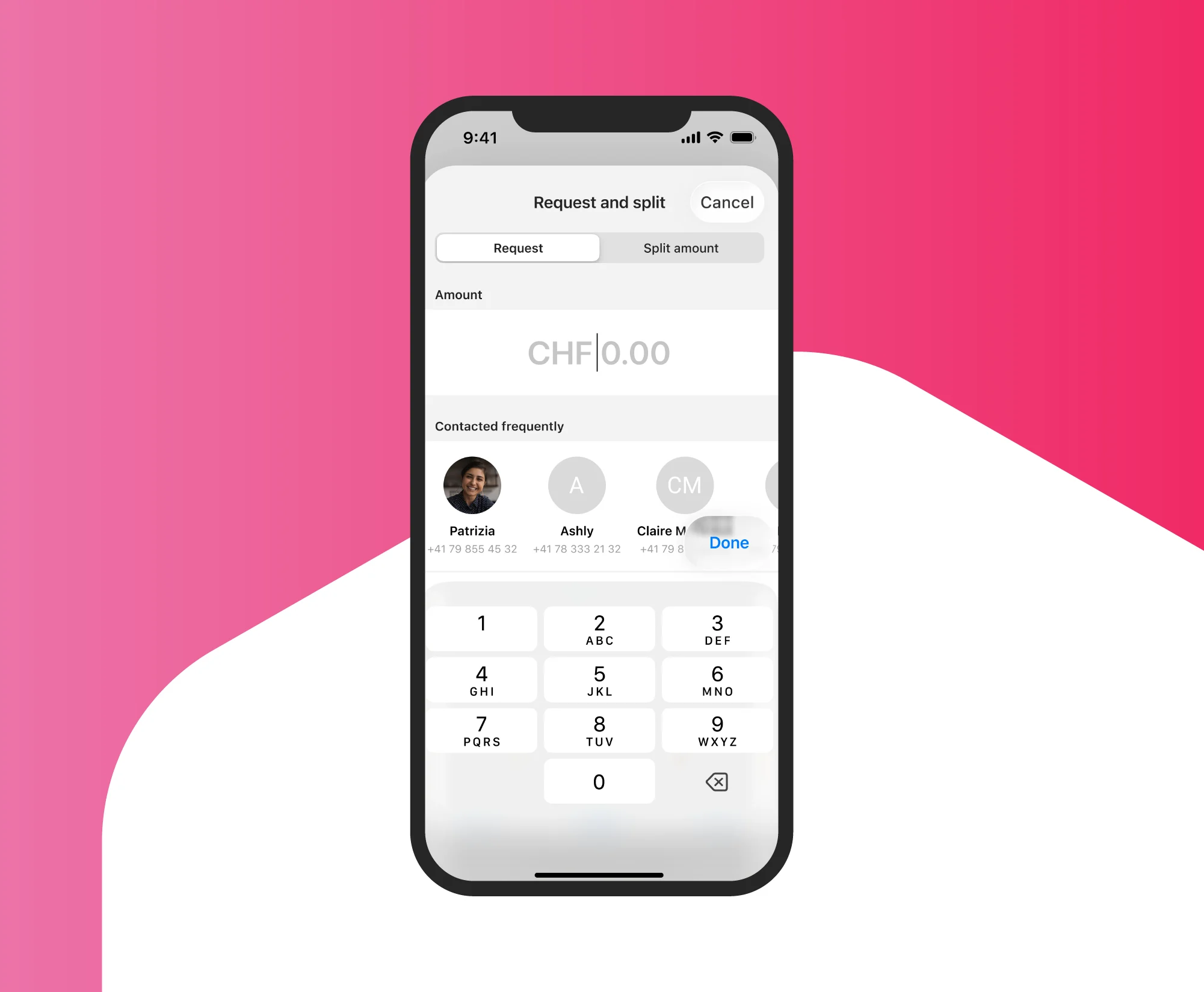
Split
Select the amount or enter an amount you want to split and tap “Split amount”.
-
Step
Request
You can divide the amount evenly or split it individually. Select one or more contacts, add a title and tap “Request money” or “Request”.
You can write a message up to 400 characters long and attach a picture, GIF or emojis. However, special characters and foreign alphabets can cause problems.
Support & FAQ
We’re happy to help. Here are our answers to the most frequently asked questions about exchanging money with friends.