Shopping list in the TWINT app
The days of lost notes, endless WhatsApp chats and uncoordinated purchases are over: having the shopping list in your TWINT app is the smart way to plan your shopping and means you can share the list with family, friends or flatmates in real time.


Your benefits
With the shopping list in your TWINT app, you’ll never forget the fresh oregano or toothpaste again.
Planning your shopping has never been easier. That’s thanks to the smart search function, for example, which allows you to find products faster and easily add them to your shopping list. The catalogue on which it is based contains more than 2,000 products.
Your shopping list adapts to you, not the other way round. Organise it in the way that is easiest for you. Sorted logically, for instance, or into several lists. You can also customise your shopping lists with colours and/or icons to distinguish them at a glance.
Whether it’s a weekly shopping trip for the family, a barbecue with friends or a flat party, share your shopping list in real time so you can plan together and make sure nothing gets forgotten. If you want to share a list, all you have to do is send a code, such as by email or WhatsApp message.
How it works
Very few people like doing the shopping. With the right list, though, even the weekly shop is fun.
-
Step
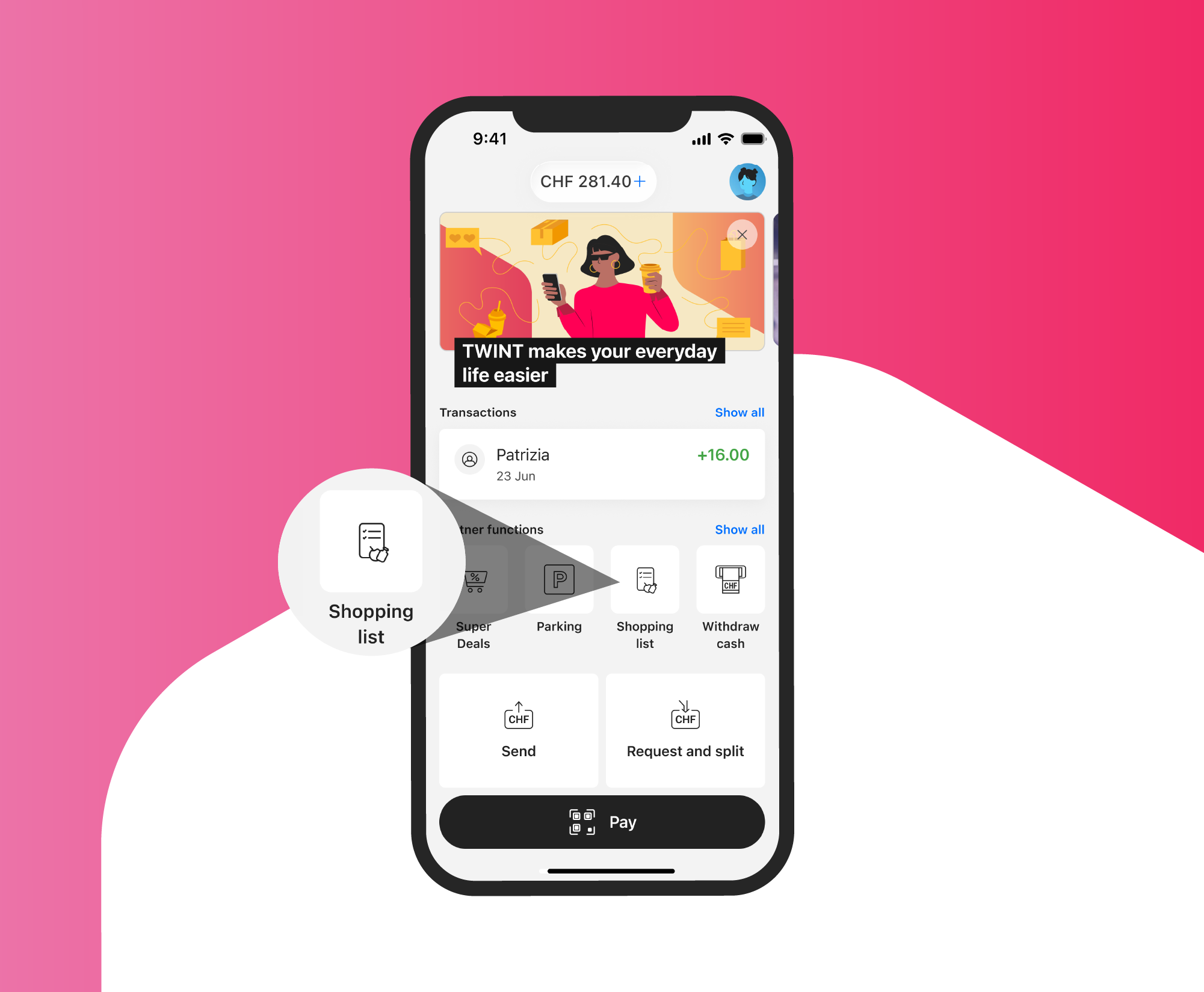
Open the app
Open the “Shopping List” partner function in your TWINT app.
-
Step
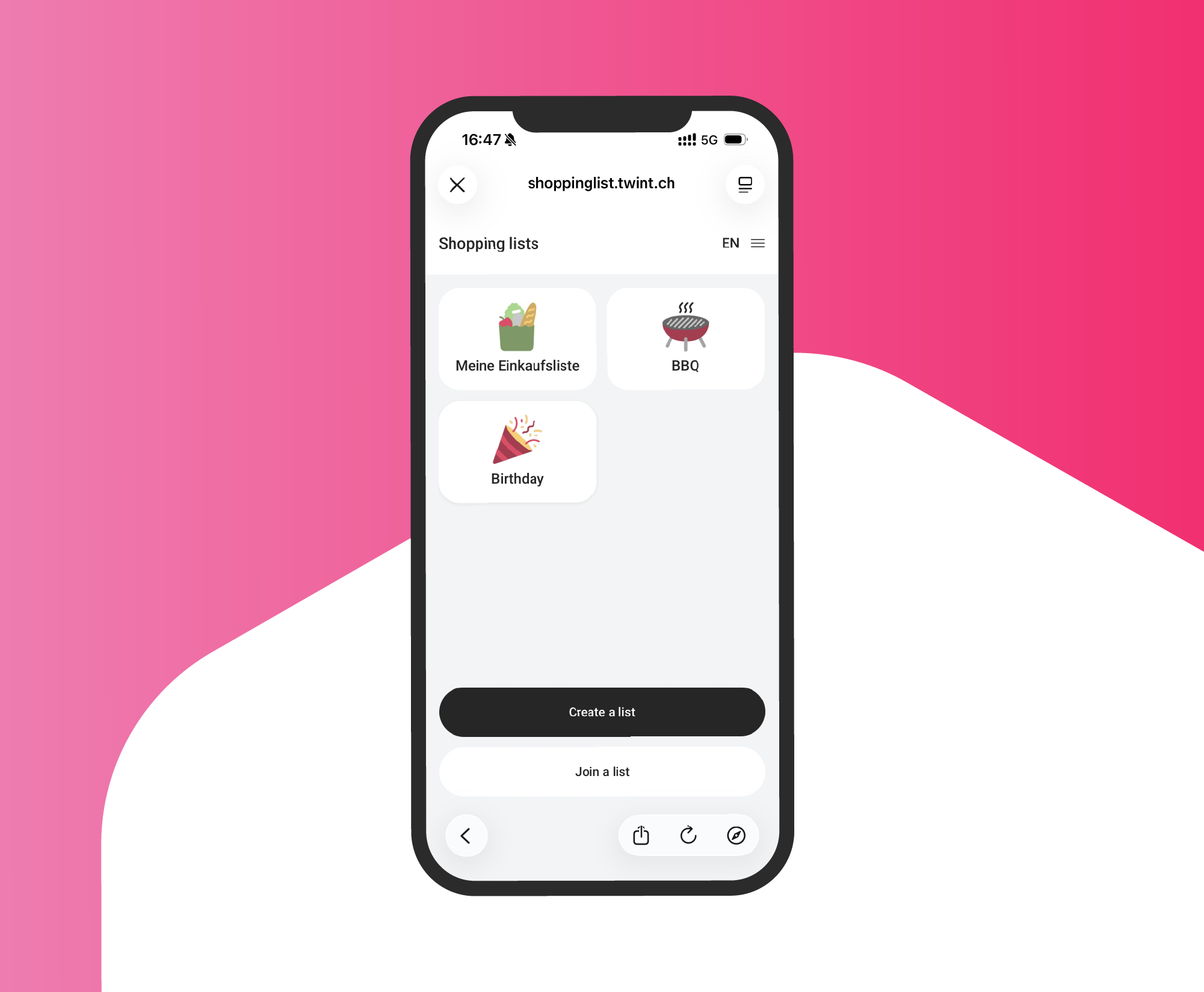
Create a list
Create a list or join the family shopping list, for example.
-
Step
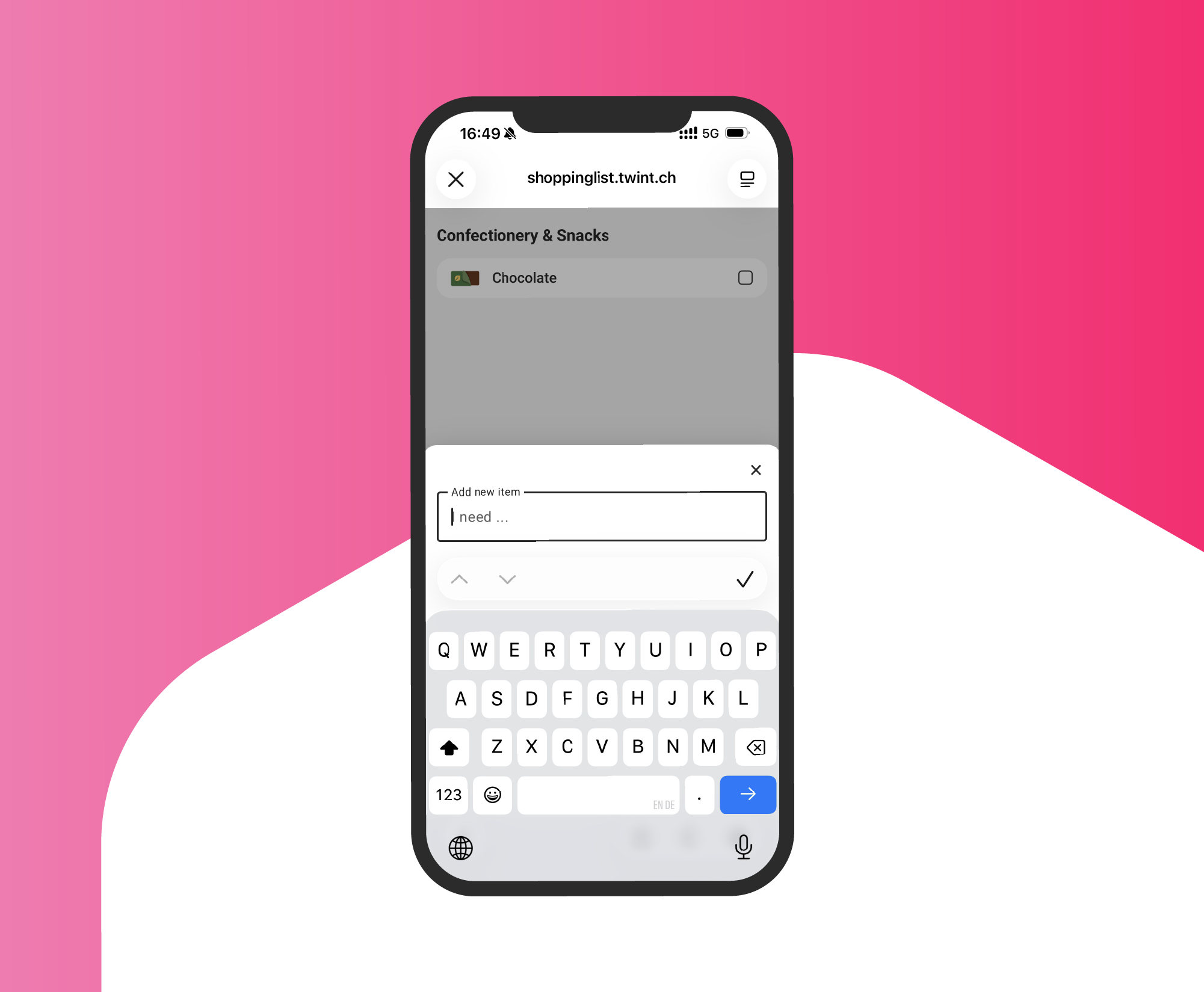
Add items
Use the smart search function to find your products and add them to your list.
-
Step
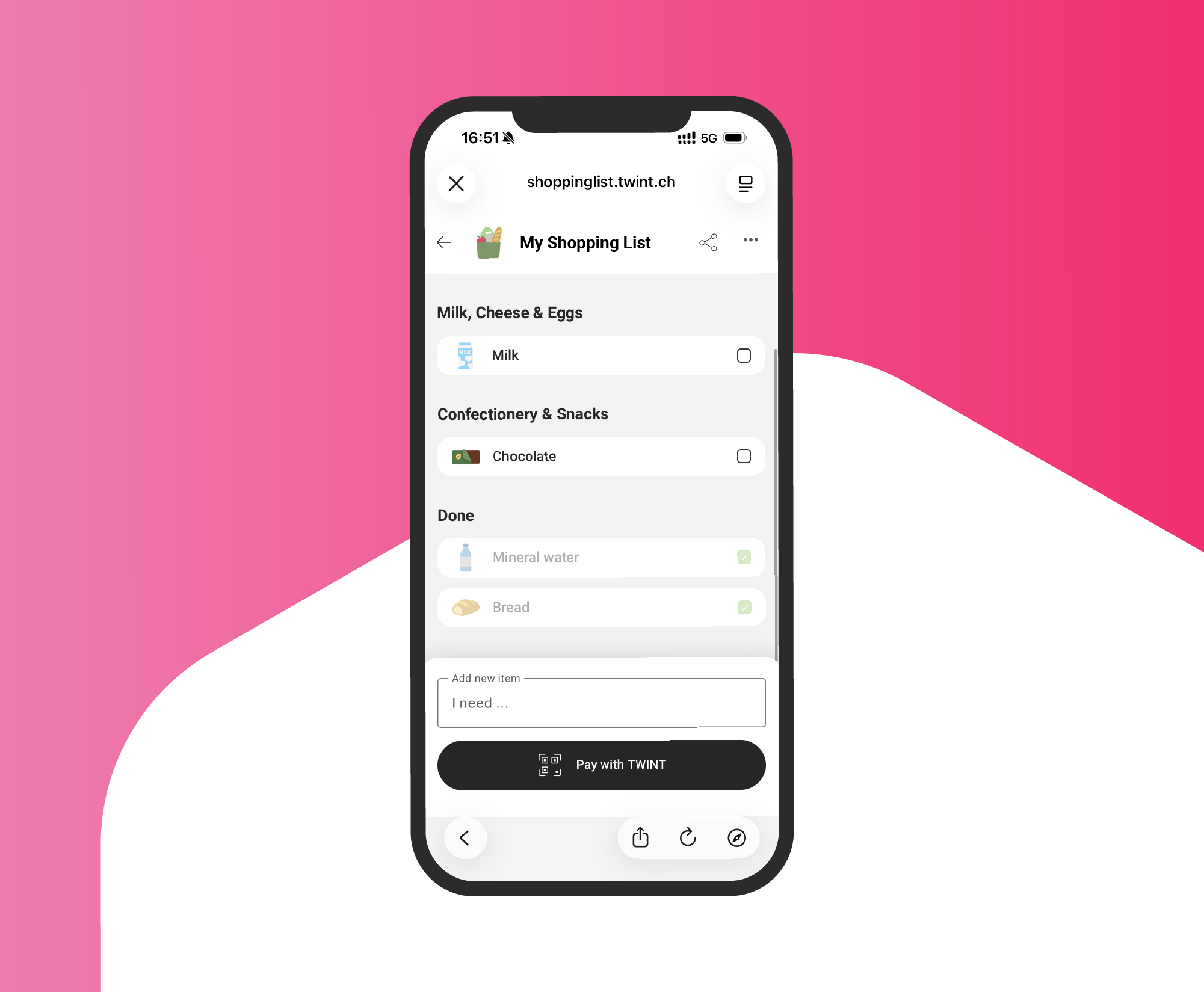
Relaxed shopping
Tag all the products in your basket or cart in the app, go to the cash register or self-checkout and pay seamlessly with TWINT.
Support & FAQ
We’re happy to help. Here are our answers to the most frequently asked questions about shopping list.