Pay invoices with TWINT
With TWINT, you can pay one-off and recurring invoices just as easily, securely and quickly as you’d expect – it is TWINT, after all. No need to type in any amounts or numbers. No need to search for anything. It’s all there for you in a single app. Whether you’re at home or on the go, you can pay whenever and wherever suits you best.

Would you like to pay QR bills or direct debits with TWINT?
Your 3 key benefits
- Security: all data is transmitted in encrypted form. Only merchants who have registered for our invoicing products and have been verified by us can issue invoices. What’s more, the TWINT app only scans legitimate QR codes, meaning you’re well protected against phishing attempts.
- Clarity: you can keep track of all your expenses, purchases and invoices that you pay with TWINT. Payments are sorted by status and execution date. In most apps, you can also search for keywords or amounts in the list of payments.
- Flexibility: in the case of one-off invoices, you can decide when you want to pay. You’ll also be able to amend or cancel the payment until it’s processed.
Here’s how to pay a QR bill with TWINT
With TWINT, you can pay Swiss-QR-code-compatible invoices (with the TWINT logo) just like any other payment.
-
Step
Scan or tap
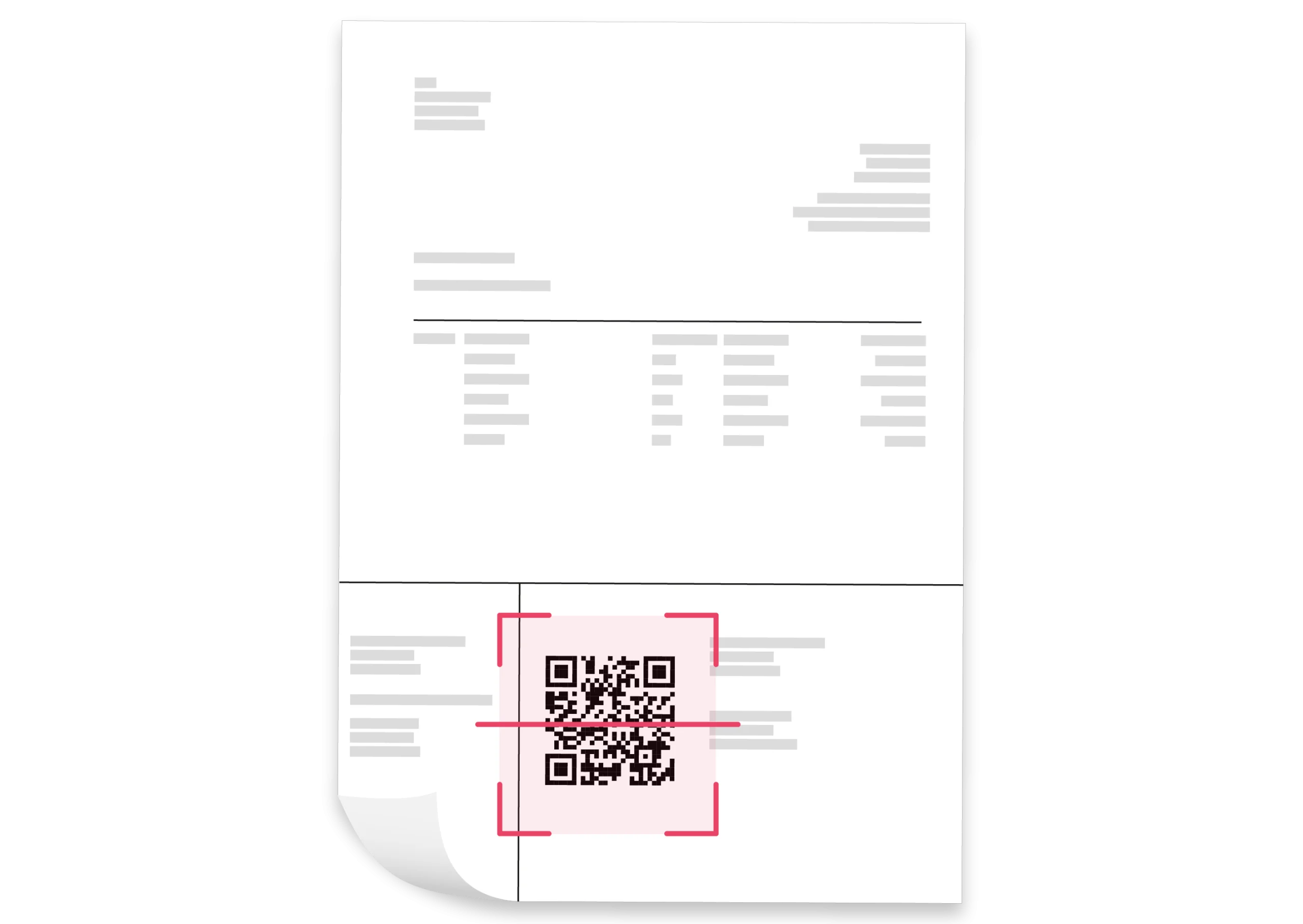
- Scan the QR code with the TWINT app when a biller sends you a paper invoice or a PDF version.
- Alternatively, you can tap the payment button or the “Pay with TWINT” link in the e-mail, in the app or on the merchant’s website.
- It’s easy to upload digital invoices to the TWINT app as well. Just tap “Pay”, then “Upload” and finally “Select file”.
-
Step
Set the date
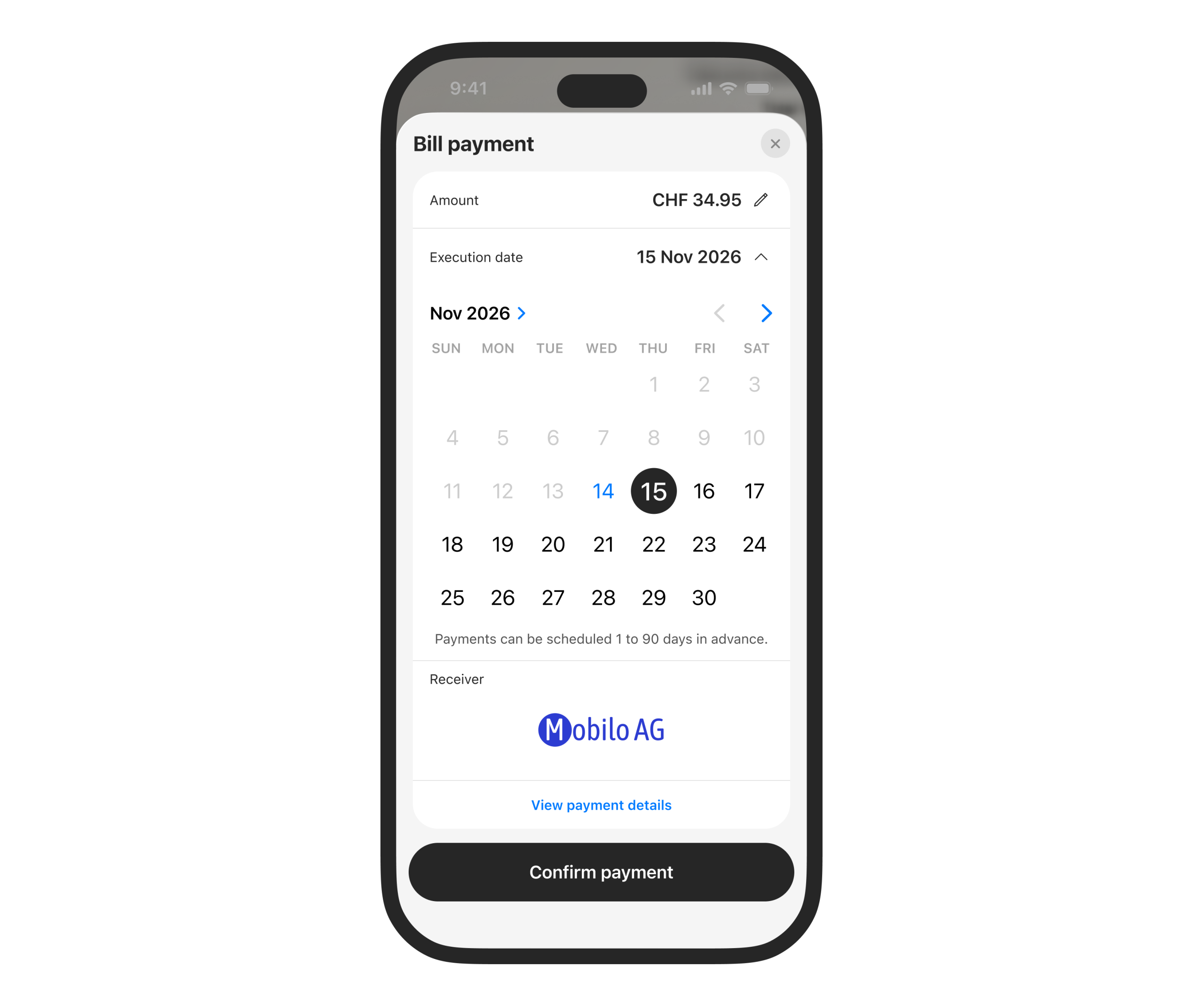
You decide whether you’d rather pay straight away or within the next 90 days, provided this doesn’t exceed the merchant’s payment deadline. You can amend or cancel the payment at any time until it’s processed.
-
Step
Confirm the payment
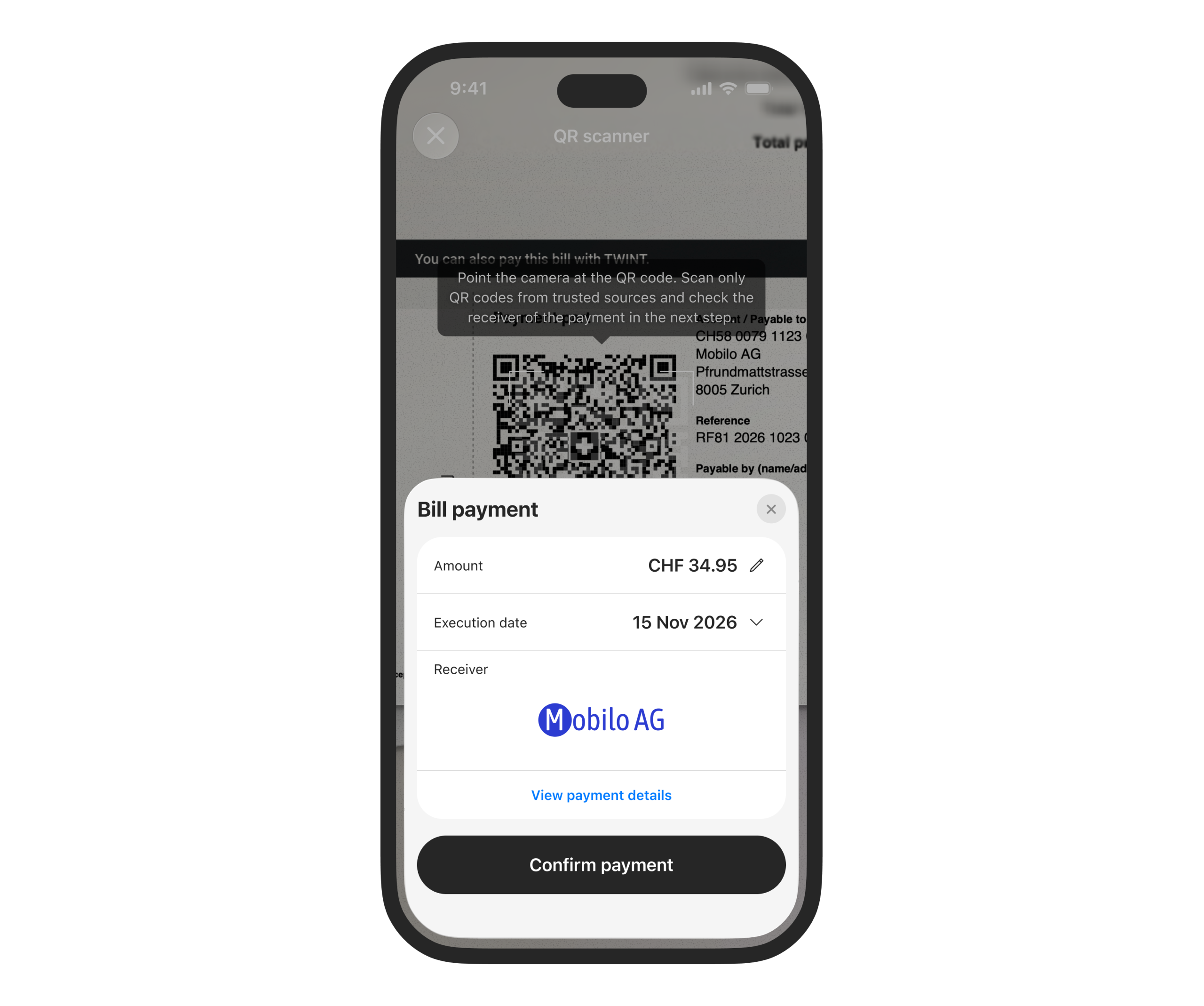
Once you have confirmed the payment, it will appear in the transaction overview in your TWINT app under the ‘Open’ tab as ‘Scheduled’ until it has been processed.
Here’s how to pay a direct debit with TWINT
With TWINT direct debit, you’ll never forget recurring invoices and avoid pesky reminders – all in one app.
-
Step
Accept an invitation
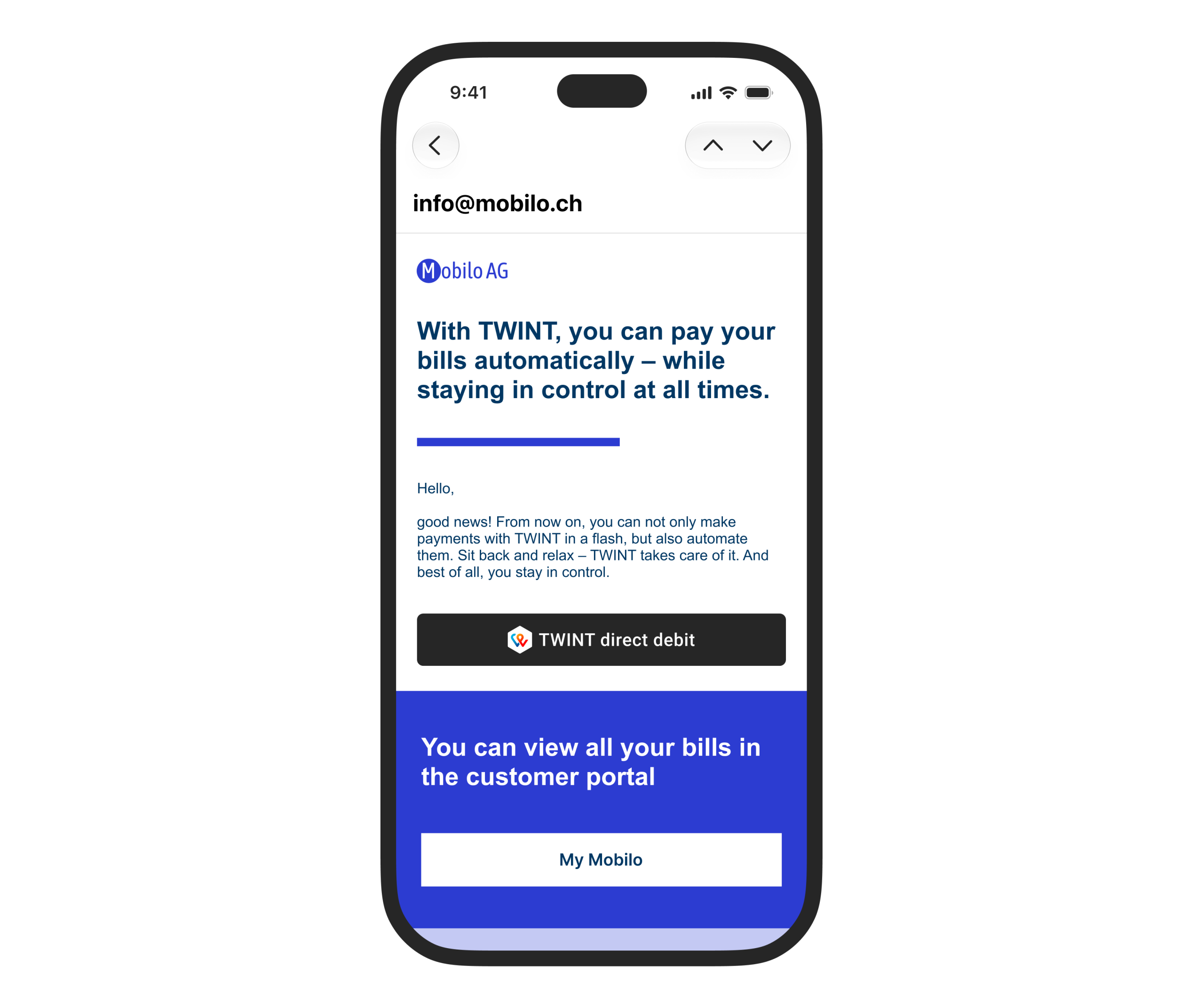
Companies can invite you to enable automatic invoice payments in your TWINT app. All you need to do is scan the QR code or tap the link in the invitation. Alternatively, you can search for billers in the app or scan the QR code on any invoice that’s compatible with the Swiss QR code standard.
-
Step
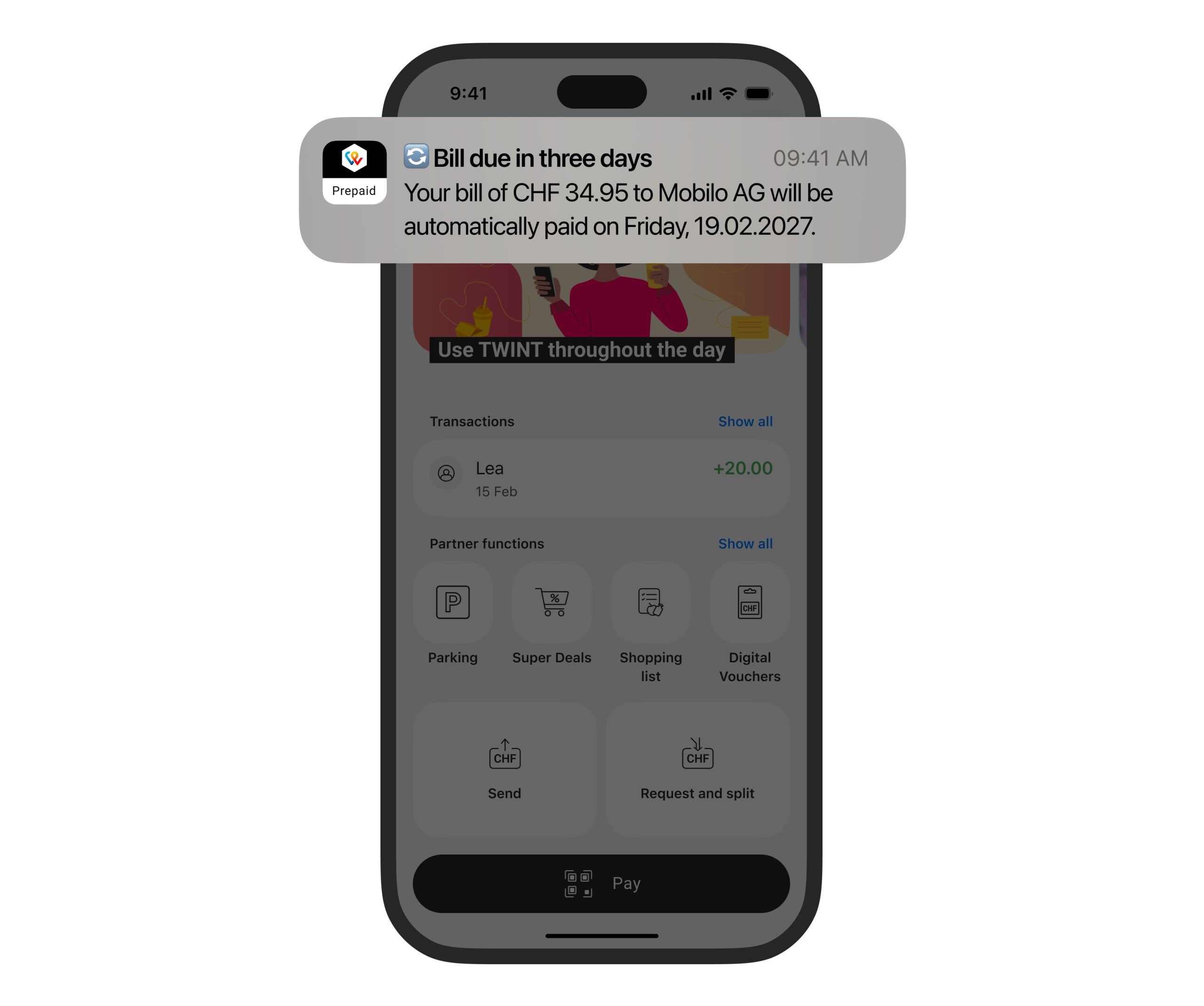
Receive a notification
We’ll let you know before the payment is processed. The invoice will be paid automatically on the execution date.
-
Step
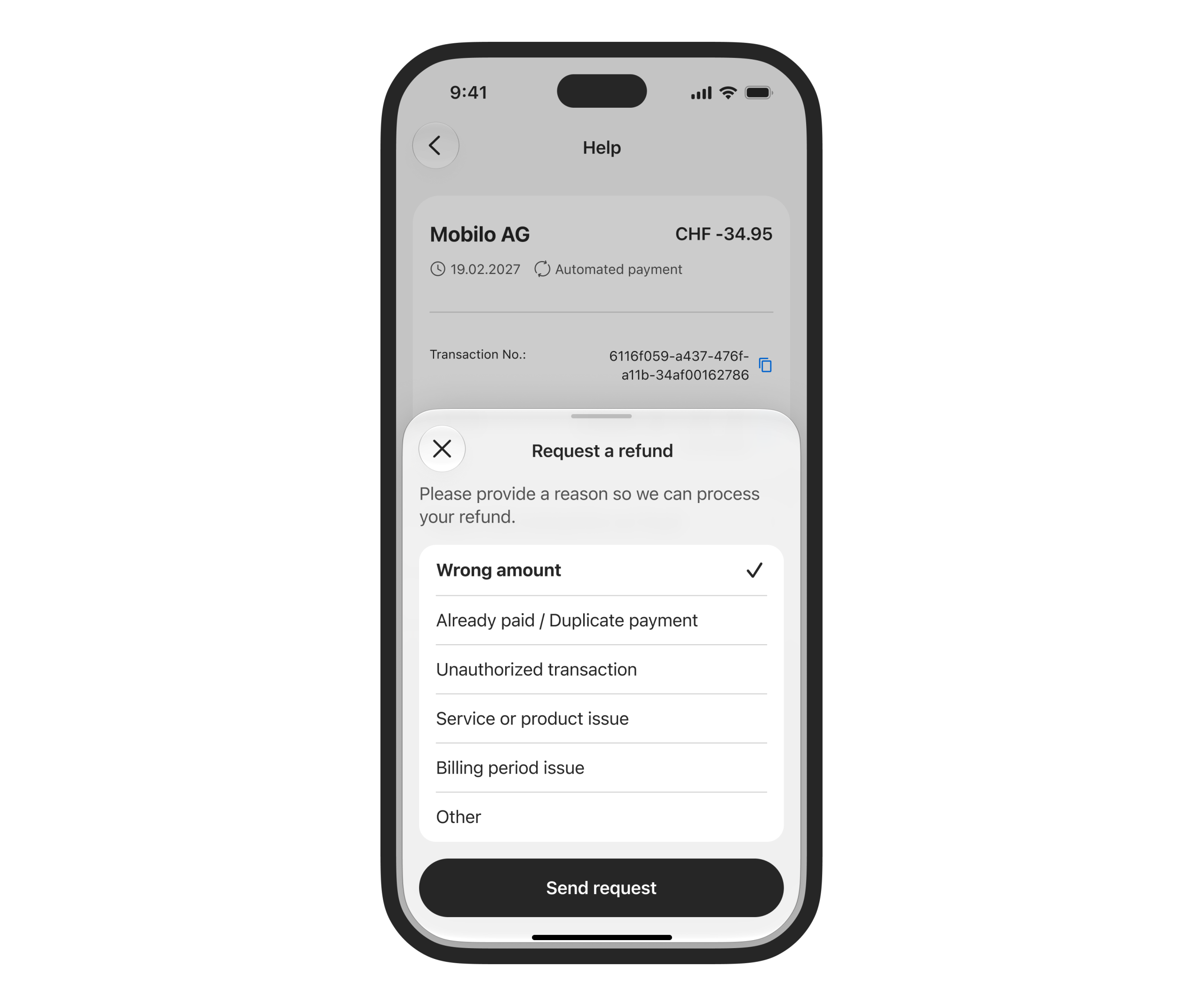
❌ Reject or object
You can reject any recurring payment before it’s debited or object to it up to 30 days after the payment has been made and receive a refund.
Support & FAQ
We’re happy to help. Here are our answers to the most frequently asked questions about “pay invoices with TWINT”.