TWINT is as versatile as your life
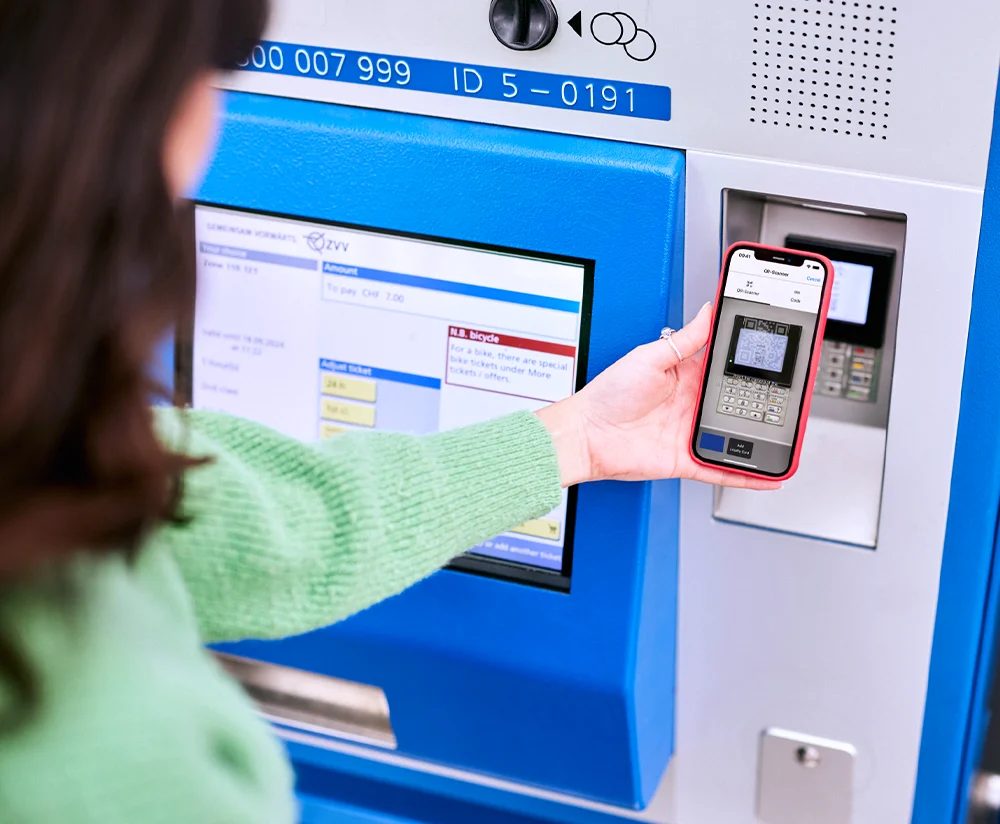
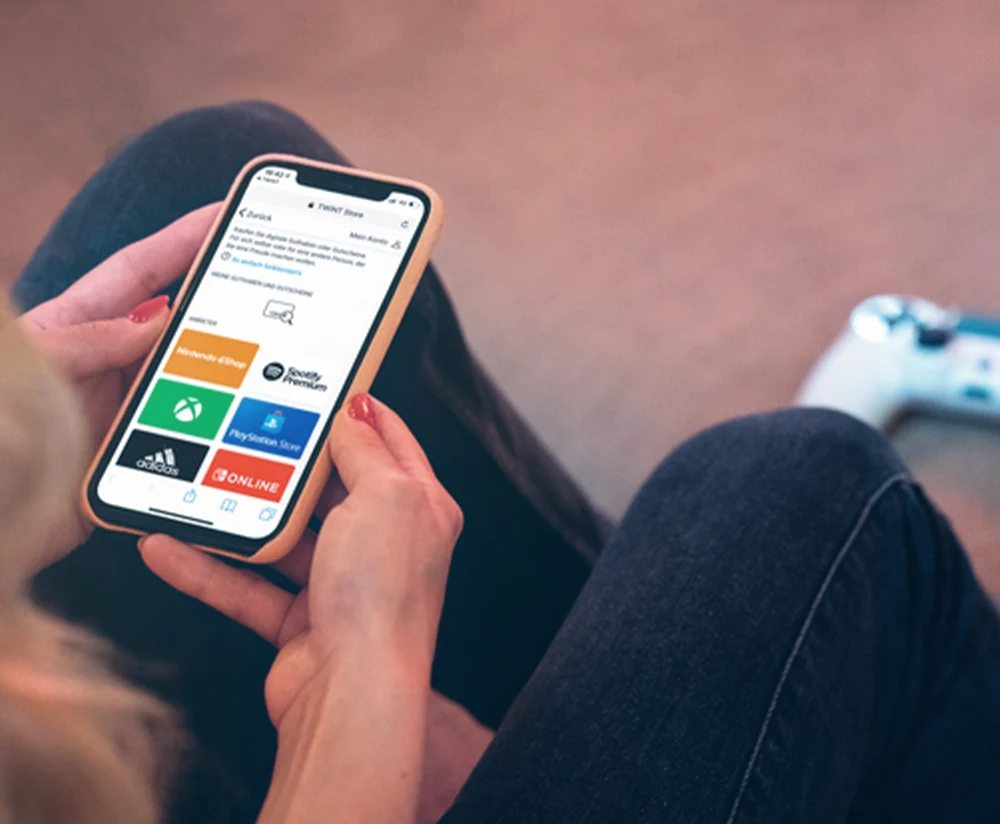
TWINT can do much more than you think. For example, you can use TWINT to fill up or charge your car, take out holiday insurance or buy digital vouchers as a last-minute gift. Take a look at the many functions and try them out for yourself.






Download the TWINT app
Download the free TWINT app for iOS or Android now and start paying with your smartphone.
- Select your bank from the drop-down menu
- Scan the QR code with your smartphone camera
- Download the TWINT app for iOS or Android
- Set up the TWINT app and link it to your account
- ✓
- No banks found
No banks found

Support & FAQ
TWINT is straightforward. Nevertheless, questions or uncertainties arise from time to time. If you can’t find the answer to your question in our FAQ, ask the TWINT bot (bottom right) or contact customer service in your TWINT app.
In the TWINT app, you can pay for your parking time without having to scan the QR code on the parking meter. To do so, please take the following…
Read more
Go to the “Partner functions” section in your TWINT app and select the option “Super Deals”. The 4 most frequently used additional functions are…
Read more
If you paid at the cash register of a staffed petrol station using TWINT, ask for your receipt. If you paid at the fuel terminal using the payment…
Read more