Refuelling and charging with TWINT
Whether at a petrol station or a charging station, TWINT saves you valuable time and keeps things transparent. It’s super convenient with your smartphone. There’s no need for any additional apps or cards. You can even save yourself from having to walk to payment machines.

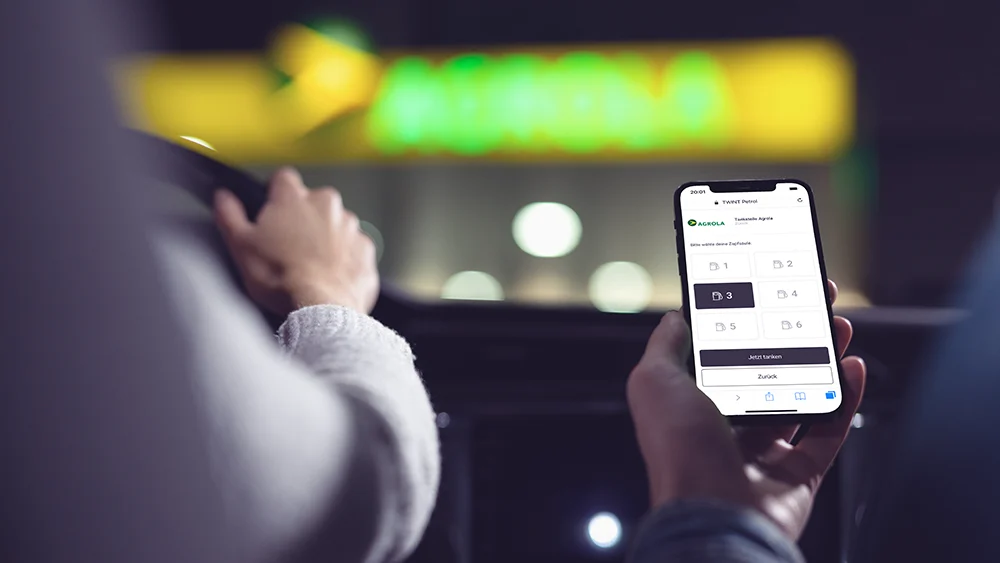
Your benefits
No matter where you refuel or charge your car, it couldn’t be simpler or faster than with TWINT.
You don’t need user accounts, RFID badges, debit or credit cards, and you don’t need to type in any card details – simply open the TWINT app and get started.
You can see at a glance where you can refuel or charge with TWINT; the latter without any hidden costs or roaming fees.
Keep track of all your transactions and receipts in the TWINT app.
Refuelling or charging
With TWINT, you can pay conveniently directly at petrol pumps or charging stations.
-
Step
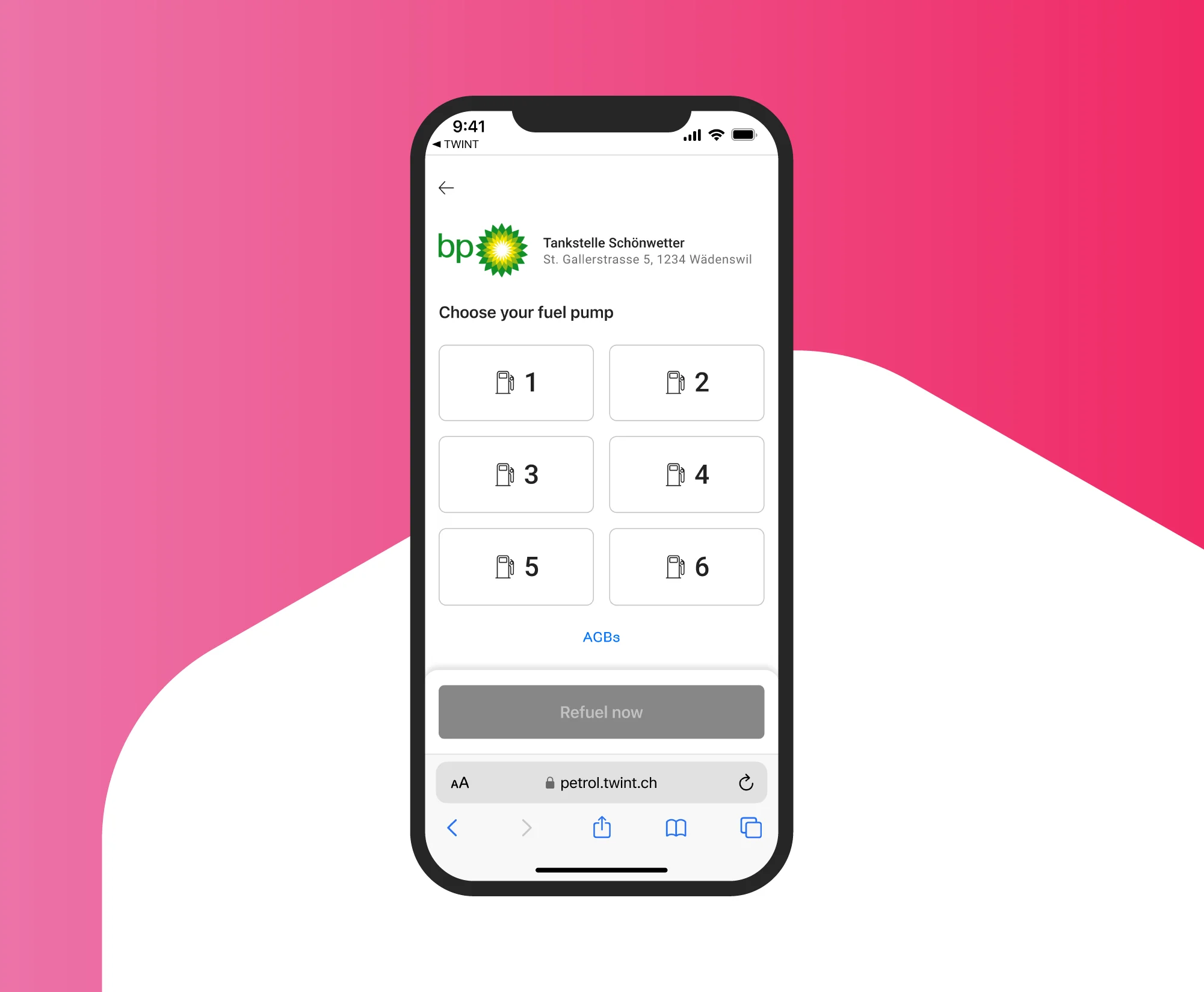
Open the app
Under “Partner functions”, tap “Refuel” or “Charge”, or scan the QR code at the petrol pump or charging station.
-
Step
Pay
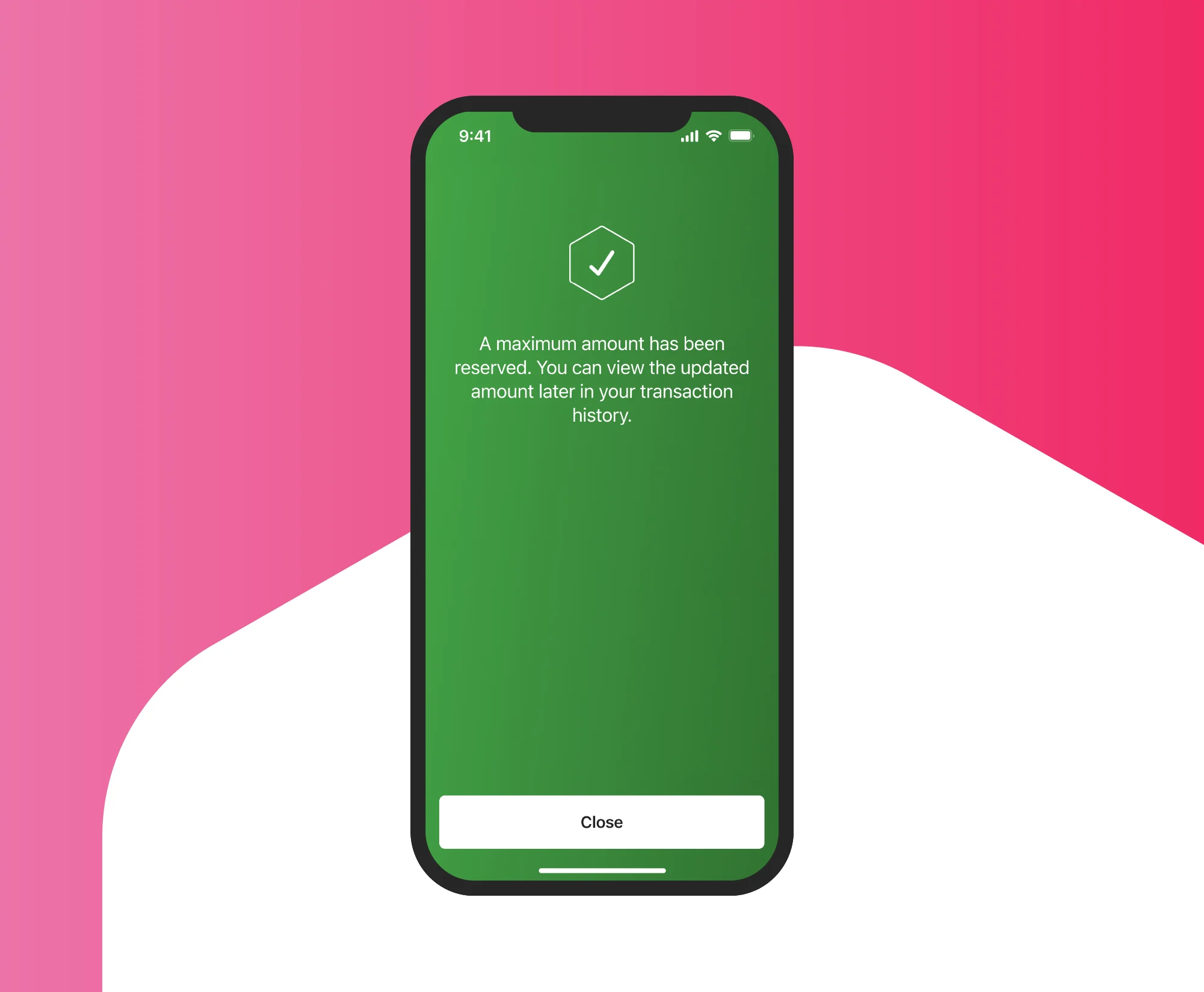
Confirm the payment and refuel or charge your vehicle. At some locations, you can set a maximum amount in the TWINT app.
-
Step
Get driving
Set off with peace of mind. You only pay for what you’ve refuelled or charged. The actual amount will be debited, and the reserved balance will be released automatically.

-
Step
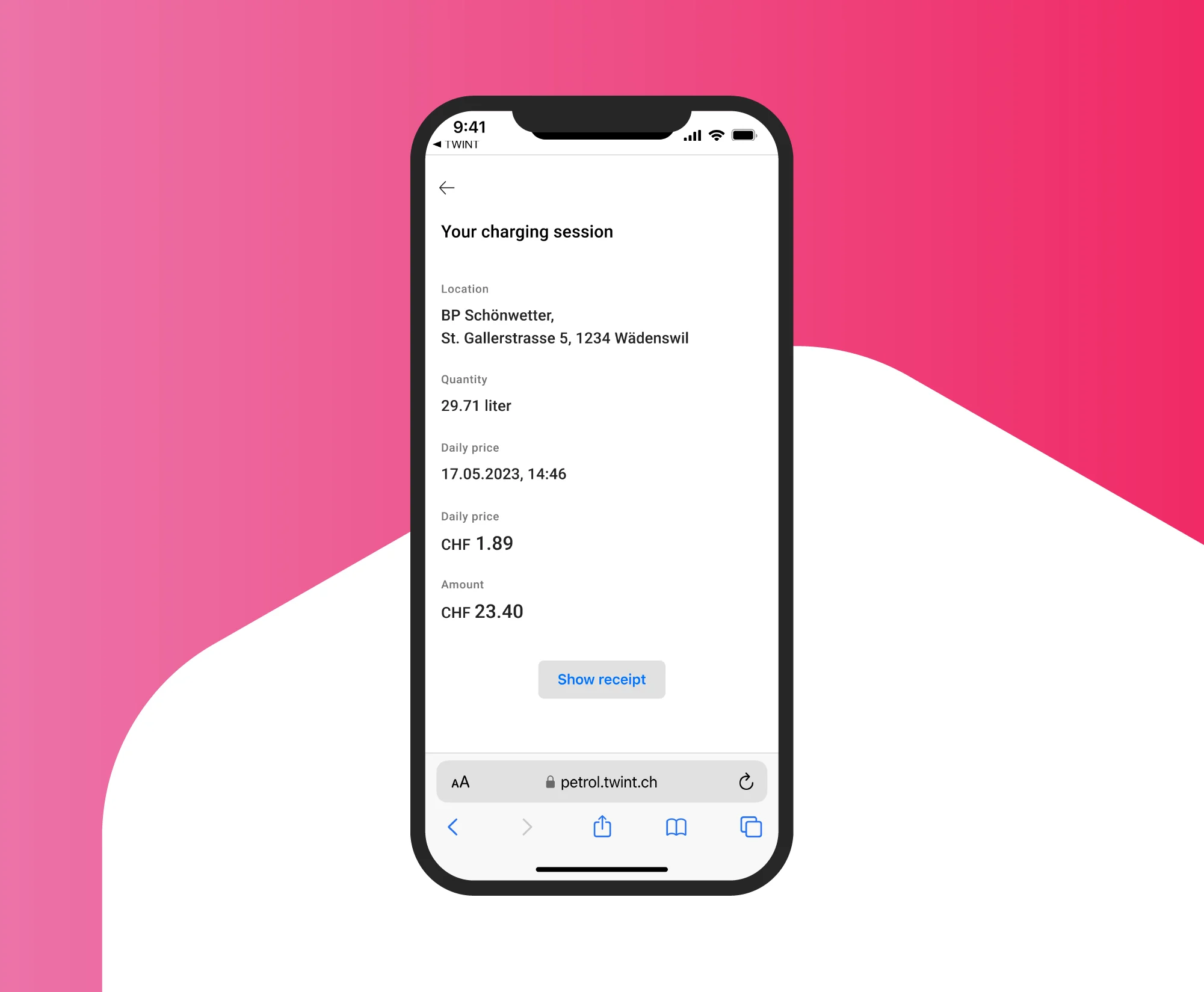
Check
You can find receipts for your refuelling or charging transactions in the transaction history of your TWINT app under “Details – show receipt”.
Refuelling or charging in the TWINT app
With TWINT, you can start refuelling or charging your car directly in your TWINT app.
-
Step
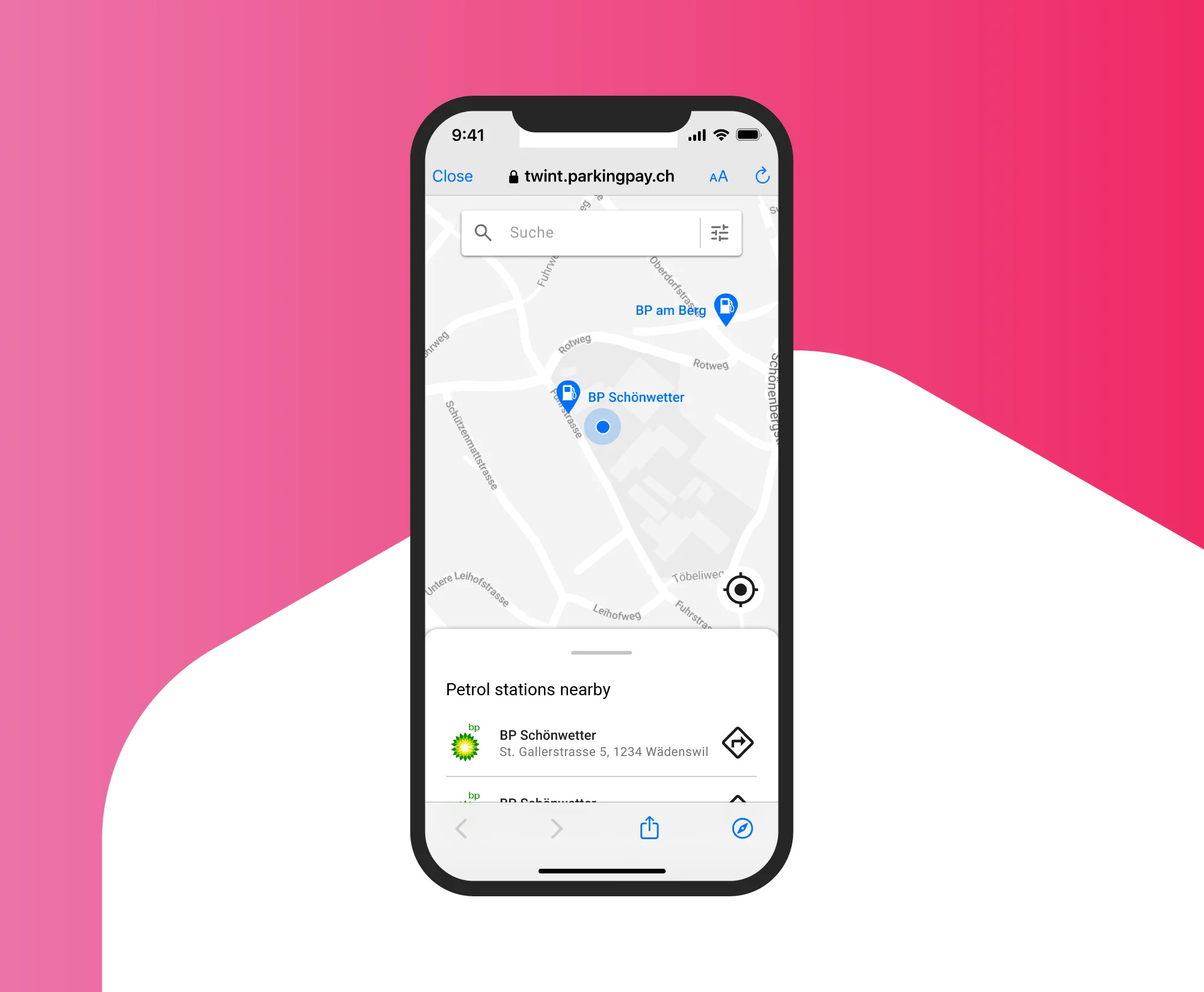
Open the app
Under “Partner functions”, tap “Refuel” and select a petrol station or charging station. To use this function, we need your location. Here’s how to share your location on your smartphone.
-
Step
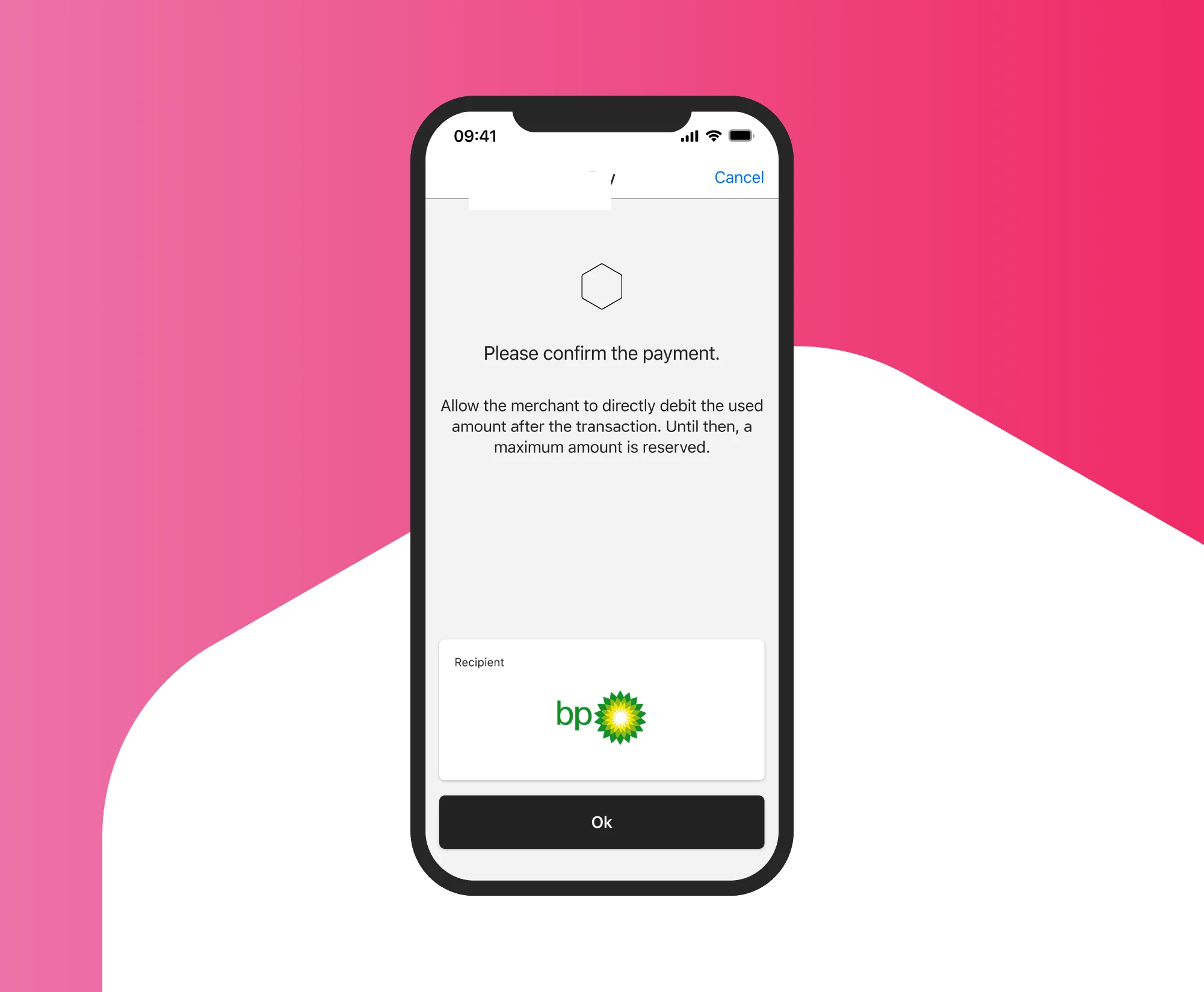
Confirm
Confirm the payment. The maximum amount will be reserved.
-
Step
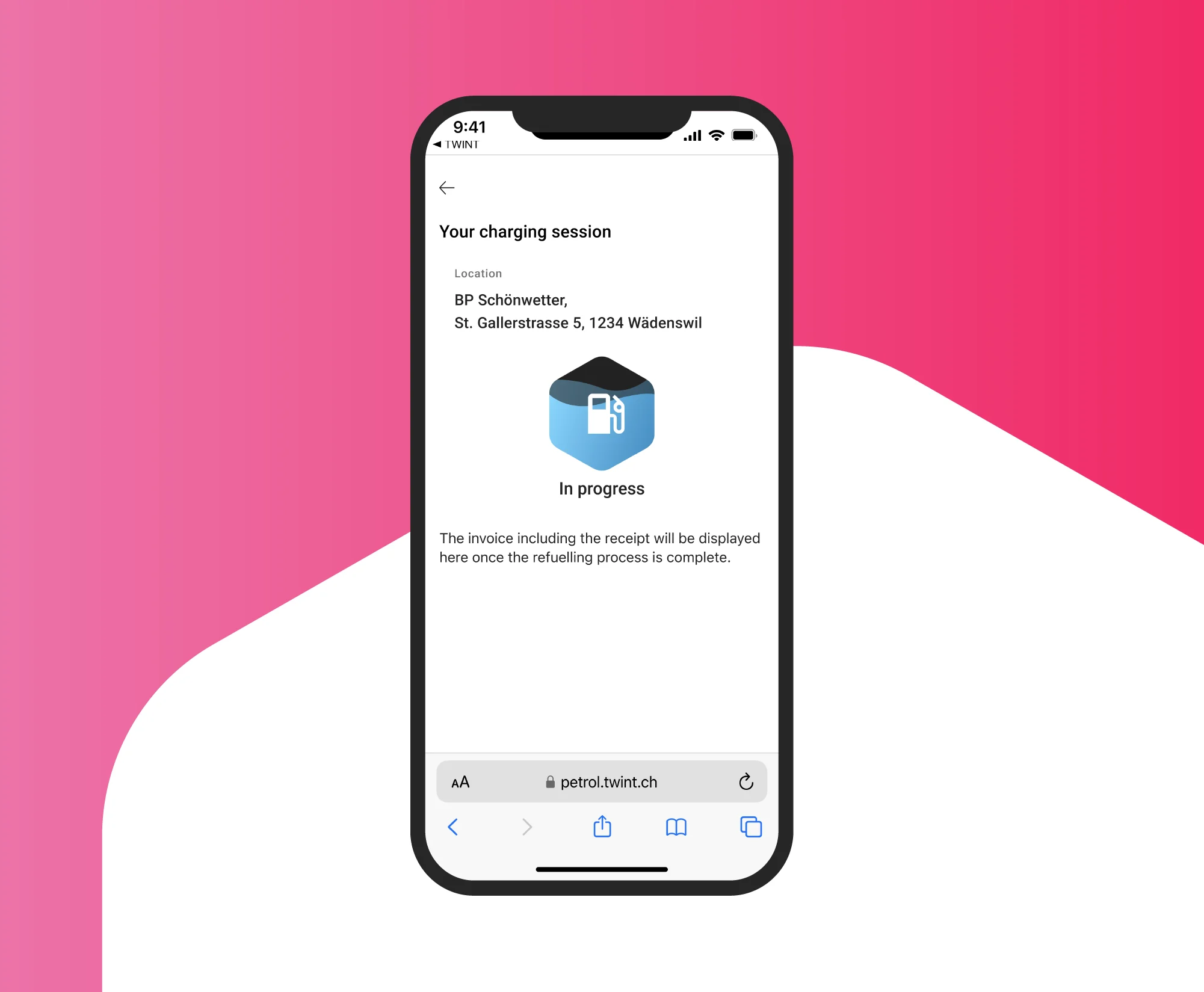
Refuel or charge
Start refuelling or charging your car. The actual amount will be debited, and the reserved balance will be released automatically.
Find petrol & charging stations
At many petrol stations and charging stations, you can pay quickly, easily and securely with TWINT. And this number is growing every day.

Support & FAQ
We’re happy to help. Here are our answers to the most frequently asked questions about refuelling and charging.