TWINT is looking for beta testers
Would you like to test the next version of the TWINT Prepaid App and help improve it by providing feedback? All you need is an Android or iOS smartphone with an activated Prepaid App and sufficient credit for purchases and payments.

Install the TWINT Prepaid app
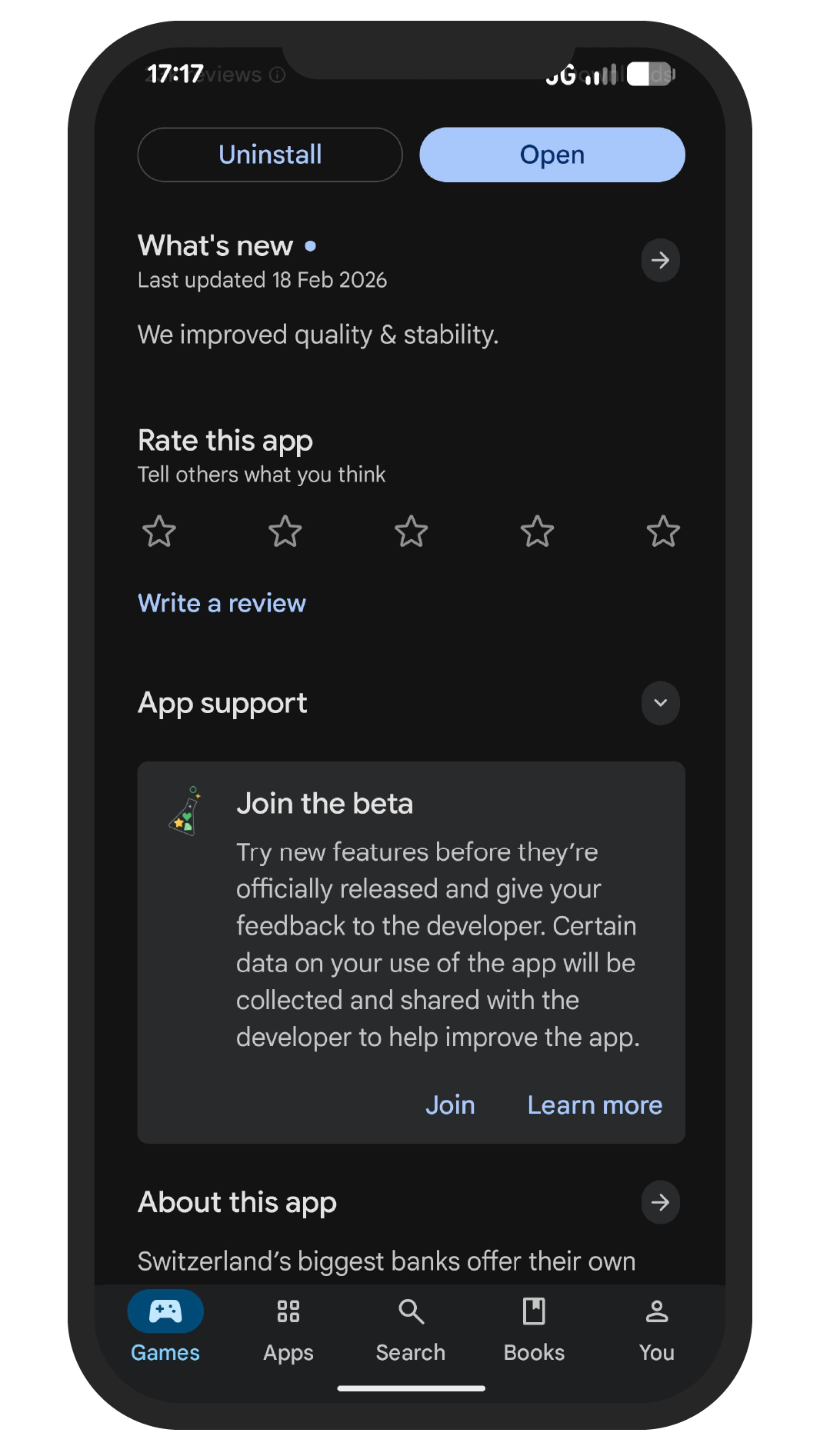
TWINT Prepaid app for Android
- In the Google Play Store, tap the profile icon in the top right corner
- First, select ‘Manage apps and devices’, then ‘Installed’
- Select the TWINT Prepaid app
- Under ‘Sign up for beta programme’, select ‘Join’
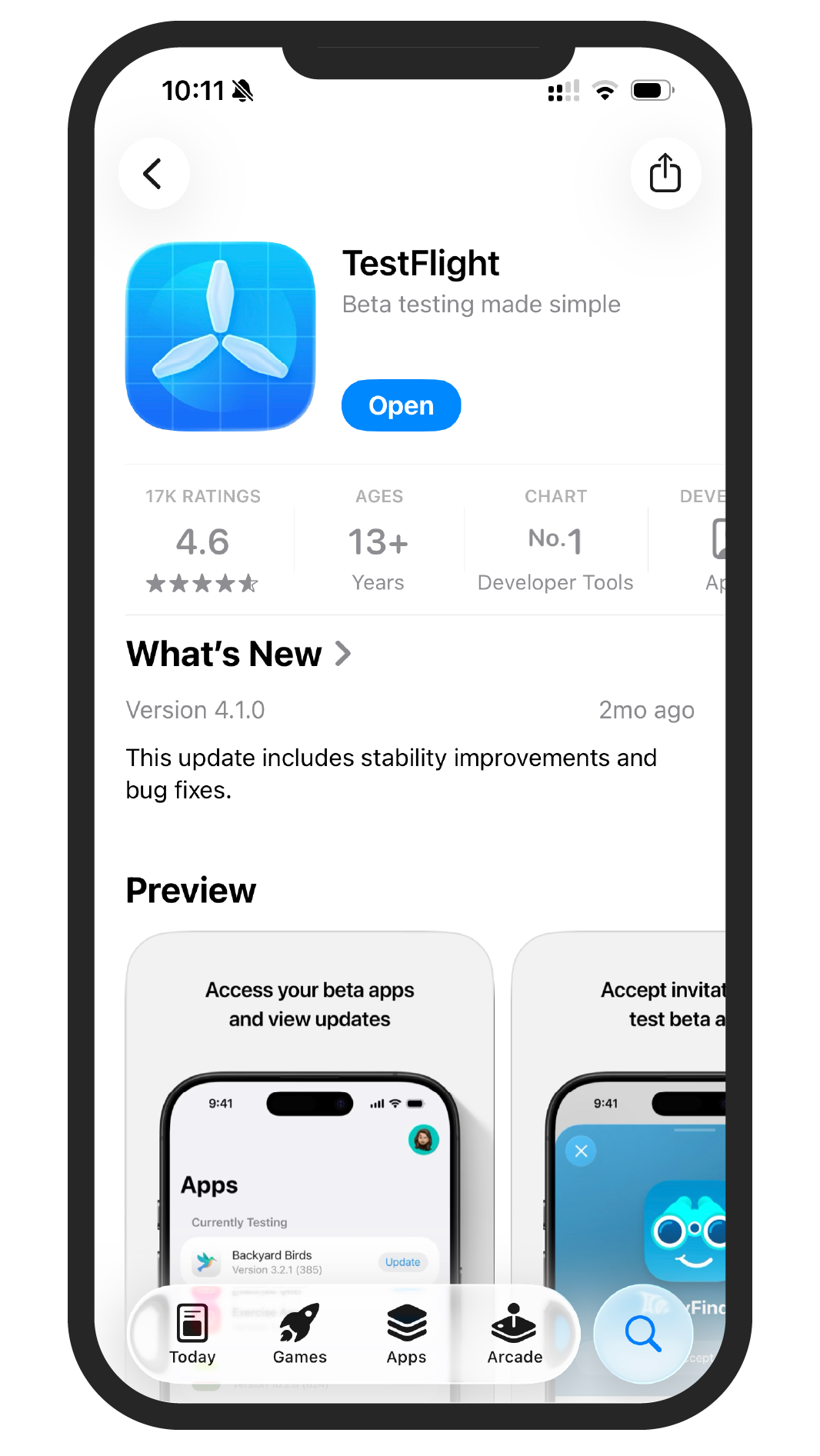
TWINT Prepaid app for iOS
- Download the TestFlight app from the App Store
- Tap on the invitation link in the email we send you
- Alternatively, enter the code from the email we send you
Download the TWINT app
Download the free TWINT app for iOS or Android now and start paying with your smartphone.
- Select your bank from the drop-down menu
- Scan the QR code with your smartphone camera
- Download the TWINT app for iOS or Android
- Set up the TWINT app and link it to your account
- ✓
- No banks found
No banks found
