Take payment with the TWINT payment link
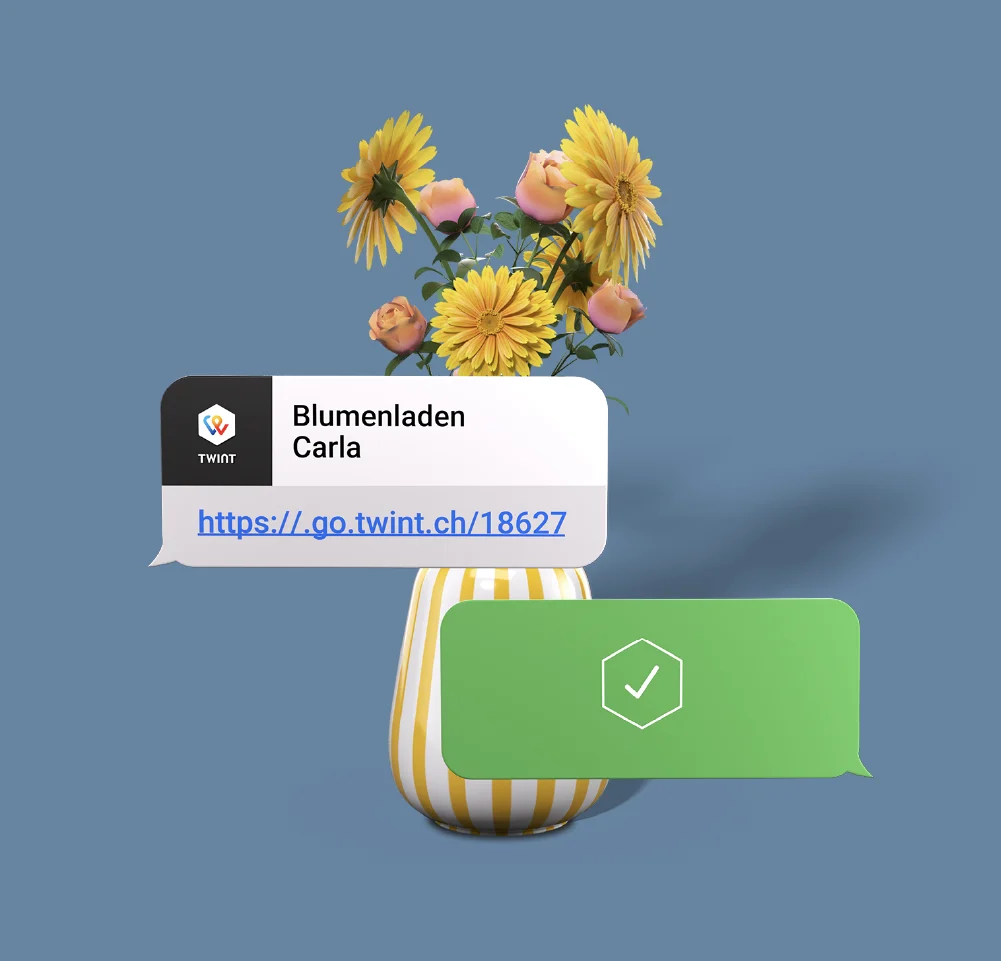
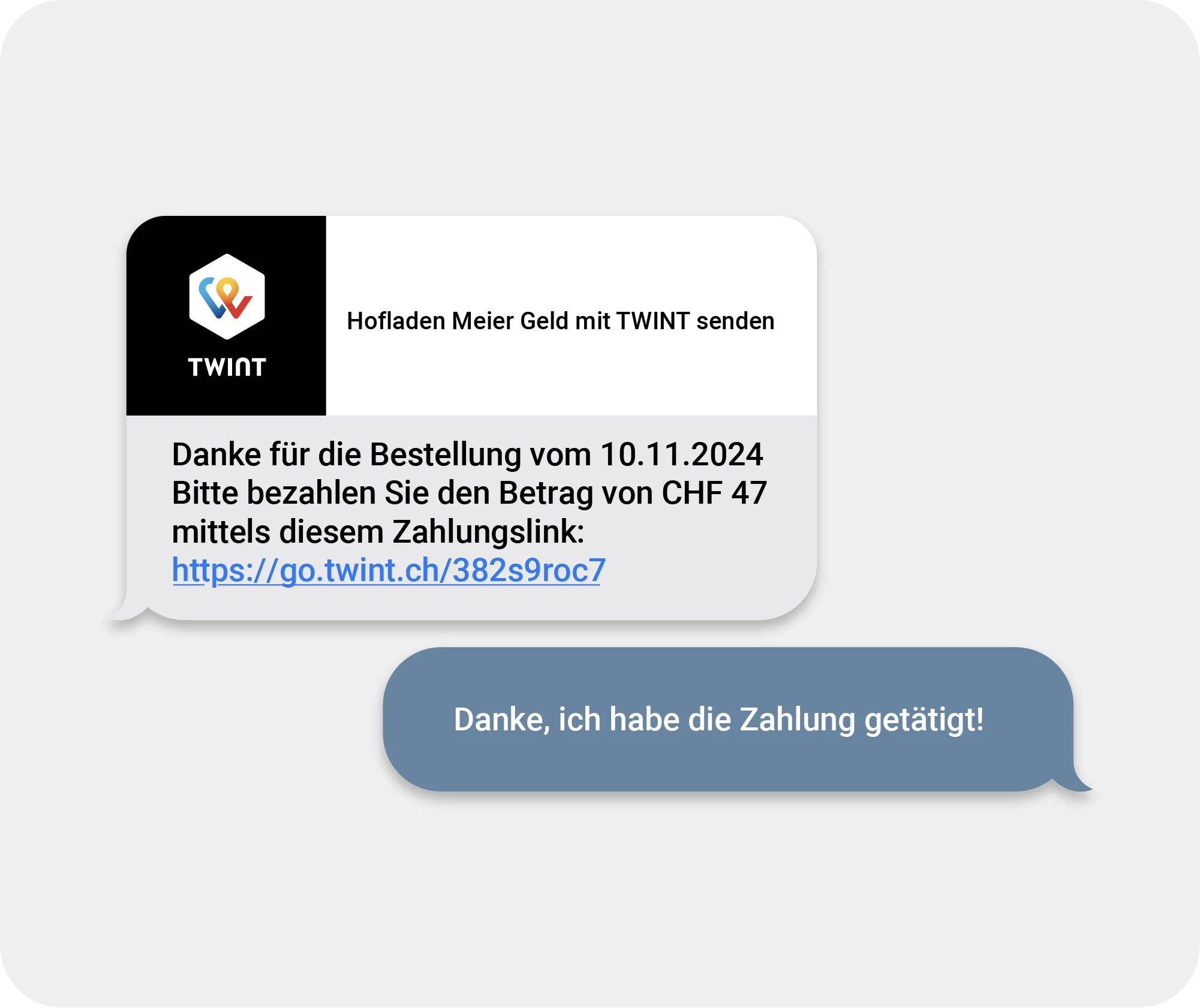
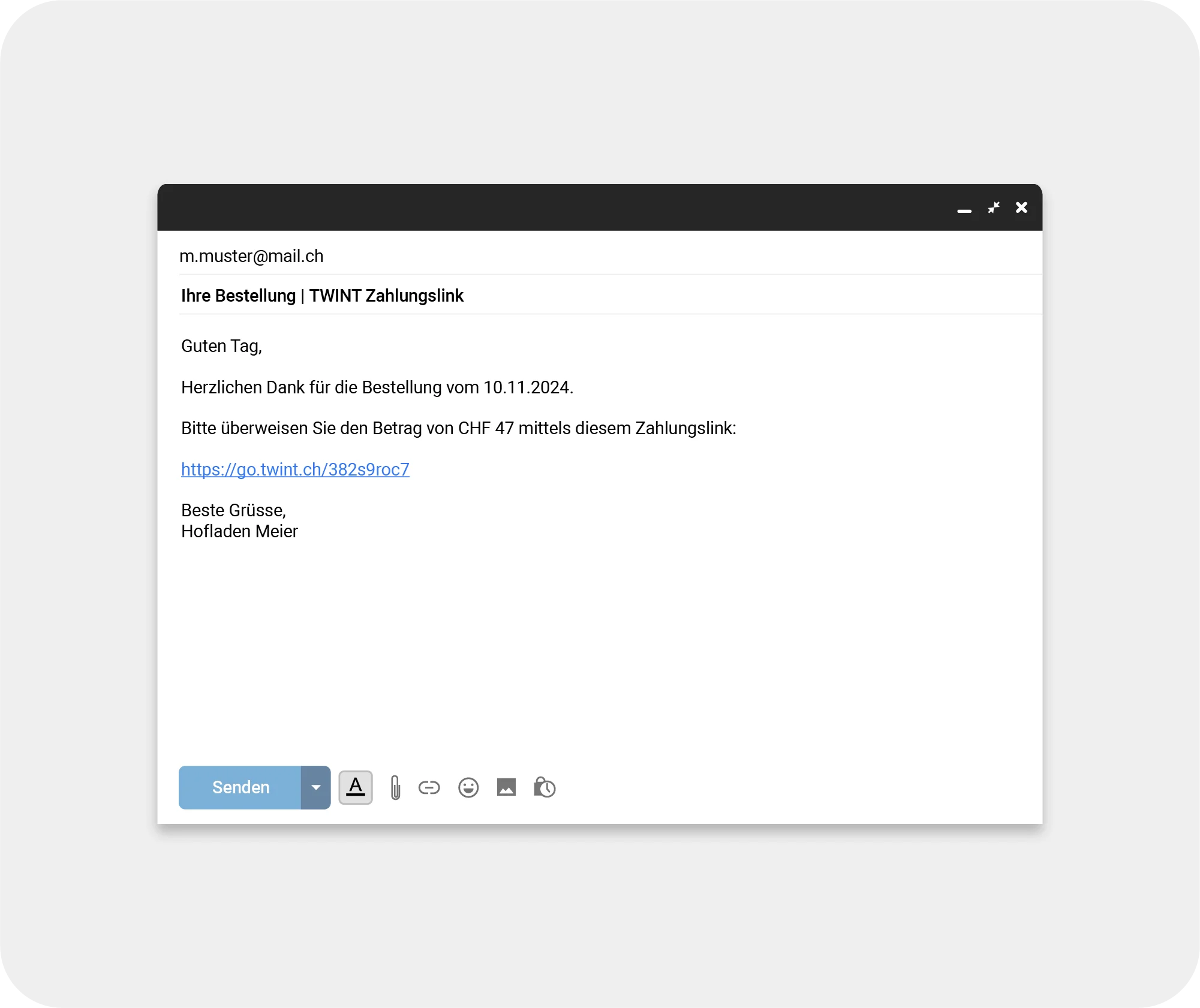
You don’t need an online shop to collect payments online. Say you’re selling your products via a newsletter – you can simply send your TWINT payment link in an e-mail. All your customers need to do is tap the link and pay with TWINT. Done.

Your benefits
The TWINT payment link is the simplest solution for fast payments in distance selling transactions.
You don’t need an online shop or any programming knowledge. It takes 5 minutes to register for the TWINT Business Portal. Once you have registered, you will be able to create and copy your payment link and send it via e-mail or messenger. When the customer clicks on it, the usual TWINT payment process will be initiated.
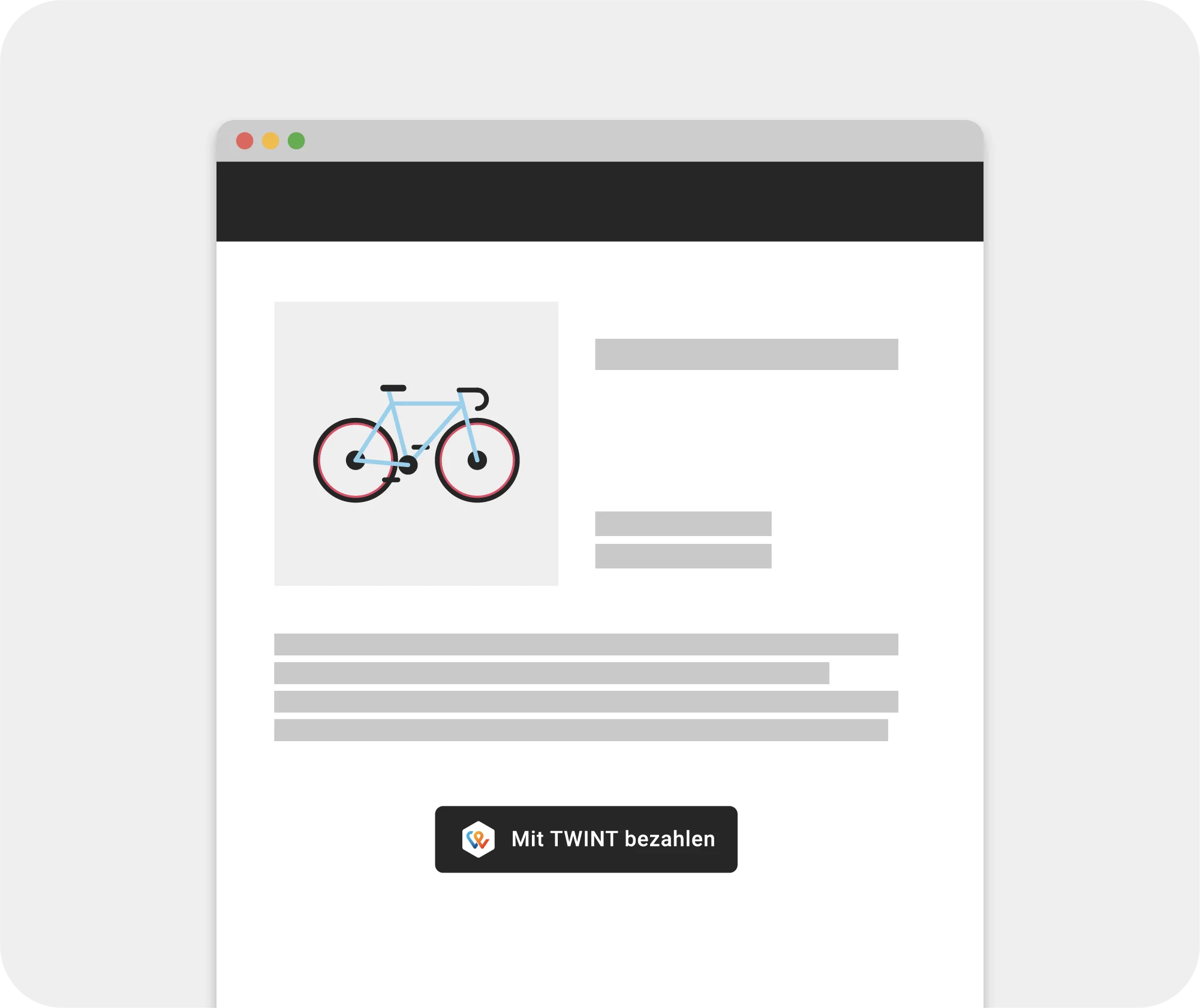
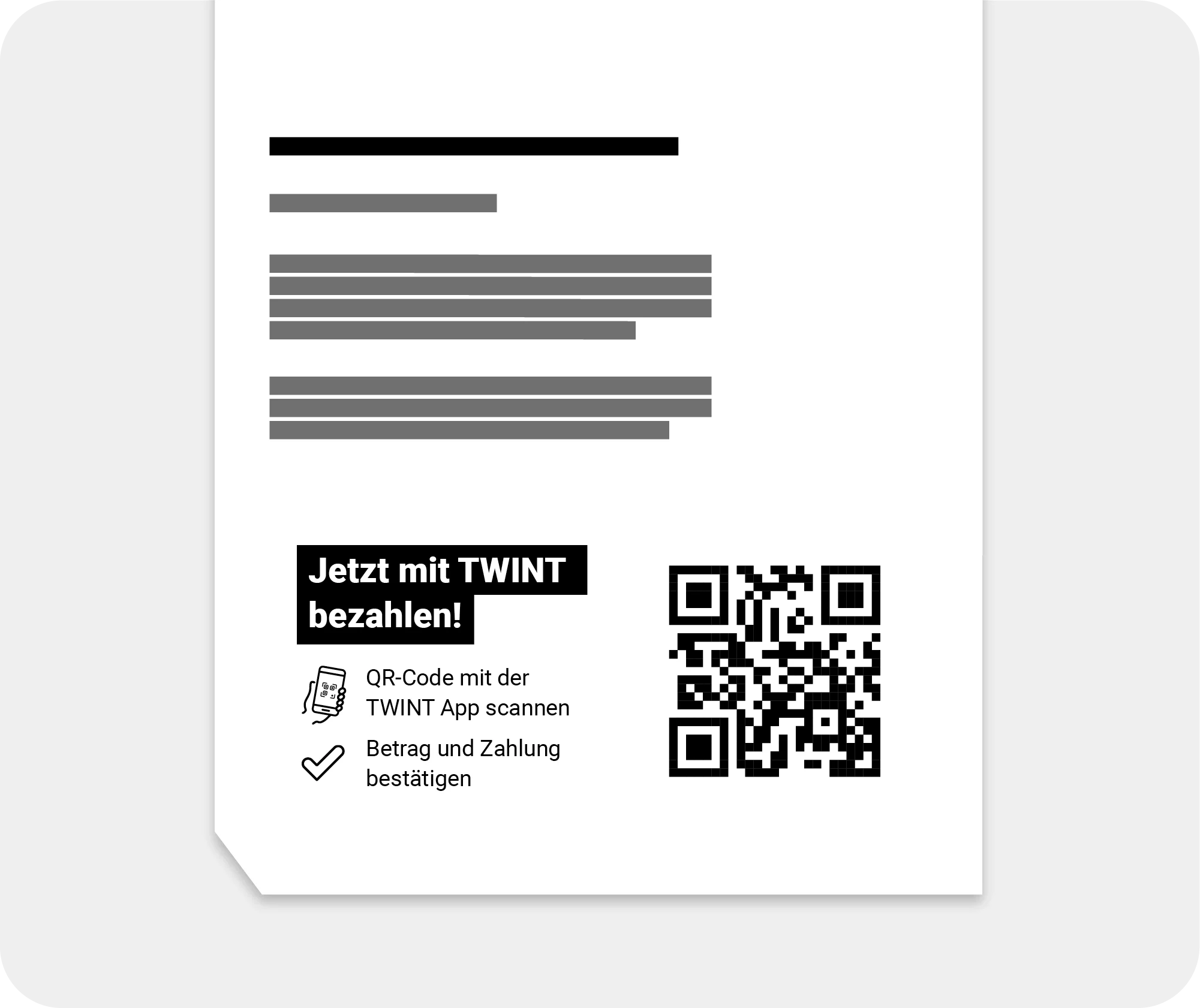
You can customise the TWINT payment link to suit your needs by sending it as a link, embedding it in the HTML code for a button on your website or generating a QR code for your printed materials. With the payment link, you can accept an unlimited number of payments and get instant notifications every time you’re paid.
With real-time push notifications, you’ll be notified immediately when a customer makes a payment. You can also check all payments in the TWINT Business Portal, even retrospectively. And because you now have less (or no) cash in the till, the risk of theft is low – your money is secure and will be credited directly to your account.
You don’t need an expensive terminal, and you won’t pay an activation fee or fixed monthly costs. With the TWINT payment link, you’ll pay 1.35% of the payment amount plus CHF 0.30 per payment. We’ll transfer your credit on a daily or weekly basis.
Your next steps
You’ll need access to the TWINT Business Portal to get your TWINT payment link.
-
Step
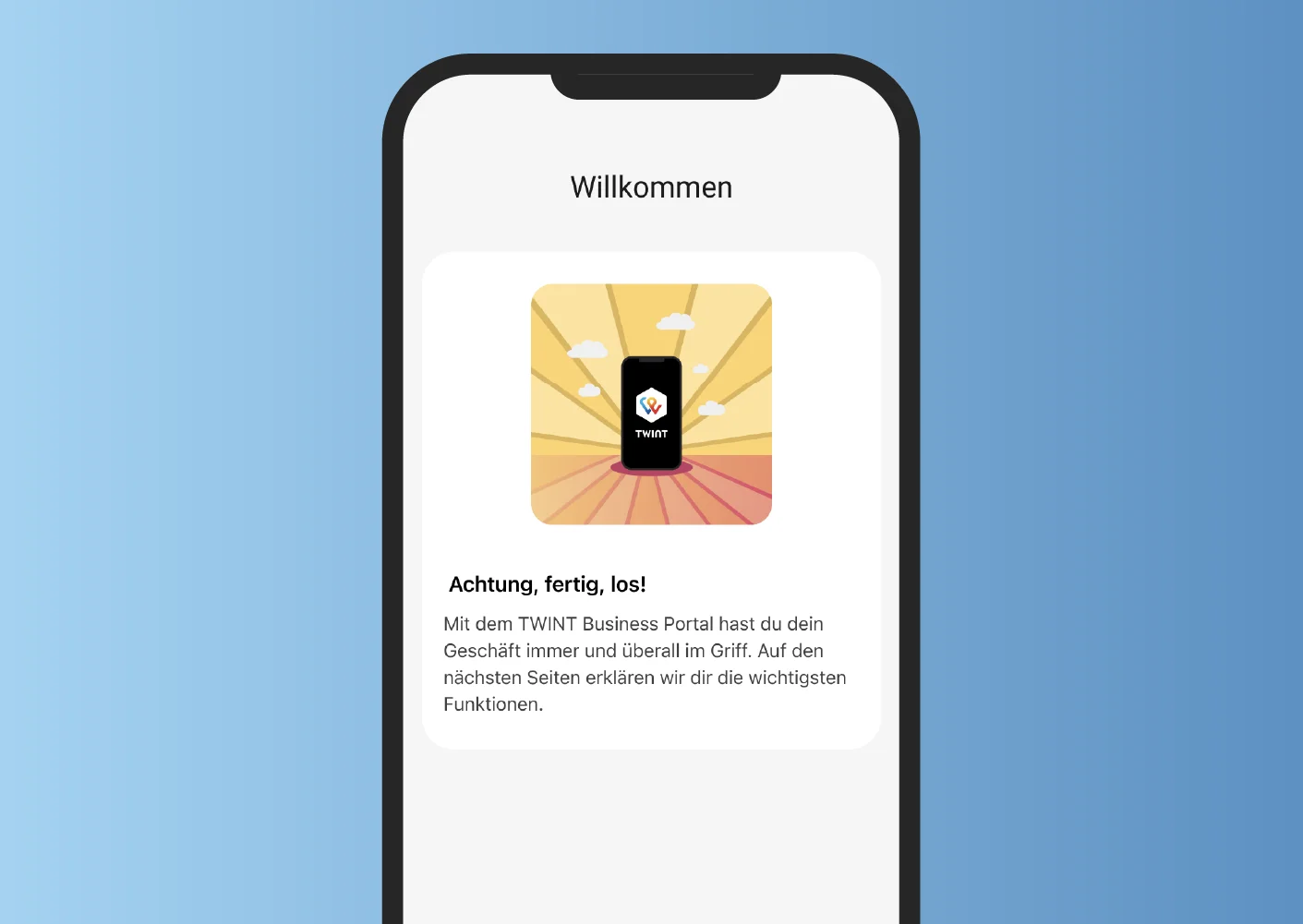
Log in
Log in to the TWINT Business Portal or register as a merchant if you don’t yet have access.
-
Step
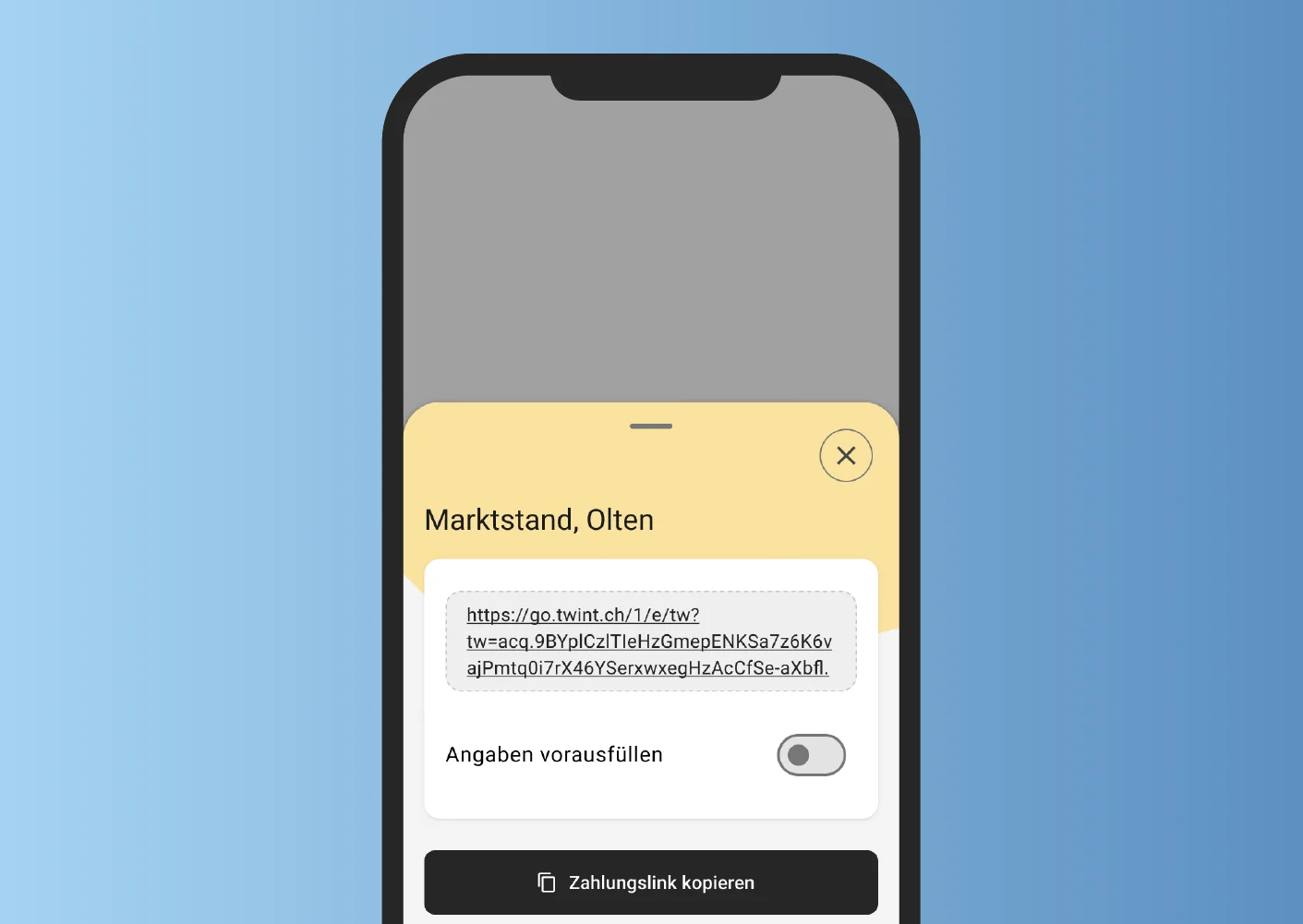
Create
Create your TWINT payment link in the TWINT Business Portal and share it in e-mails, messenger chats or PDF invoices – or generate a QR code for brochures and flyers.
-
Step
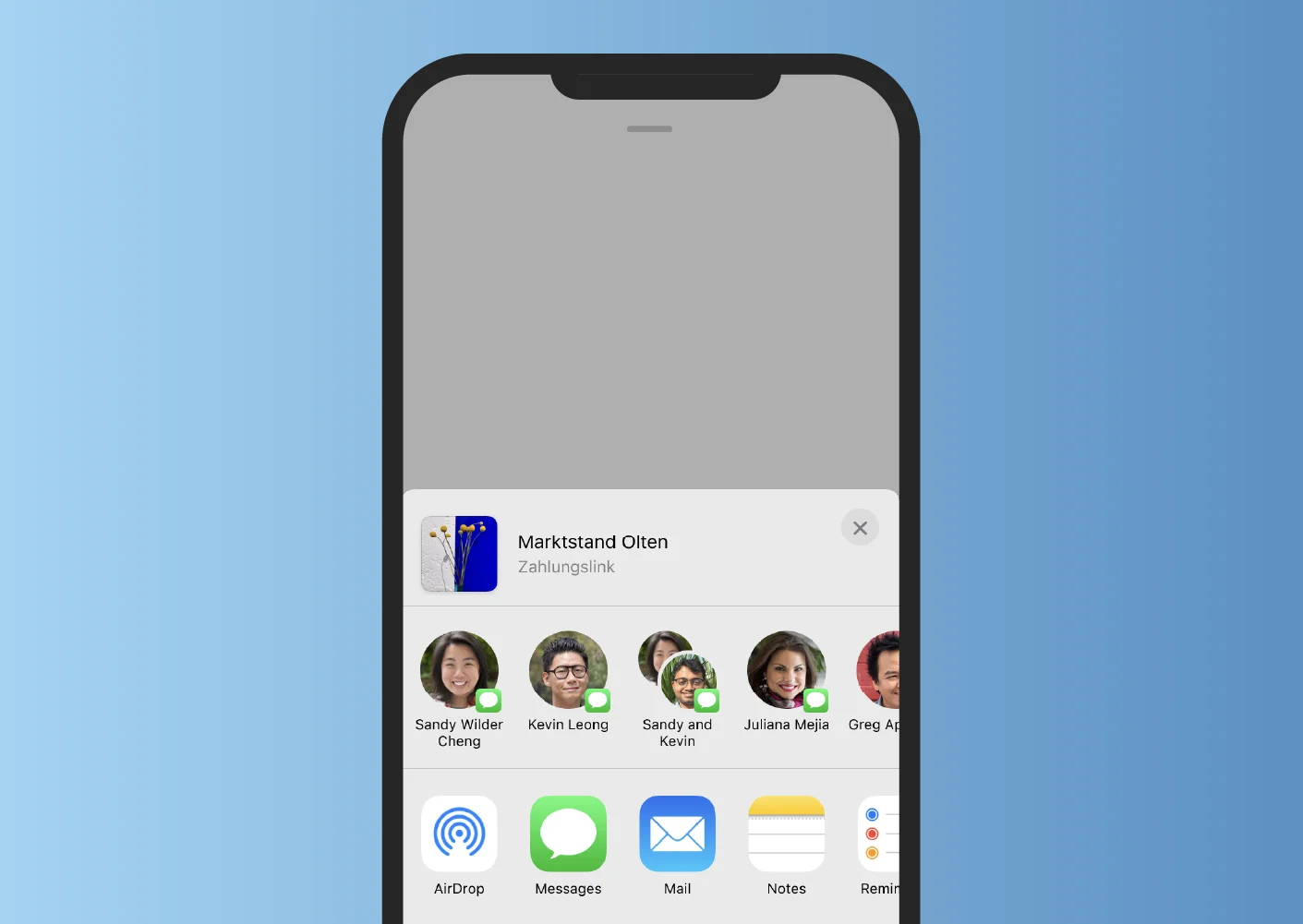
Share
Share your TWINT payment link and accept online payments without the need for an online shop.
TWINT Business Portal:
the control centre for your business
Make your company fit for the future: the TWINT Business Portal app ensures you always have control over your business transactions – no matter your location or the time. Whether you are using it on your computer, smartphone or tablet, the app notifies you in real time about incoming payments and provides you with key metrics. You can also easily manage your team and assign roles to employees.
Questions? Answers!
Do you have a question about the TWINT payment link? Maybe you’ll find the answer in our FAQ. If not, ask the TWINT Bot – it will be happy to help. Just tap or click on the bot icon at the bottom right.