More revenue without any extra work
With TWINT Express Checkout, you can offer your customers the shortest and quickest path to the checkout. What this means for your online shop: far fewer abandoned shopping baskets, more returning customers and a significant increase in sales.
Your benefits
6 million people use TWINT, the most popular payment app in Switzerland, on a regular basis.
The intuitive TWINT Express Checkout has been optimised for mobile devices and simplifies the order and payment processes. It takes just a few minutes to set up: Simply download the free plug-in for Magento, Shopware or WooCommerce and activate it. Your customers will then be able to skip the tedious registration process and pay seamlessly with TWINT – all with just one tap.
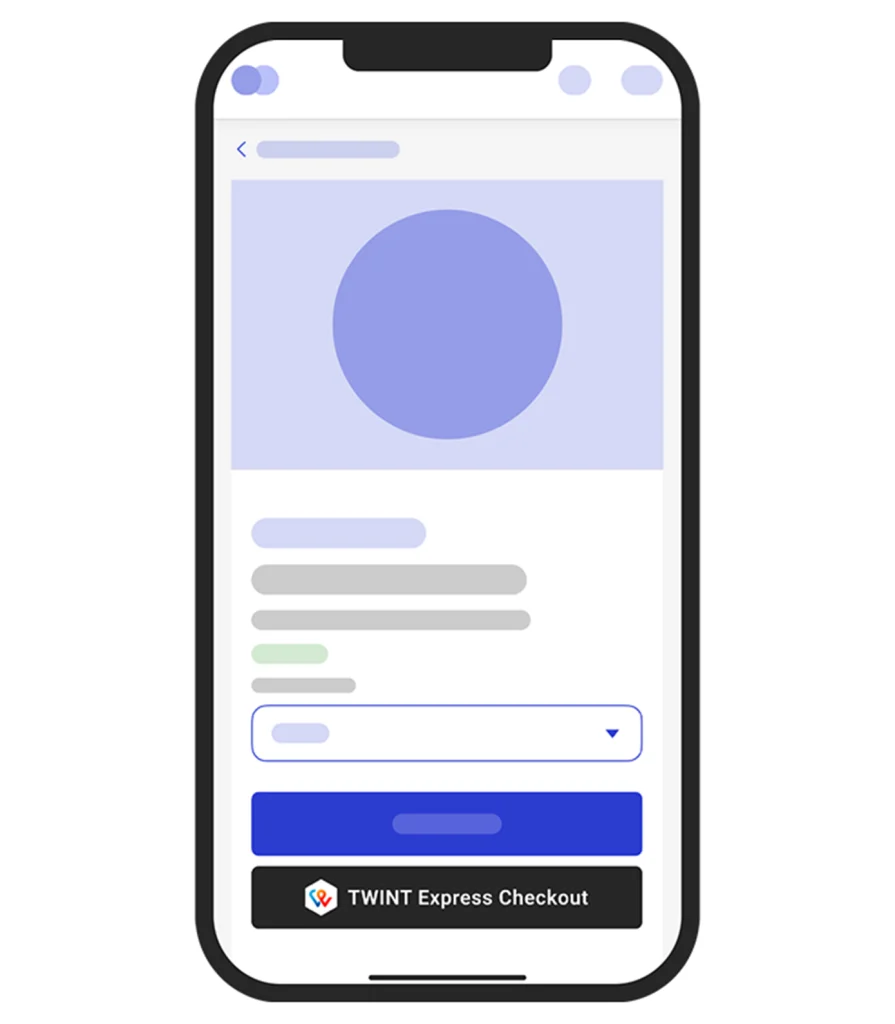
Add the TWINT Express Checkout button to the product web page so that your customers can skip the shopping basket page. Alternatively, you can add it to your shopping basket page to shorten the standard checkout process. It is best to provide both options. That way, you can offer your customers the right solution at the right time and make placing orders as convenient as possible for them.
Mobile shoppers expect maximum efficiency. Experience has shown that long forms cost sales. International studies confirm that Express Checkout options can increase the purchase completion rate by up to 35% because customers prefer the fast, direct route. So, set your shop apart from the competition with TWINT Express Checkout.
With TWINT, you benefit from great value for money when it comes to smartphone payments. You only pay a fixed percentage, regardless of the amount – there’s no minimum charge and no fixed fees. We believe in being upfront, which is why we provide transparent information about fees for TWINT transactions.
Your next steps
You’ll need access to the TWINT Business Portal to set up TWINT Express Checkout.
-
Step
Log in
Log in to the TWINT Business Portal or register as a merchant if you don’t yet have access. Select TWINT Express Checkout and follow our step-by-step instructions.
-
Step
Install plug-in
Download the free plug-in for your shop system via Git Repository and follow our step-by-step installation instructions for Magento, Shopware or WooCommerce.
-
Step
Activate
Activate the TWINT Express Checkout button in your shop and choose where it should be displayed – on the product details page, the shopping basket page or ideally in both locations.
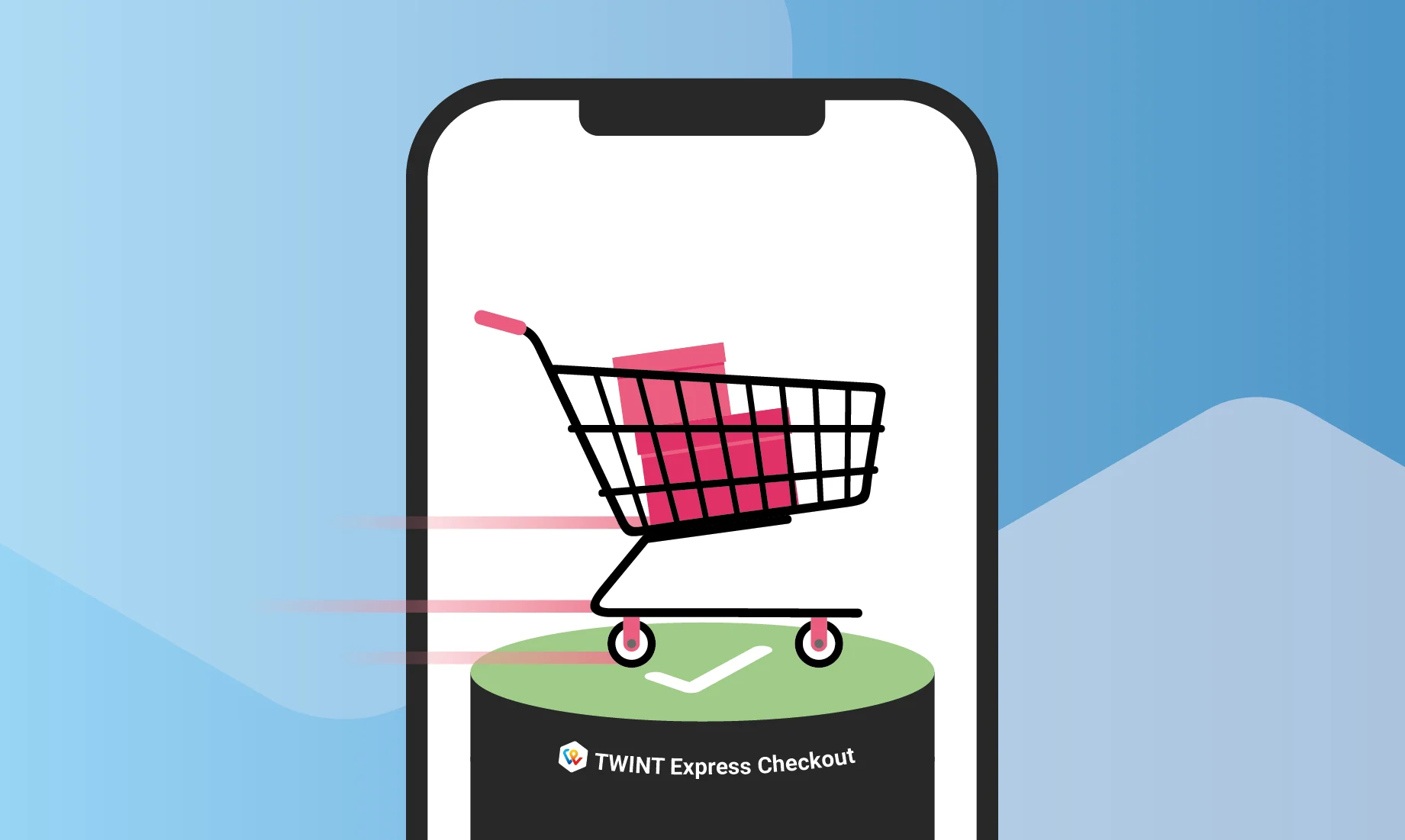
More sales, fewer abandoned shopping baskets
Make the path to the checkout as short as possible. TWINT Express Checkout simplifies order and payment processes considerably, directly increasing your purchase completion rate.
Not sure whether the plug-in can be integrated into your shop system? Have a general question? Complete the online form for a quick, non-binding assessment.
Questions? Answers!
Do you have a question about TWINT Express Checkout? Maybe you’ll find the answer in our FAQ. If not, ask the TWINT Bot – it will be happy to help. Just tap or click on the bot icon at the bottom right.