Collecting payments
6 million people twint regularly, using TWINT to pay small or large amounts. Whether you use a POS system, a payment terminal or neither, the TWINT QR code allows you to collect payments quickly, easily and securely.
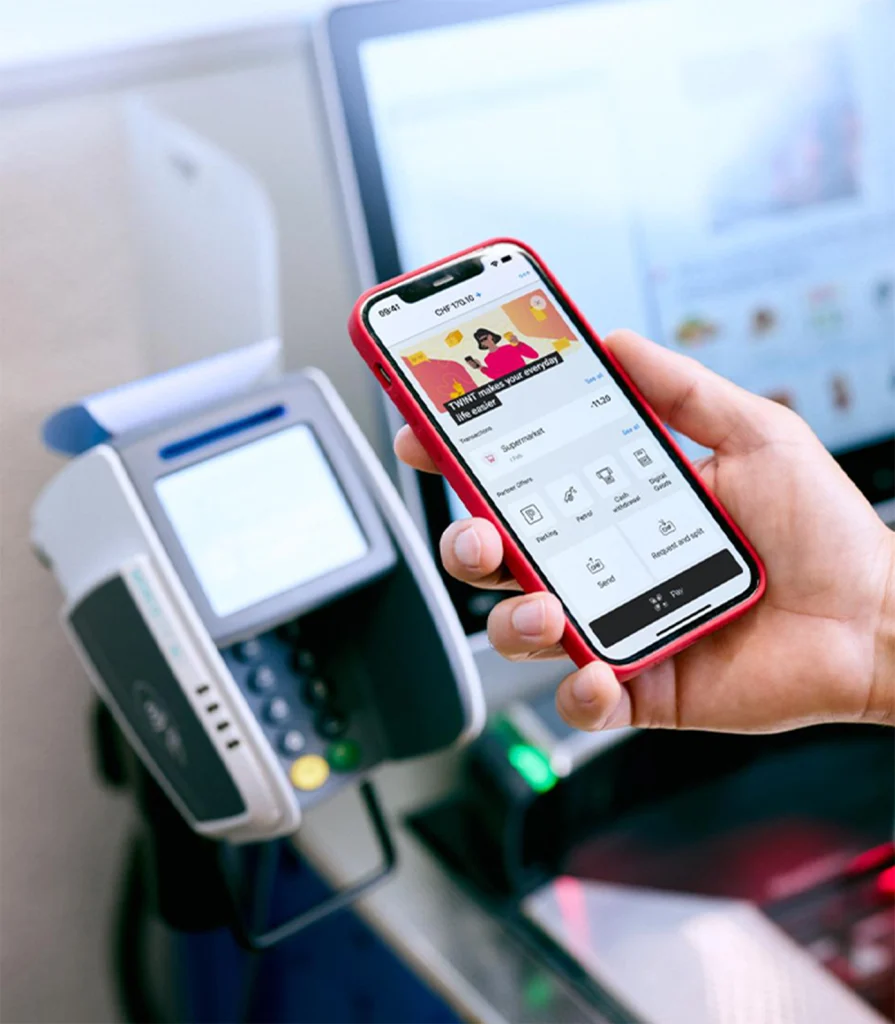
Modern payment processing
TWINT has the perfect solution for every business. Small or large amounts, with or without a payment terminal, in the same place or somewhere different every day – TWINT makes it easy to collect payments.


TWINT Business Portal:
the control centre for your business
Get your company fit for the future: the TWINT Business Portal app gives you control of your business anytime and anywhere. Whether it’s on your computer, smartphone or tablet, the app notifies you in real time about incoming payments and provides you with important key figures. It also makes it easy to manage your team and assign roles to employees.
Register first, then collect payments
If you want to use TWINT to collect payments, you need to register as a merchant.
-
Step
Register
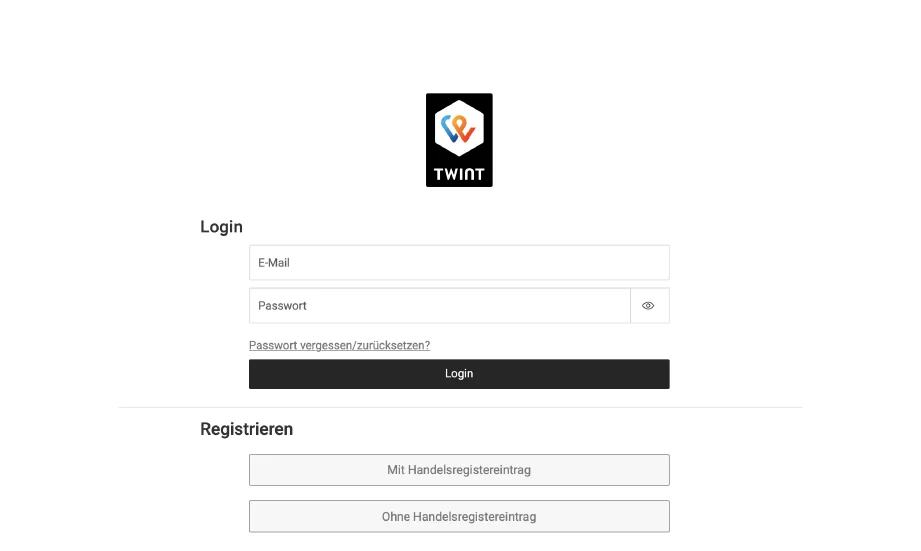
Register as a merchant if you have not already done so. You don’t need to be entered in the Commercial Register.
-
Step
Download
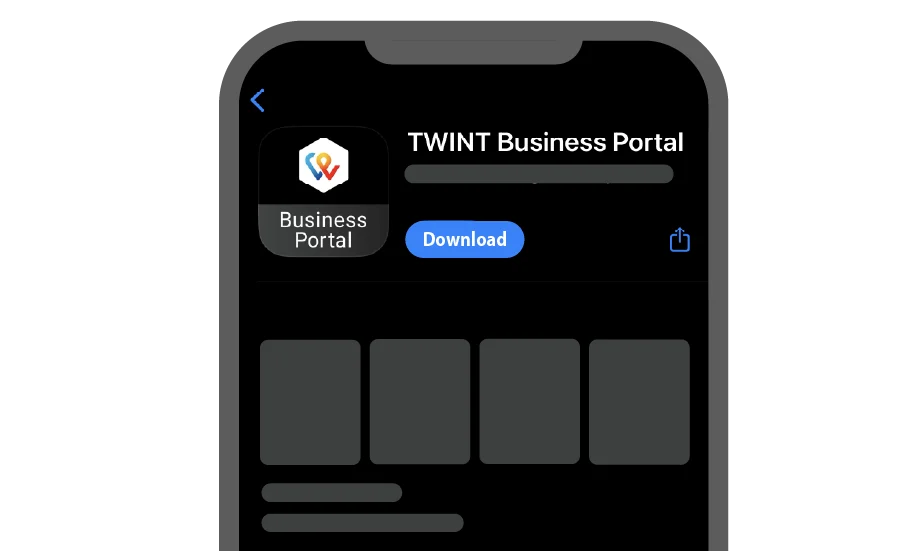
As soon as you have registered your business, you can download the TWINT Business Portal app for Android or iOS. This is the control centre for your business and all TWINT transactions.
-
Step
Select
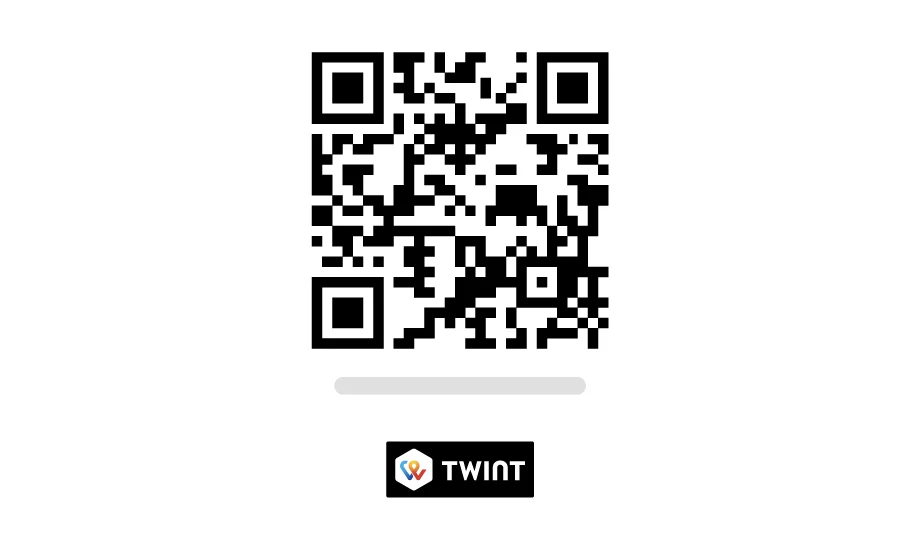
In the TWINT Business Portal, you can select your payment solutions, create and download your TWINT QR code or order your TWINT QR code stickers.
Questions?
Answers!
Do you have a question about using TWINT to collect payments in person? You may well find the answer in our FAQs. If not, ask the TWINT Bot – it will be happy to help. Just tap or click on the bot icon at the bottom right.