Activate TWINT on your payment terminal
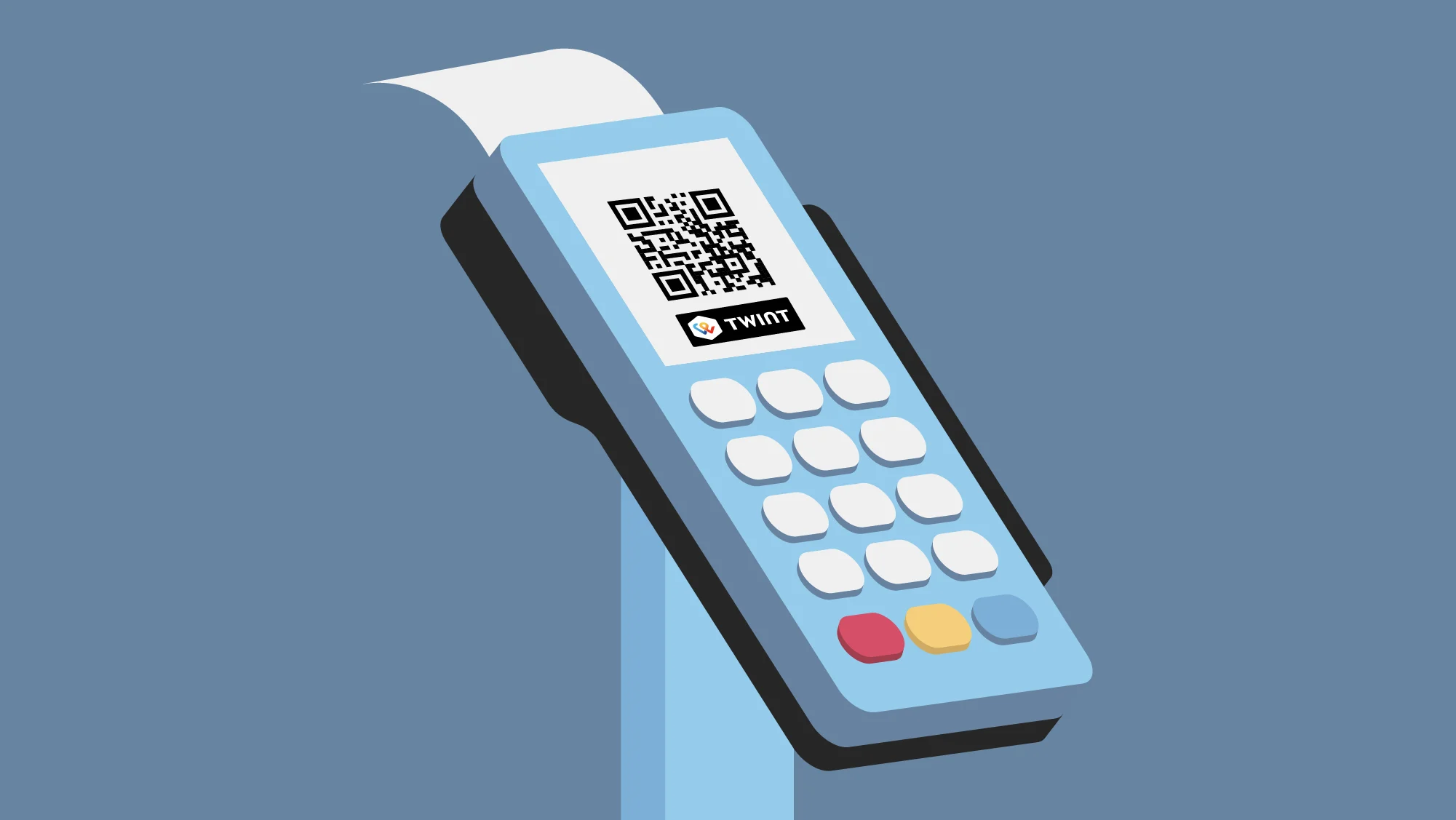
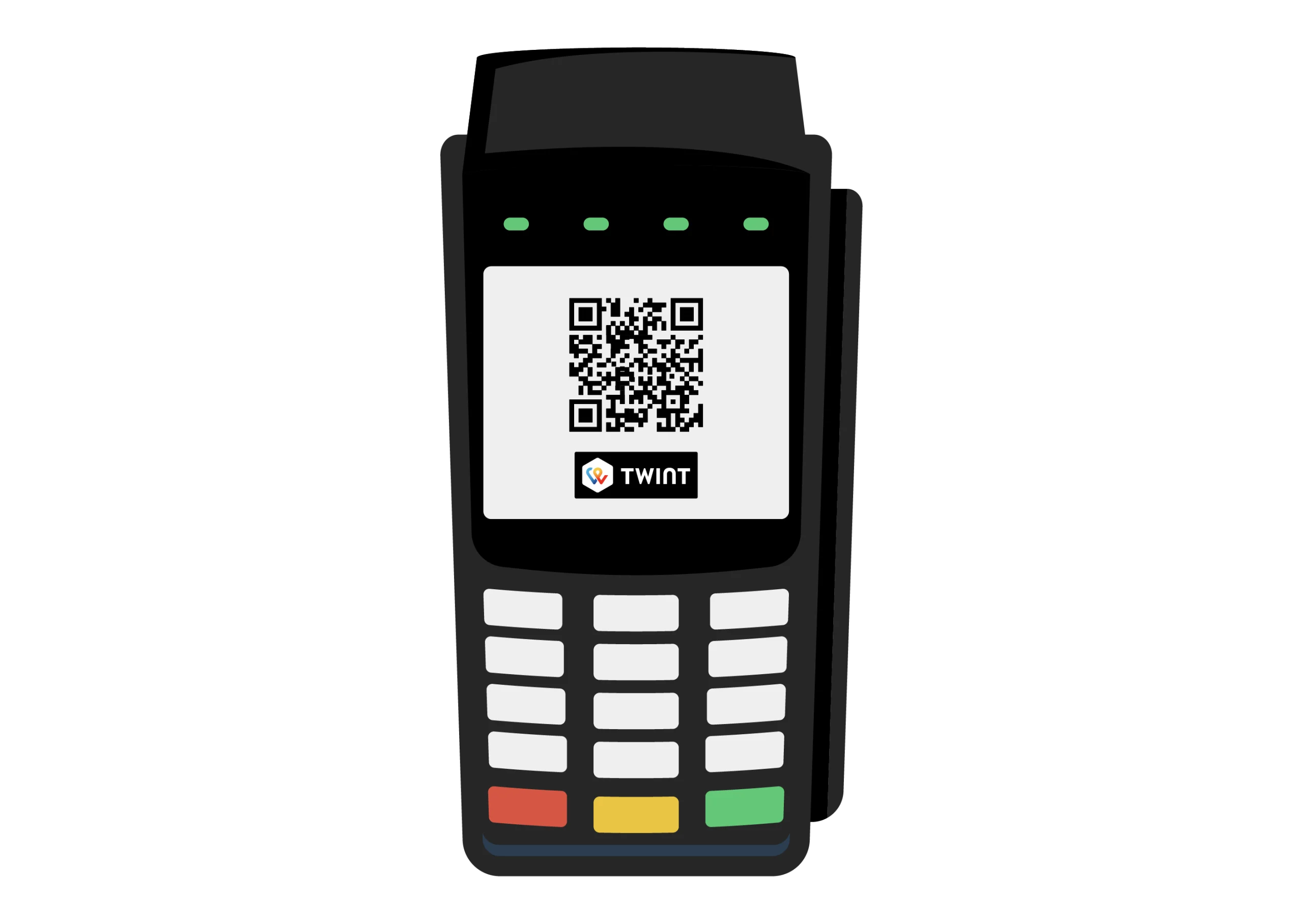
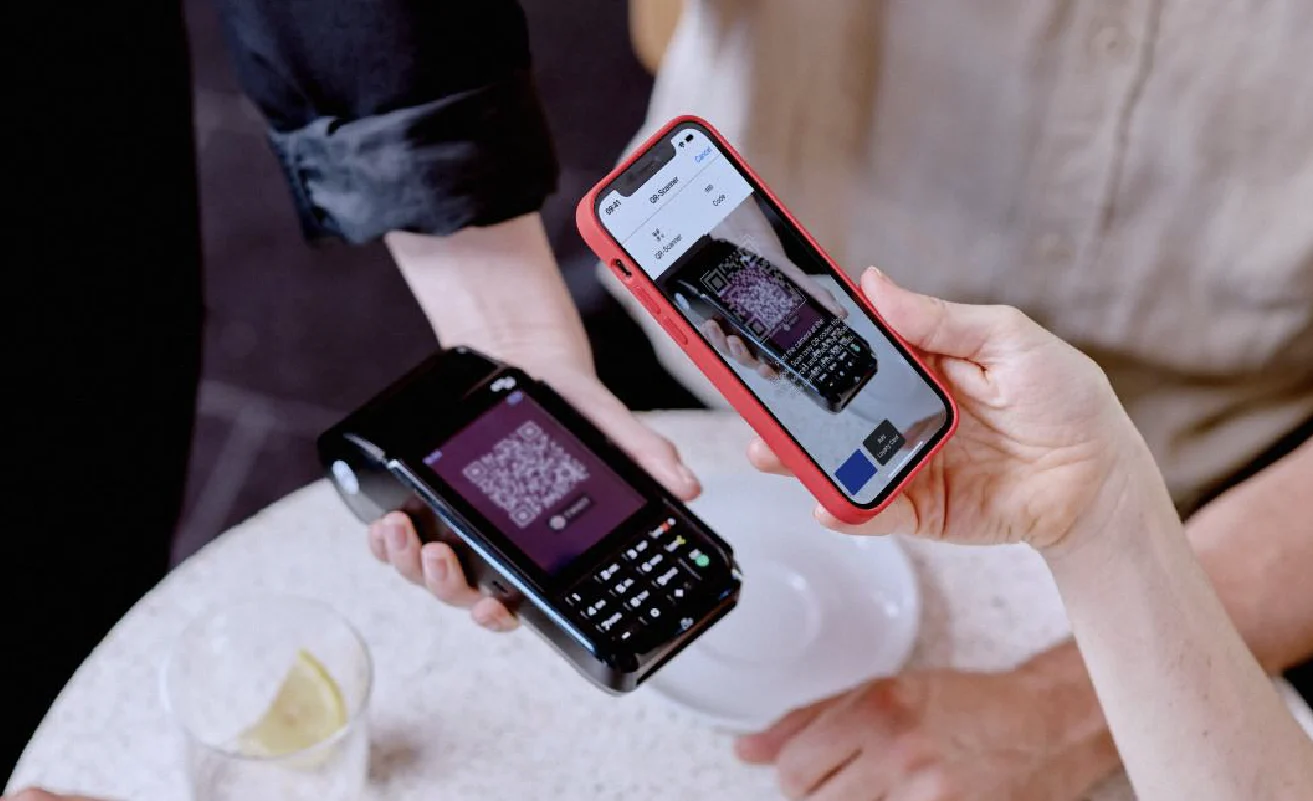
More than 6 million people pay regularly with TWINT®, including at the checkout. With Switzerland’s most popular payment app, all your customers need to do is scan the QR code on the payment terminal to pay using their smartphone in no time at all.

Your benefits
More and more people are paying with TWINT. It’s simple, quick and secure – for them and for you.
You can activate TWINT on many common payment terminals. All you need to do is head to the TWINT Business Portal and register or log in and ask your payment service provider (acquirer) to enable TWINT as a payment option. As soon as TWINT is activated, you can start accepting mobile, contactless payments – for small and large amounts.
With real-time push notifications, you’ll be notified immediately when a customer makes a payment. You can also check all payments in the TWINT Business Portal, even retrospectively. Since you’ll have less (or no) cash in the cash register, the risk of theft is low – your money is secure and will be credited directly to your account.
With TWINT, all your customers need to do is scan the QR code on your payment terminal and confirm the payment – that’s it. The process is so quick that there’s no time for queues to build up at the checkout, and it’s even faster if your customers have installed the handy TWINT widget for iOS or the Android tile. Either way, your money will be in your account the next day.
With TWINT, you benefit from great value for money when it comes to smartphone payments. You only pay a fixed percentage, regardless of the amount – there’s no minimum charge and no fixed fees. We believe in being upfront, which is why we provide transparent information about fees for TWINT transactions.
Your next steps
You’ll need a payment service provider, a payment terminal and access to the TWINT Business Portal.
-
Step
Select
Contact your payment service provider (acquirer). Alternatively, if you don’t yet have a payment terminal, choose one that offers TWINT® as a payment option and buy or rent a suitable model.

-
Step
Log in
Log in to the TWINT Business Portal or register as a merchant if you don’t yet have access.
Illustration der TWINT Business Portal App -
Step
Activate
Activate TWINT on your payment terminal and start taking payments easily, securely and quickly with TWINT.
Payment service providers and
payment terminals for TWINT
-

Payment service providers
These payment service providers (acquirers) can integrate TWINT into your payment terminal:
-
Payment terminals
These manufacturers sell or rent TWINT compatible payment terminals:
With Worldline’s Tap on Mobile, you can turn your smartphone into a mobile payment terminal – perfect for taking payments on the go or as a second terminal.
To take payments without a terminal, we recommend the TWINT QR code sticker.
TWINT Business Portal:
the control centre for your business
Make your company fit for the future: the TWINT Business Portal app ensures you always have control over your business transactions – no matter your location or the time. Whether you’re using it on your computer, smartphone or tablet, the app notifies you in real time about incoming payments and provides you with key metrics. You can also easily manage your team and assign roles to employees.
Questions?
Answers!
Got a question? Maybe you’ll find the answer in our FAQ. If not, ask the TWINT Bot – it will be happy to help. Just tap or click on the bot icon at the bottom right.