Collect payments with the TWINT QR code
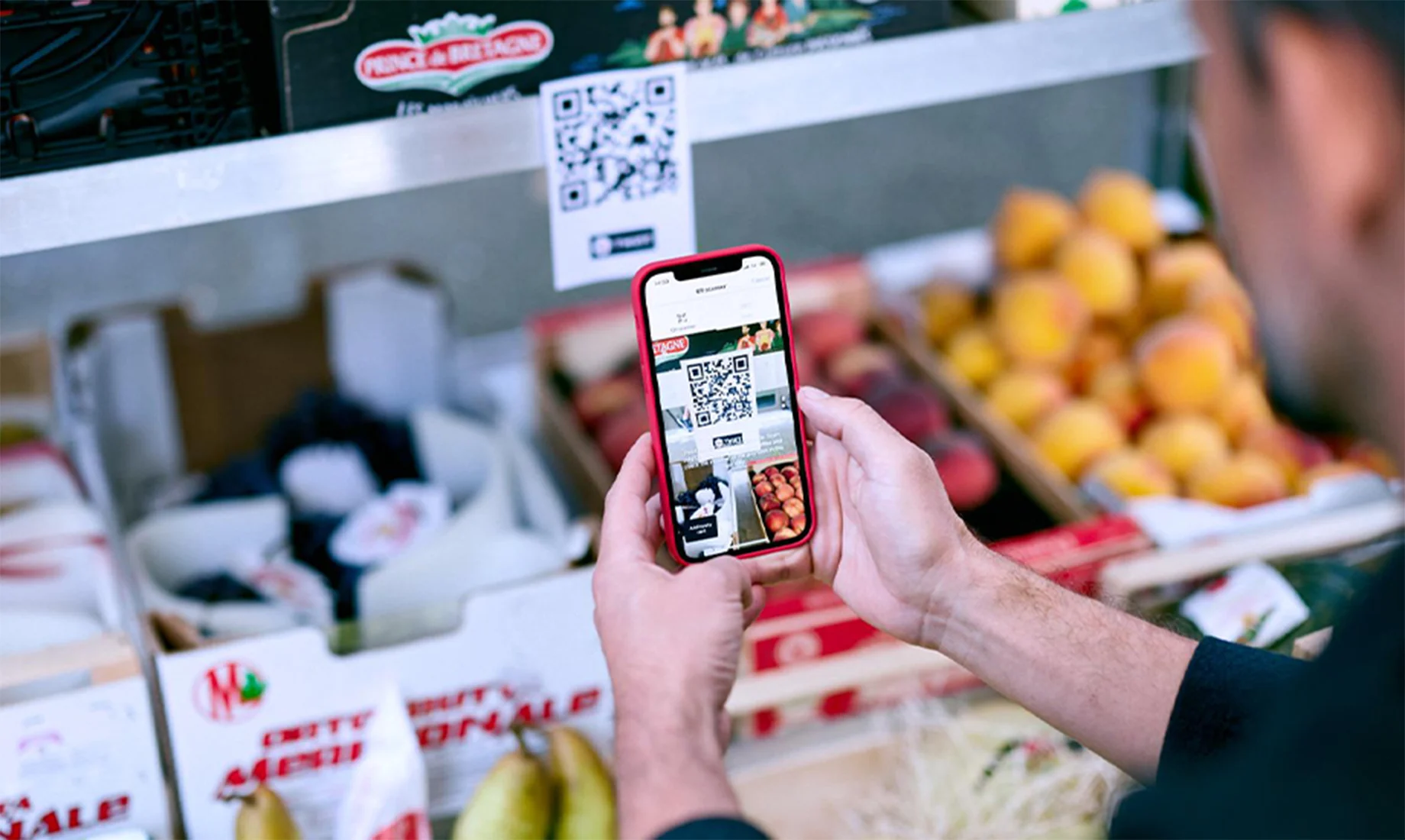
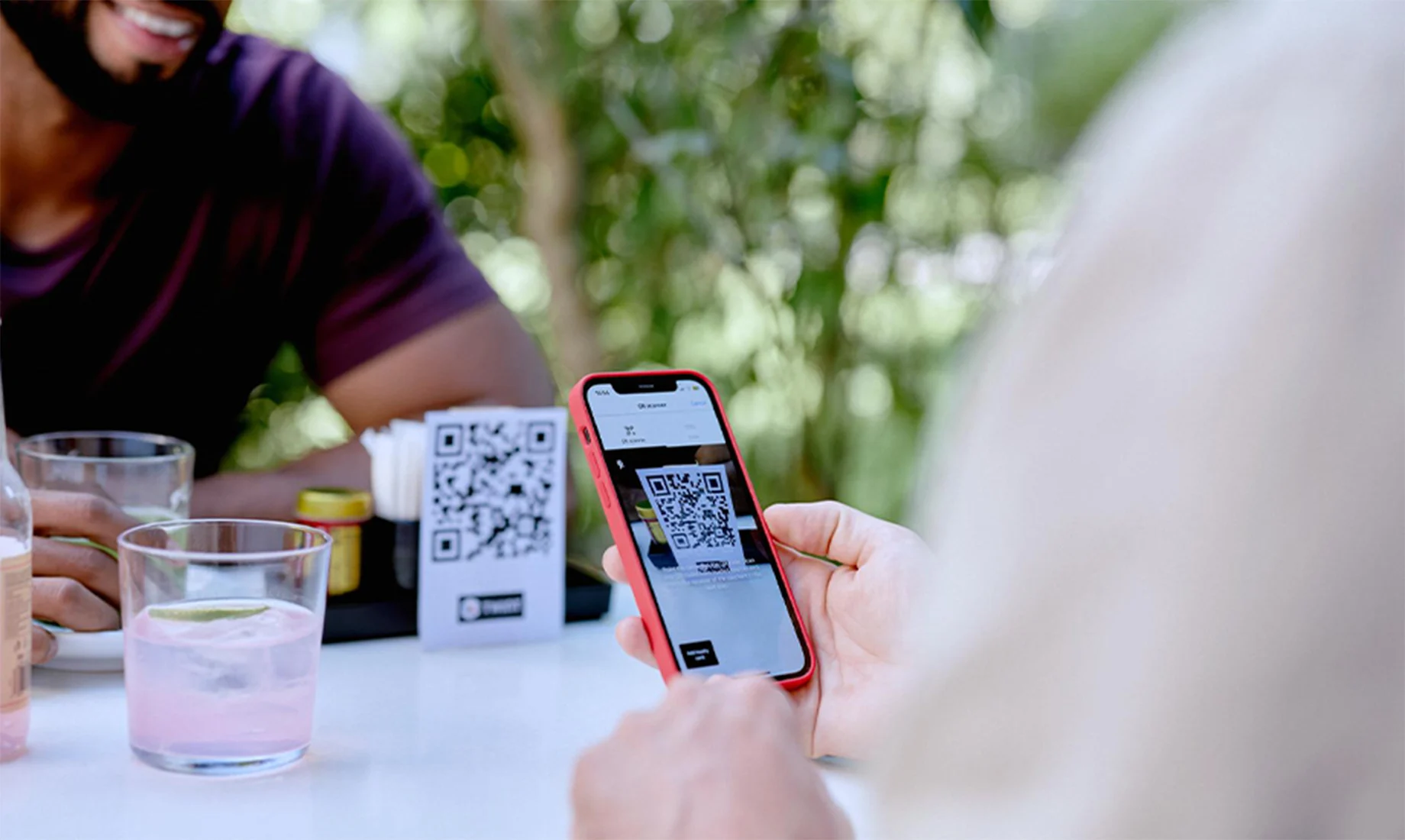
The TWINT QR code sticker is the easiest payment solution for small and medium-sized merchants. The QR code sticker comes with the option of a fixed or variable amount. Optionally, you can also find out who has paid for what.


Your benefits
6 million people regularly use TWINT on their smartphone to pay for small or large amounts.
Staffed or self-checkout, it’s all the same: all your guests or customers need to do is scan the QR code sticker and pay – there’s no need to enter a phone number or credit card number. In the TWINT Business Portal, you can create and download your TWINT QR code, order physical QR code stickers or set up real-time payment notifications.
TWINT increases the chance that your guests or customers will spontaneously spend more money. There are also no daily or monthly limits for merchants. And with the TWINT Business Portal, you can keep control of your business from anywhere, at any time. For example, you can request information such as the delivery address, assign roles to employees or initiate cancellations.
With real-time push notifications, you’ll be notified immediately when a customer makes a payment. You can also check all payments in the TWINT Business Portal, even retrospectively. And because you now have less (or no) cash in the till, the risk of theft is low – your money is secure and will be credited directly to your account.
You don’t need an expensive terminal, and you won’t pay an activation fee or fixed monthly costs. With the TWINT QR code sticker, you’ll pay 1.3% of the payment amount with no minimum fee. Alternatively, you can pay 1.3% plus CHF 0.30 per payment if you request payment information such as the delivery address or the reason for payment. We’ll transfer your credit on a daily or weekly basis.
Your next steps
You’ll need access to the TWINT Business Portal to get your TWINT QR code sticker.
-
Step
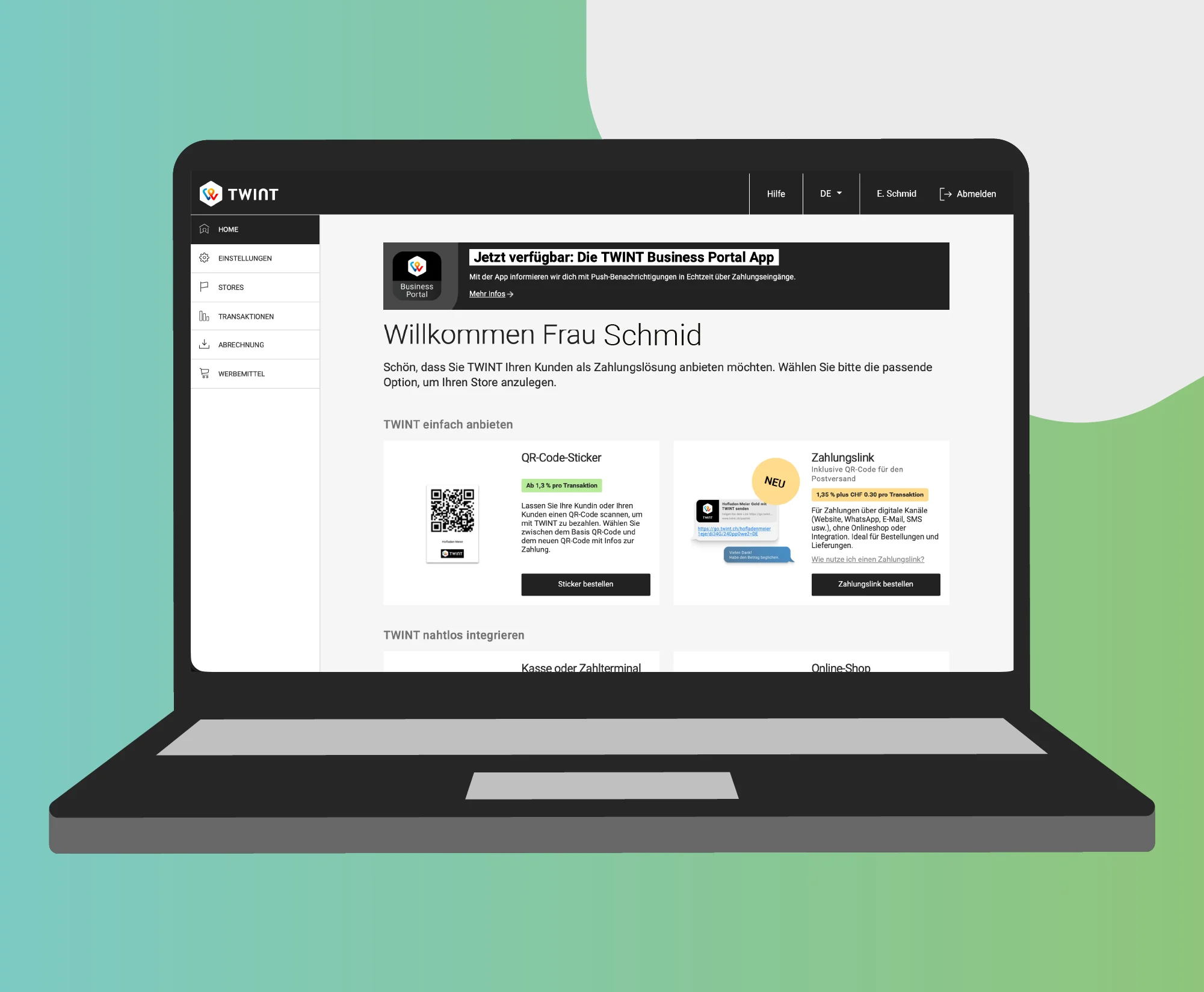
Log in
Log in to the merchant portal or register as a merchant if you do not yet have access. Our step-by-step registration guide explains how.
-
Step
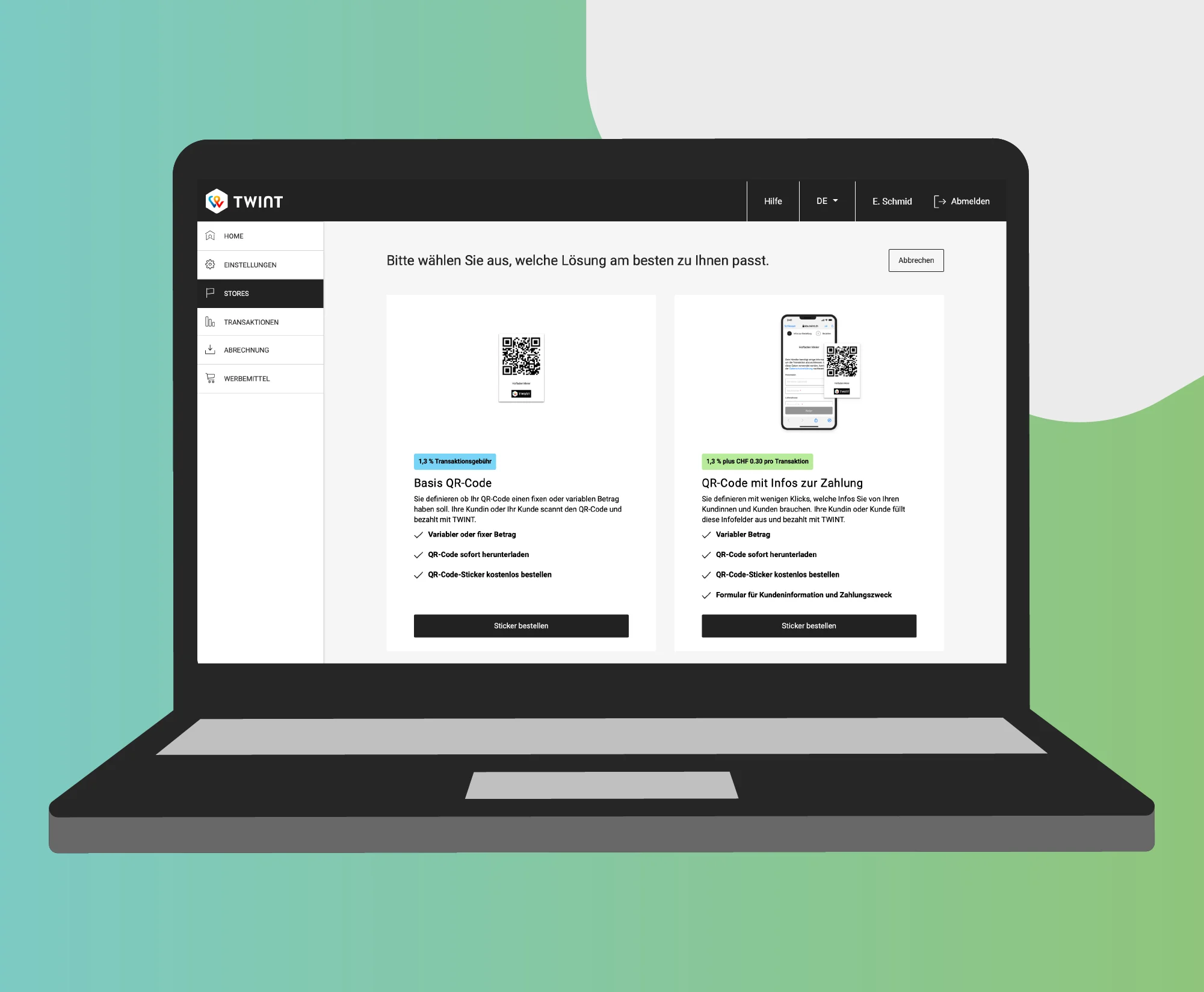
Create
In the TWINT merchant portal, create your TWINT QR code with a fixed or variable amount and optional message fields for payment information such as name or the reason for payment.
-
Step
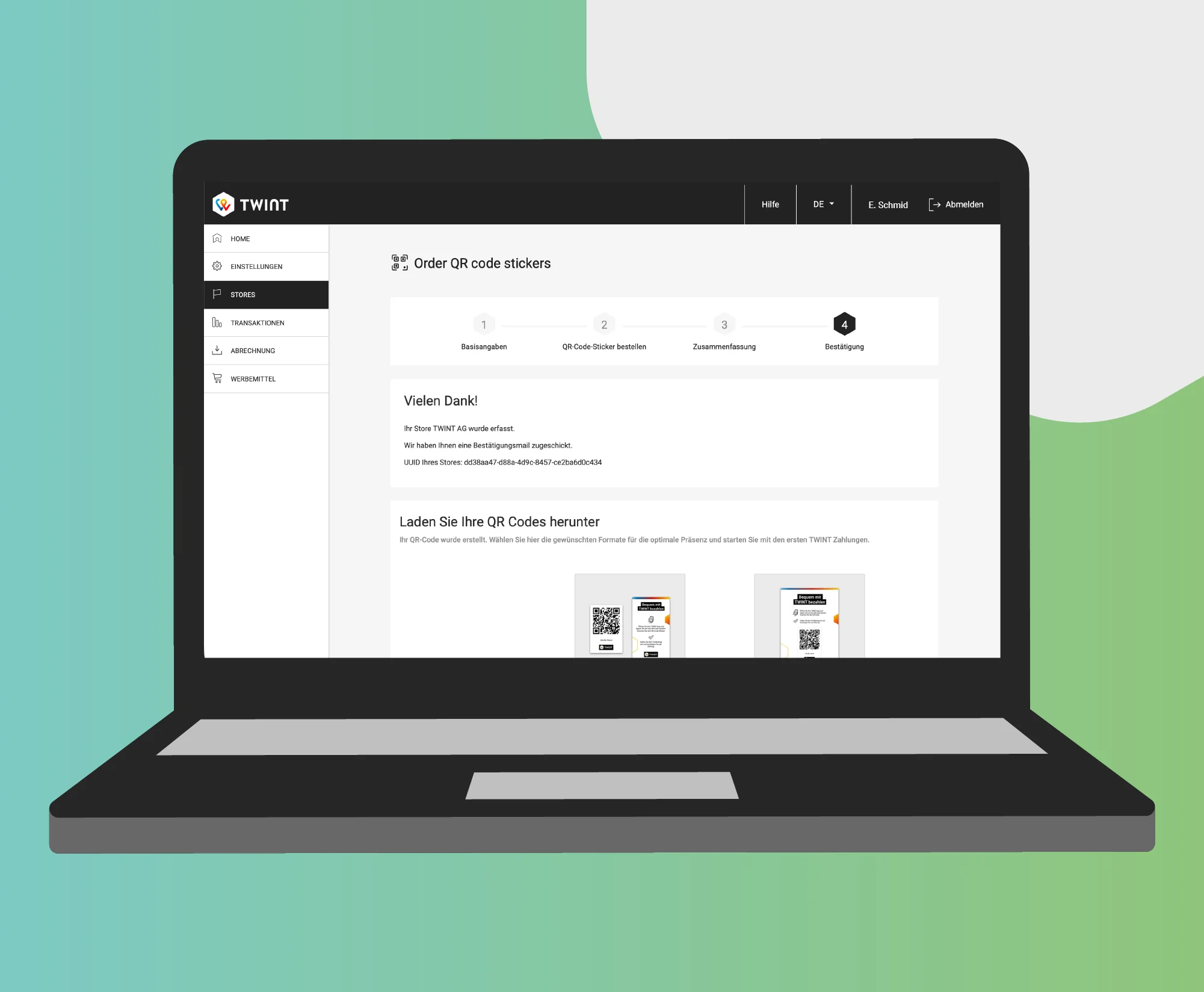
Order
Order your physical TWINT QR code sticker free of charge or download your TWINT QR code immediately and print it out – for a display at the cash register, for example.
The right QR code sticker
for your business
-
Create a TWINT QR code
You define the functions of your TWINT QR code in the TWINT Business Portal, and your guests or customers pay quickly, easily and securely with TWINT®.
- Variable or fixed amount
- Download the QR code immediately
- Order your QR code sticker for free
- Payment fee: 1.3%, no minimum fee
-
QR code with payment info
You define the functions of your TWINT QR code and the message fields that your customers have to fill out before they make a payment.
- Variable amount
- Create and download the TWINT QR code
- Order your TWINT QR code sticker for free
- Message fields for customer name, delivery address or payment reason
- Payment fee: 1.3%, no minimum fee
- Fee for message fields: CHF 0.30
Alternative for online payment
Are you looking for a simple solution to accept online or remote payments? With the TWINT payment link, you can sell your products or services via e-mail, your newsletter or a WhatsApp message and then collect payment with the payment link. All your customers need to do is click on the link and pay as usual with TWINT.
What our merchants say
“I love TWINT because it makes payment at our pop up stores quick and easy. It allows me to keep the conversation with the customers going instead of using an app or connecting to network. Nowadays, most customers pay with TWINT and we also get the money within a couple of days.”
– K. Gutzwiller, Animazul GmbH
“TWINT is my customer’s favourite payment method. It is hassle-free, with everything confirmed in the phone, super quick any easy. TWINT also makes my business more appoachable for new customers.”
– H. Dao, Little Japan by Helen Dao
“TWINT was my first step towards successful launch of my start up. TWINT was my first choice: safe and easy payments for my clients.”
– A. Nowosad, The New Orchard
TWINT Business Portal:
the control centre for your business transactions
Make your company fit for the future: with the TWINT Business Portal app, you can keep track of your business and take your QR code with you wherever you go. Whether you are using it on your computer, smartphone or tablet, the app notifies you in real time about incoming payments and provides you with key metrics. You can also easily manage your team and assign roles to employees.
Questions? Answers!
Do you have a question about the TWINT QR code sticker? Maybe you’ll find the answer in our FAQ. If not, ask the TWINT Bot – it will be happy to help. Just tap or click on the bot icon at the bottom right.