Collect money online
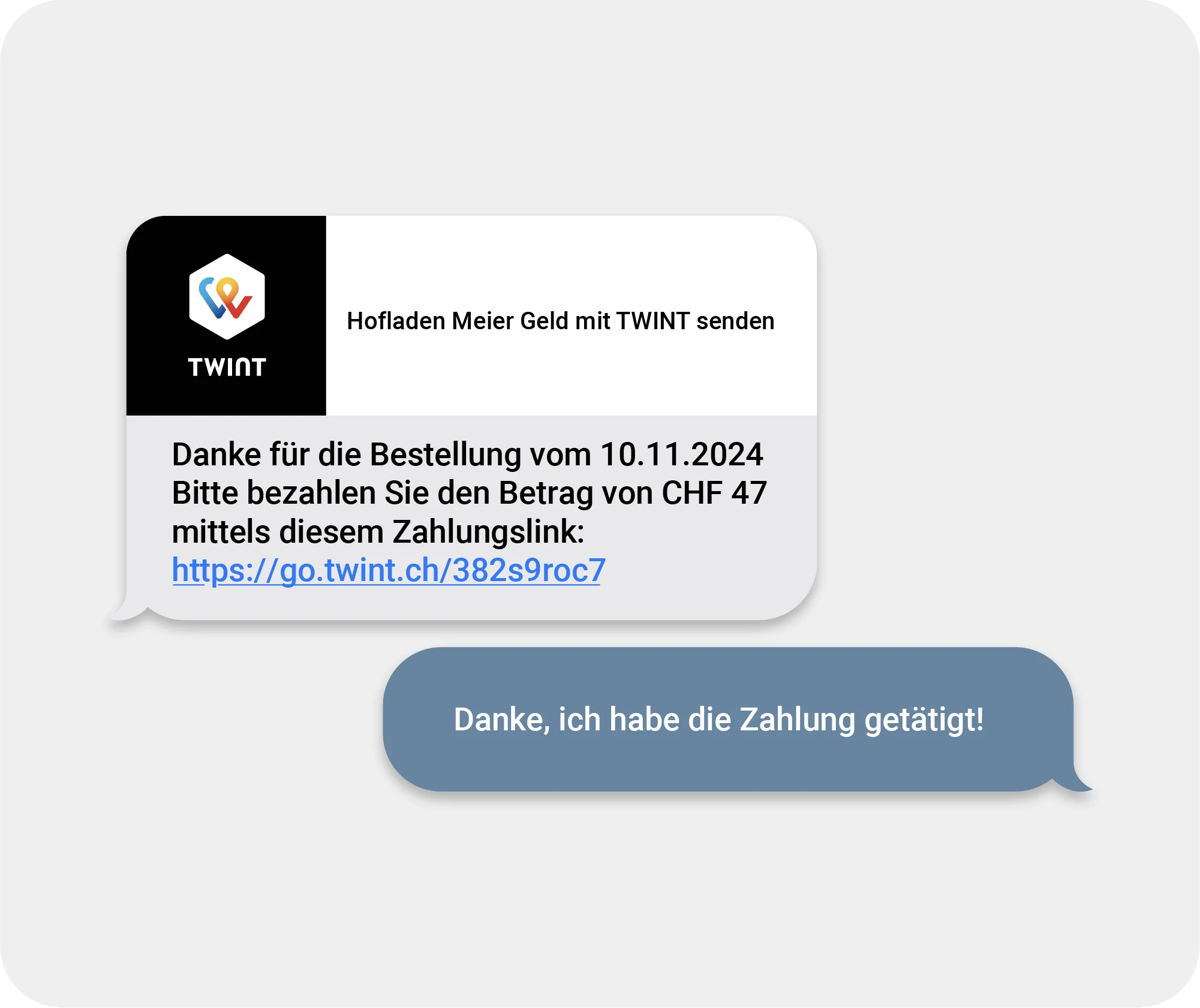
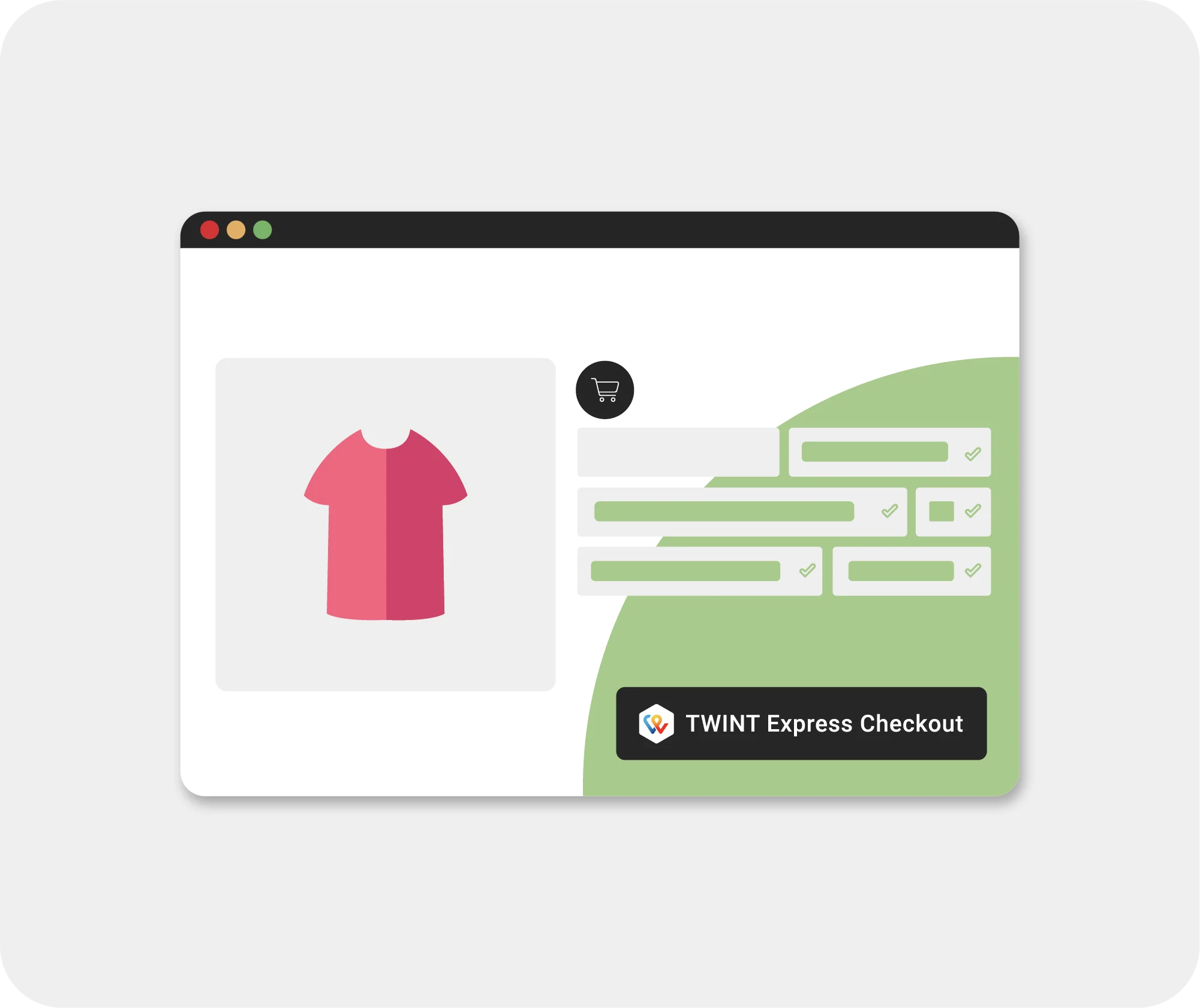
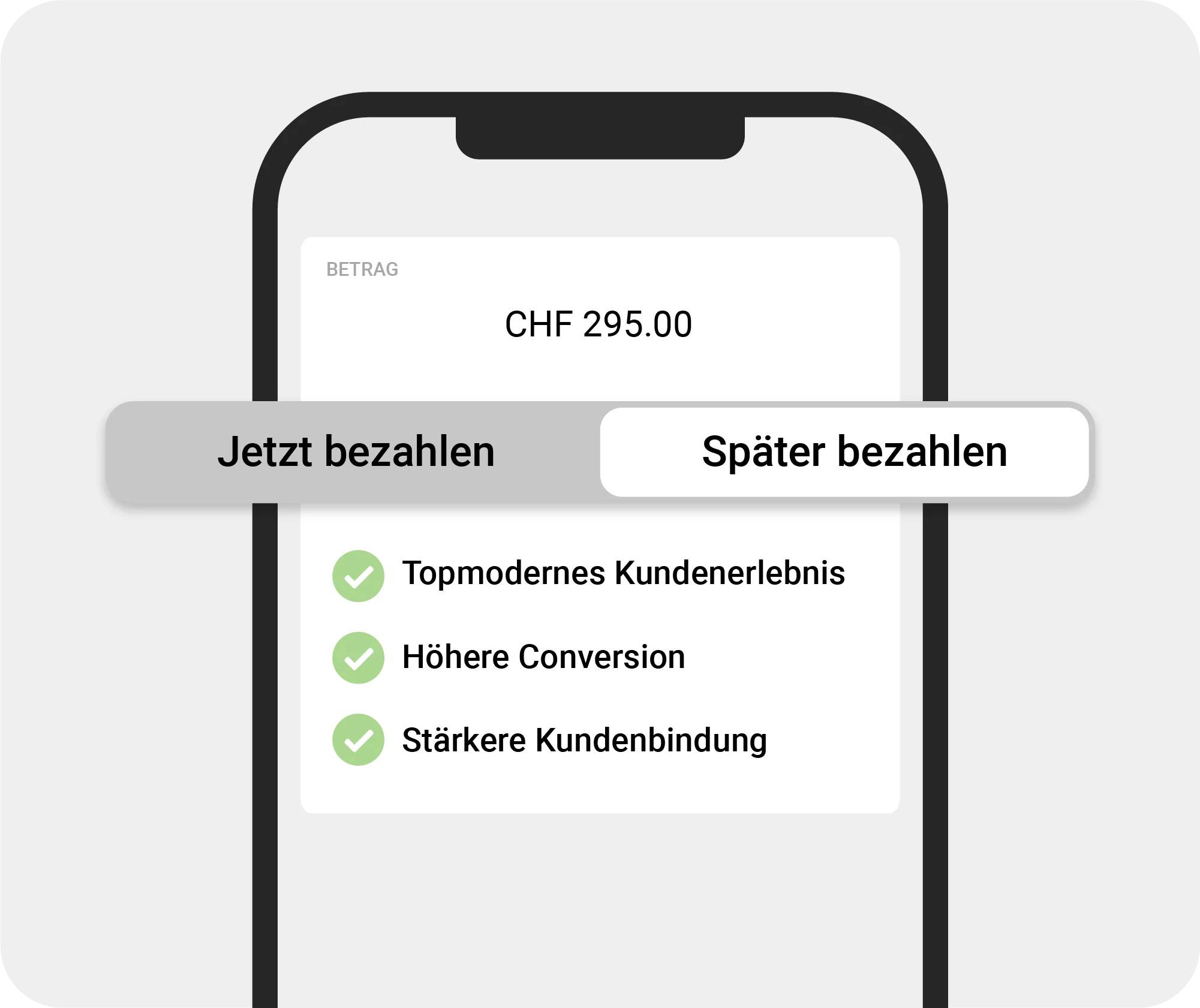
TWINT® is the most popular payment app in Switzerland – including online. 84% of online shops in Switzerland use TWINT to collect payments and boost their sales, all thanks to smart functions like TWINT Express Checkout and the pay-later option.



TWINT Business Portal:
the control centre for your business
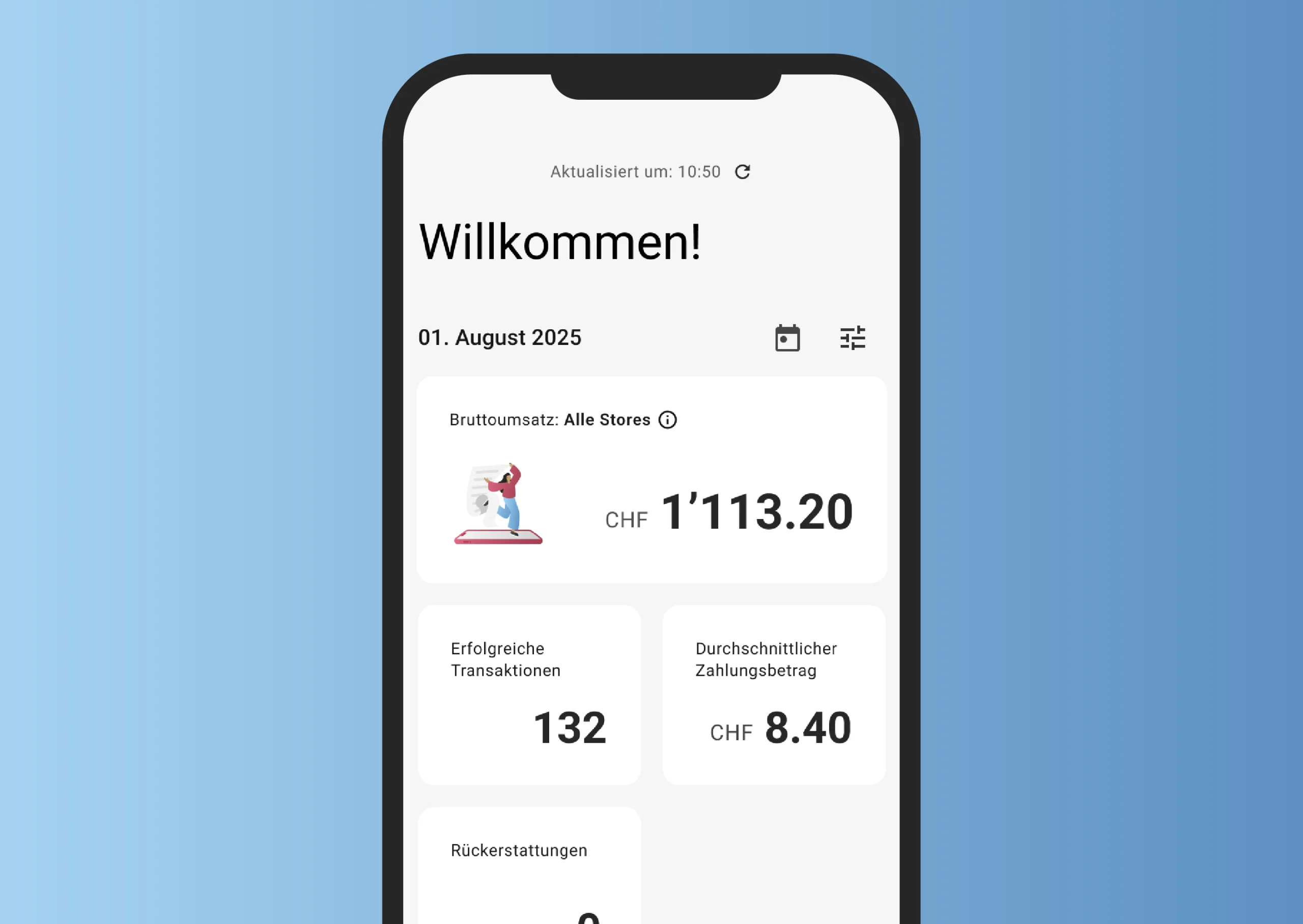
Get your company fit for the future: the TWINT Business Portal app gives you control of your business anytime and anywhere. Whether it’s on your computer, smartphone or tablet, the app notifies you in real time about incoming payments and provides you with important key figures. It also makes it easy to manage your team and assign roles to employees.
Register first, then collect payments
If you want to use TWINT to collect payments, you need to register as a merchant.
-
Step
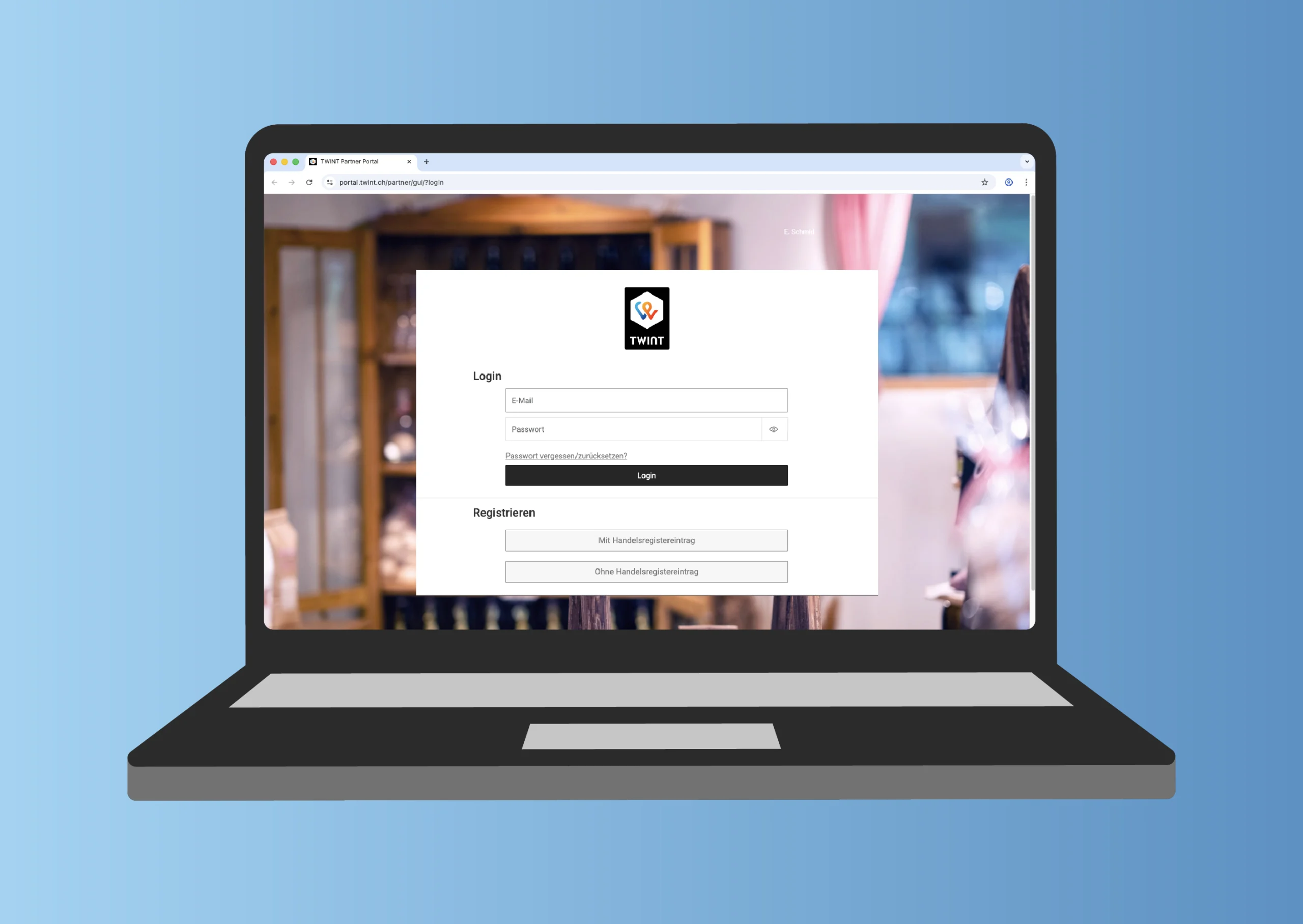
Register
Register as a merchant if you have not already done so. You don’t need to be entered in the Commercial Register.
-
Step
Download
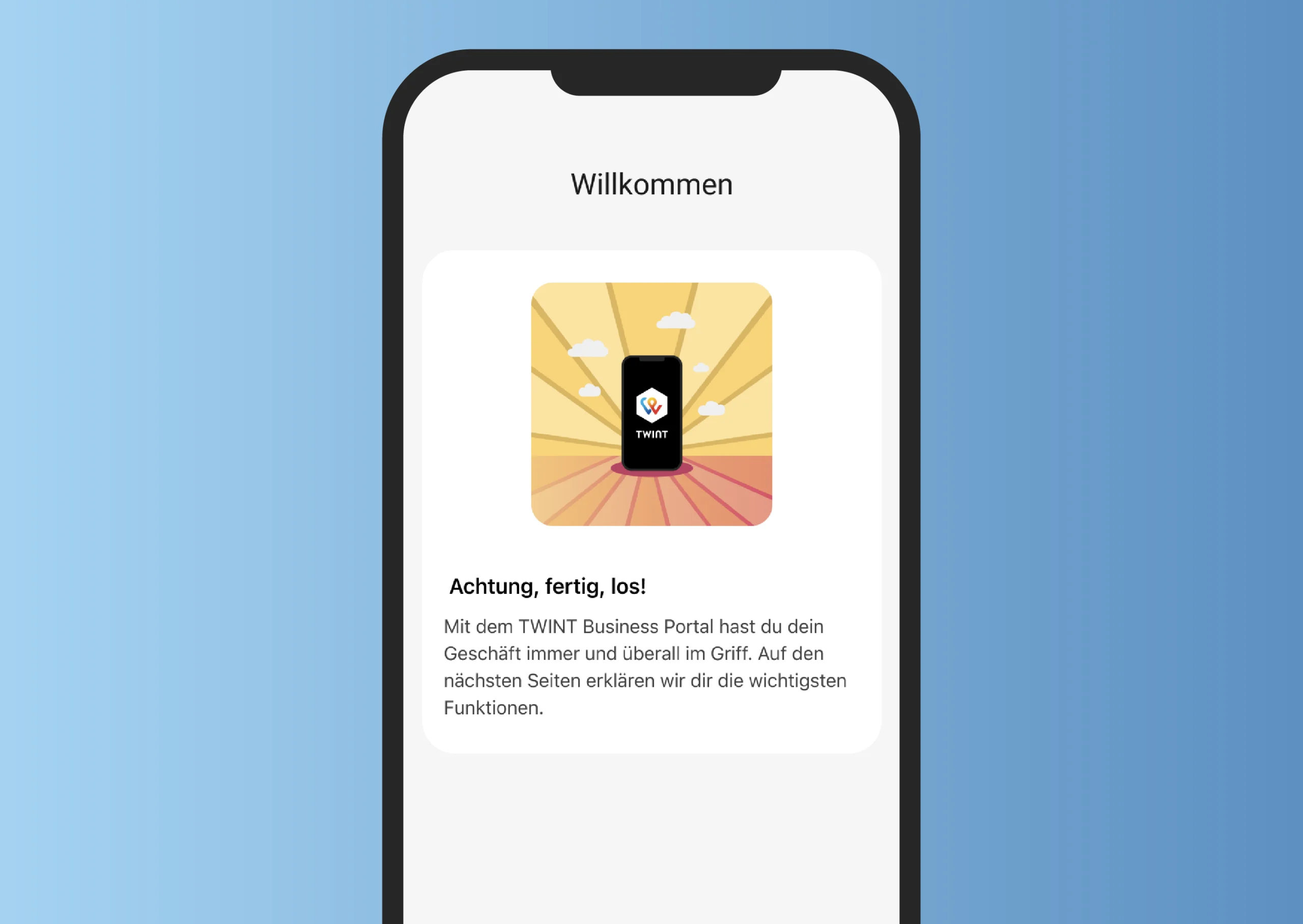
As soon as you have registered your business, you can download the TWINT Business Portal app for Android or iOS. This is the control centre for your business and all TWINT transactions.
-
Step
Select
In the TWINT Business Portal, you can activate TWINT as a payment option in your online or app shop, monitor incoming payments and set up real-time notifications.
Easy integration
You can simply have TWINT integrated by your existing payment service provider. Or you can check which online shop system you use – the most common systems offer plug-ins that enable payments with TWINT. The plug-ins and PSPs support the Web2App switch, i.e. the function which enables you to switch automatically from the online shop to the TWINT app for an optimal user experience without entering a code.
Payment service providers
- Adyen
- BillingOnline
- Boku
- Checkout.com
- Computop
- Devcode Payment AB
- Mollie
- Nexi
- Nuvei
- Planet (former Datatrans)
- Payrexx
- PostFinance Checkout Flex
- RaiseNow
- SaferPay / Worldline
- Stripe
- Unzer
- Wallee
Online shop systems with plug-ins
- Cloudrexx/Contrexx
- Concrete5
- CS-Cart
- Gambio
- Inware*
- JTL
- Magento
- Magento 2
- Magento 2 / Adobe Commerce via TWINT*
- Mijoshop
- MyCOMMERCE
- NopCommerce
- Odoo via Payrexx Solution-Partner
- Odoo via Wallee
- Omnipay
- OpenCart
- OXID eSales
- Plugin.ch*
- PrestaShop via Wallee
- Prestashop via Mamedev*
- saldia
- Shopify via PEND*
- Shopify via Wallee
- Shopware
- Shopware 6 via TWINT*
- Shopware 6 via Payfro*
- SportsNow*
- WordPress WooCommerce via TWINT*
- WordPress Woocomerce via Wallee
- WordPress WooCommerce via Mamedev*
- Wix via PEND*
*TWINT certified
Questions?
Answers!
Do you have a question about using TWINT to collect payments online? You may well find the answer in our FAQs. If not, ask the TWINT Bot – it will be happy to help. Just tap or click on the bot icon at the bottom right.